I want to explain how to delay some part of code in JavaScript using the setTimeout method. It is more like telling JavaScript to wait for a few seconds and then execute a line of code. This is possible with the help of setTimeout, and we will understand it step by step.
What is JavaScript setTimeout
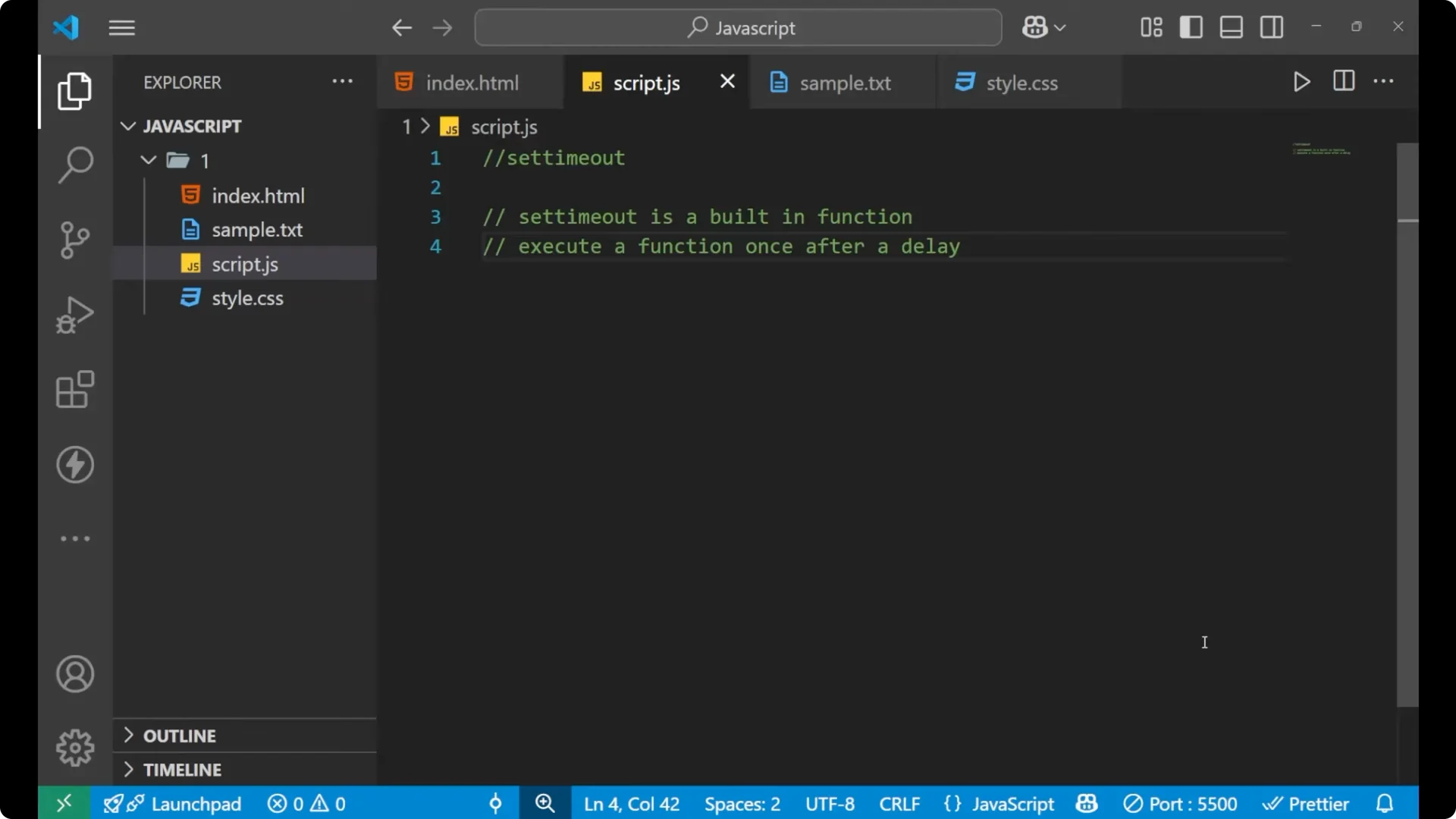
The setTimeout is a built-in function in JavaScript. It is already available in JavaScript. You do not need to create it yourself. Just use it. It executes a function after a delay. A function is a group of code. If you want that particular code to execute only after some time with some delay, use the setTimeout method.
For a broader look at JavaScript timers and how they relate to each other, see
this overview of JavaScript timers.
JavaScript setTimeout syntax
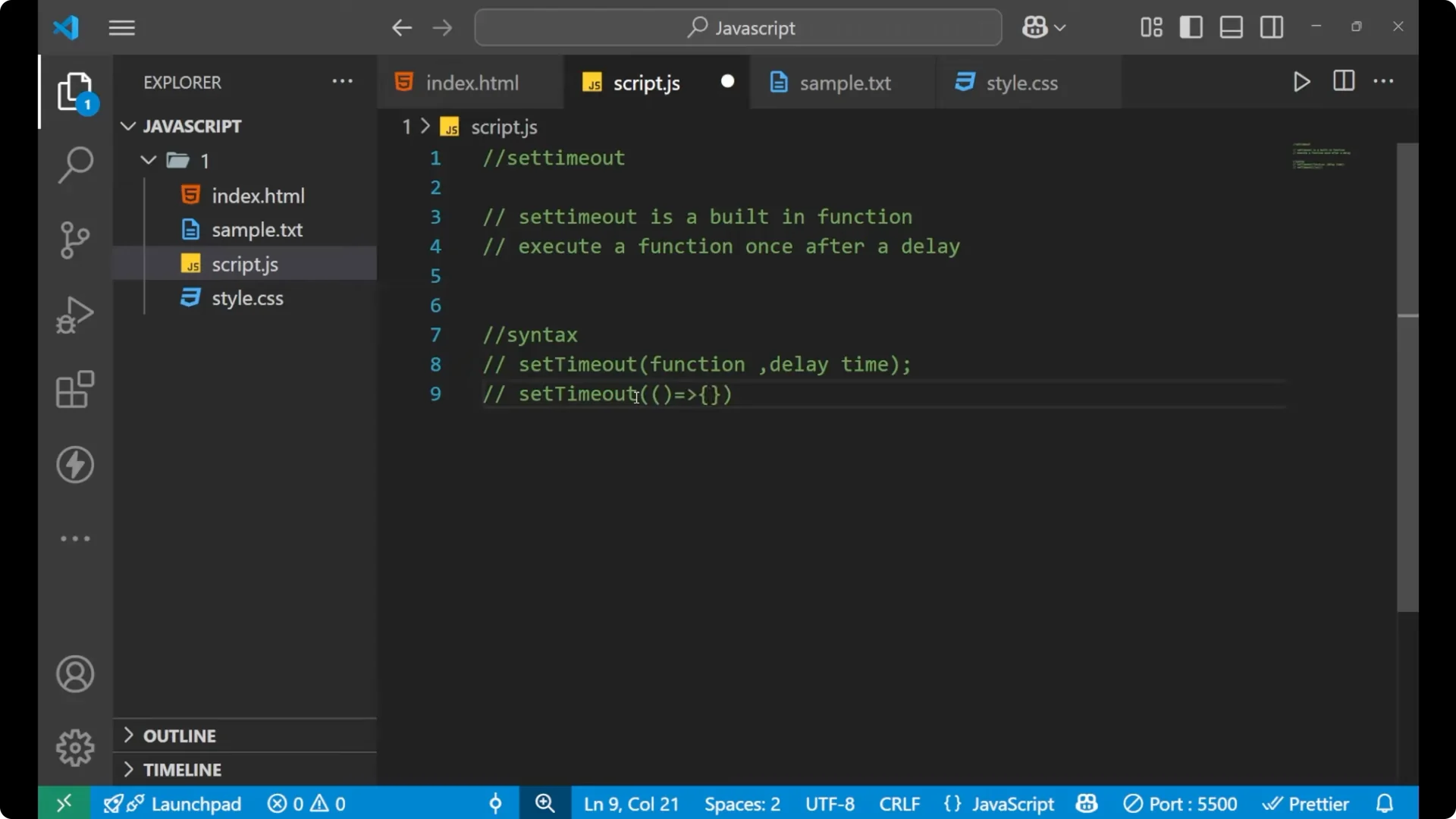
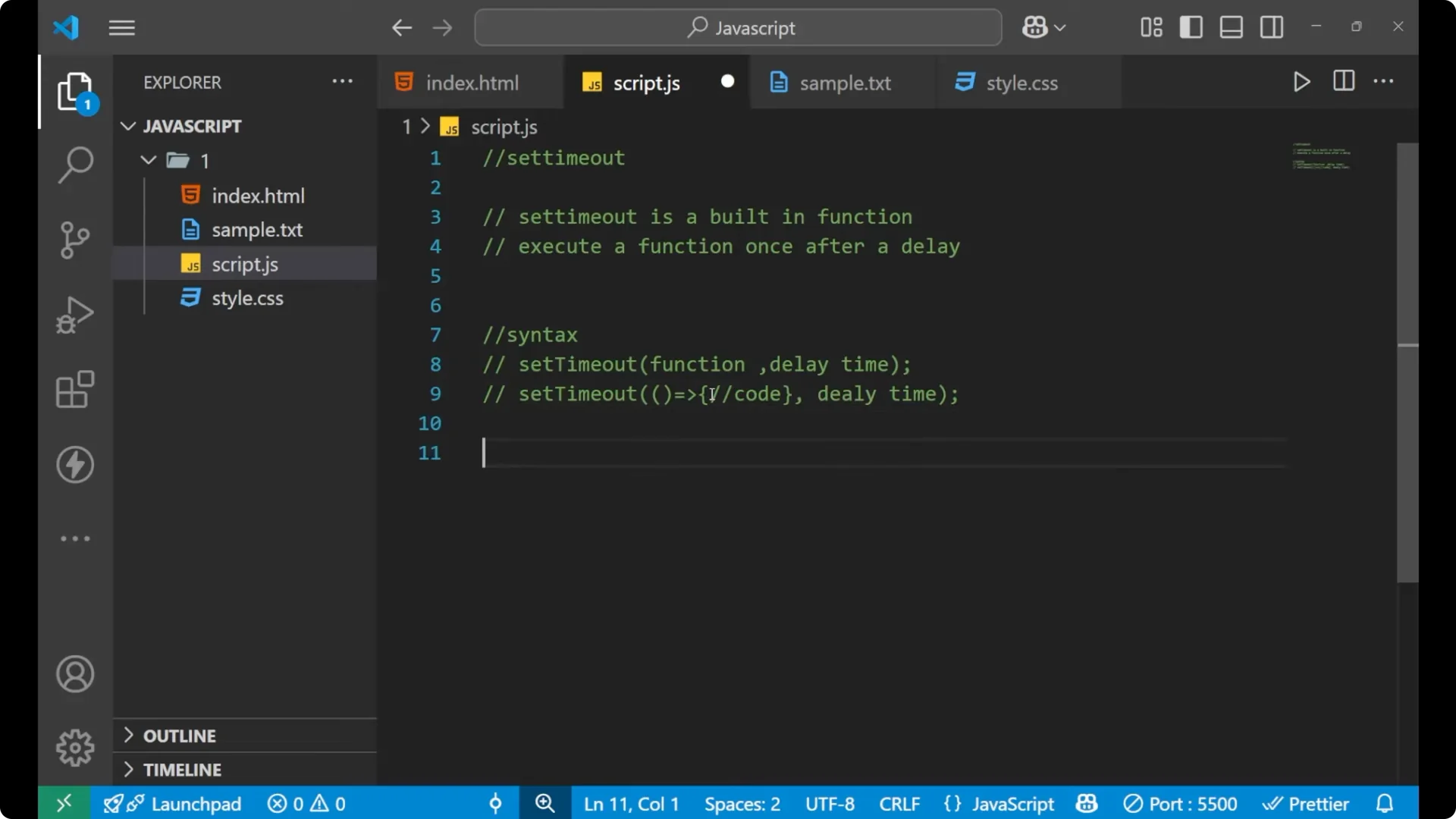
The syntax of setTimeout is very simple.
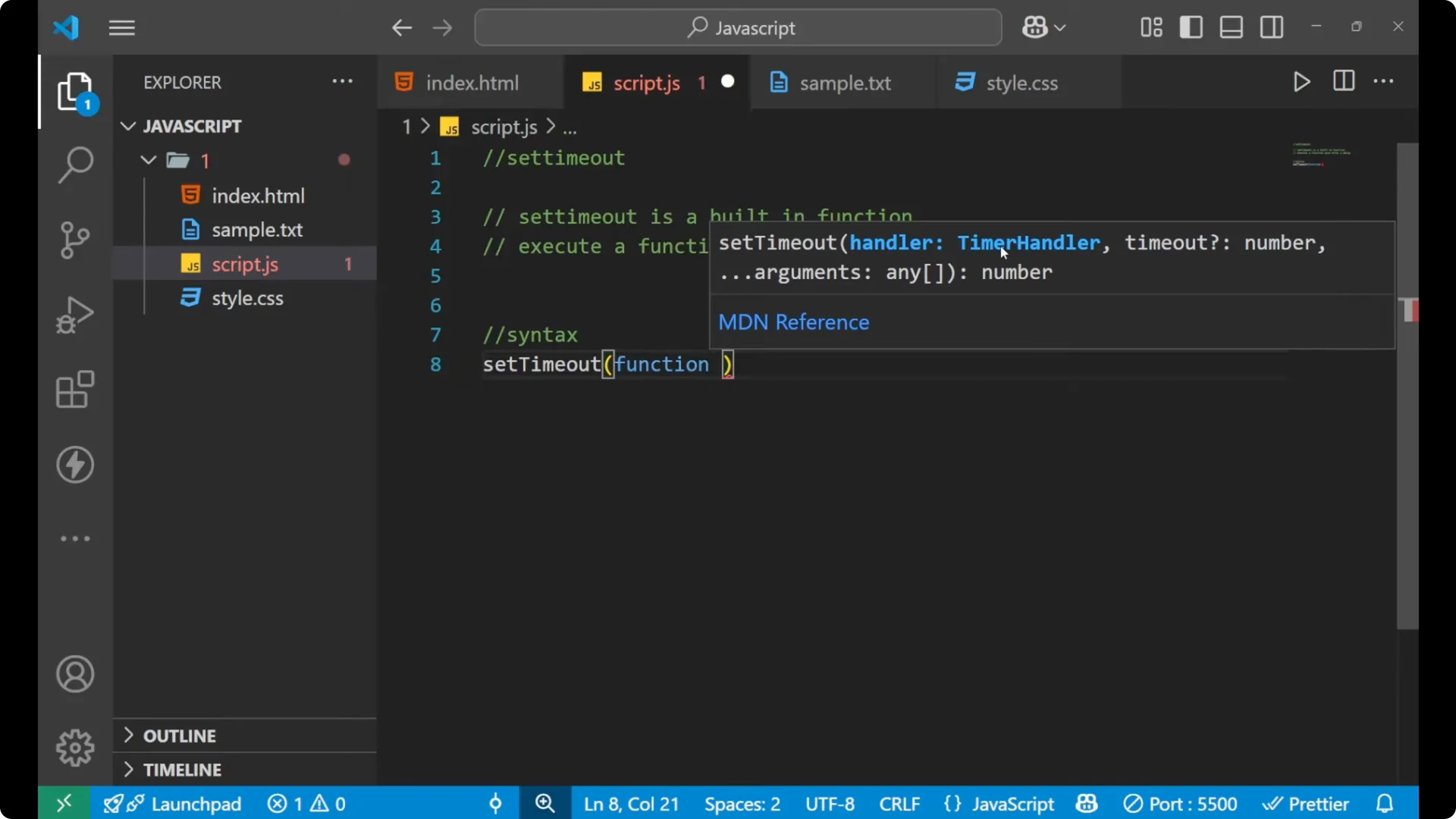
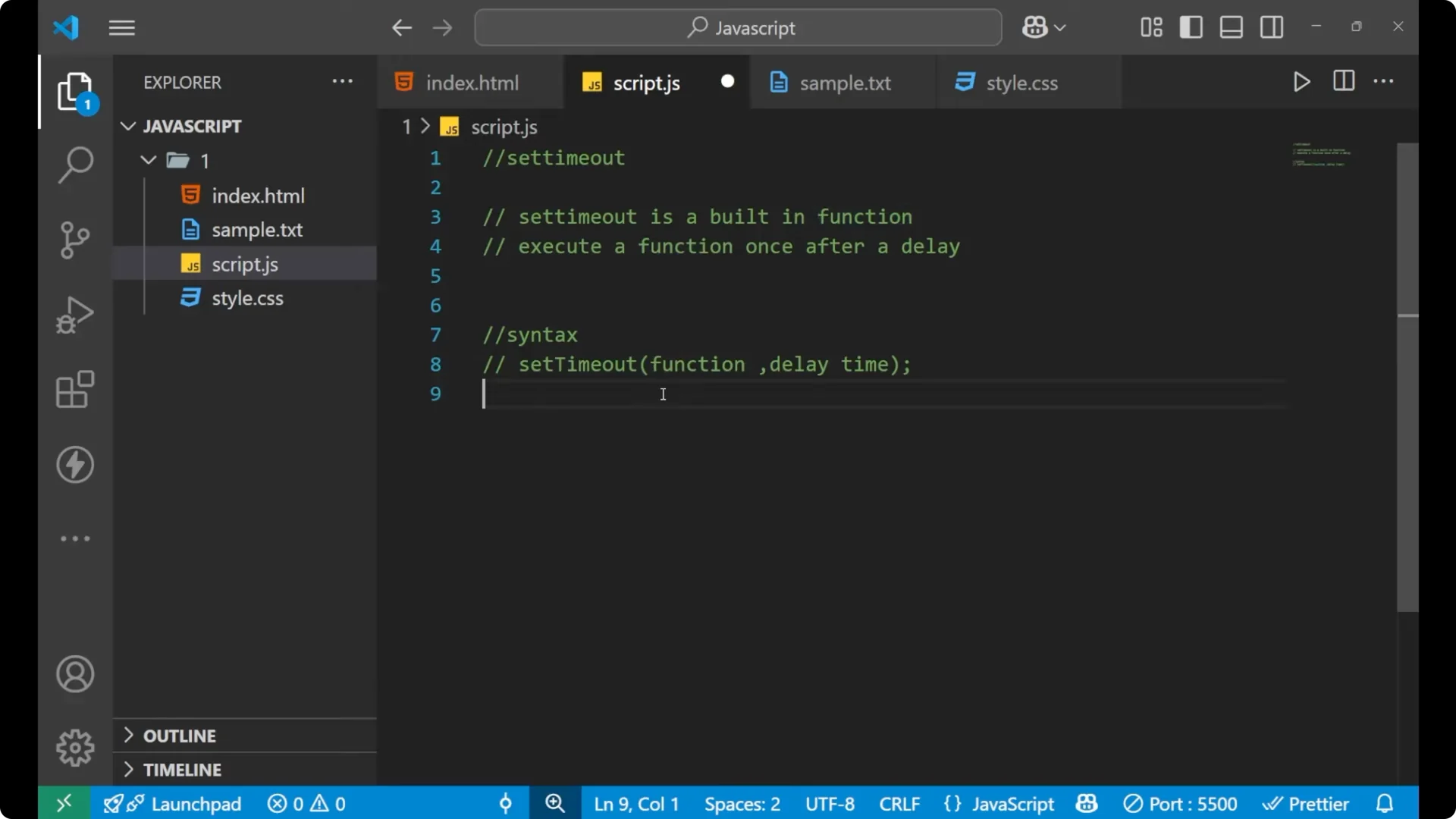
setTimeout(functionName, delayInMilliseconds)
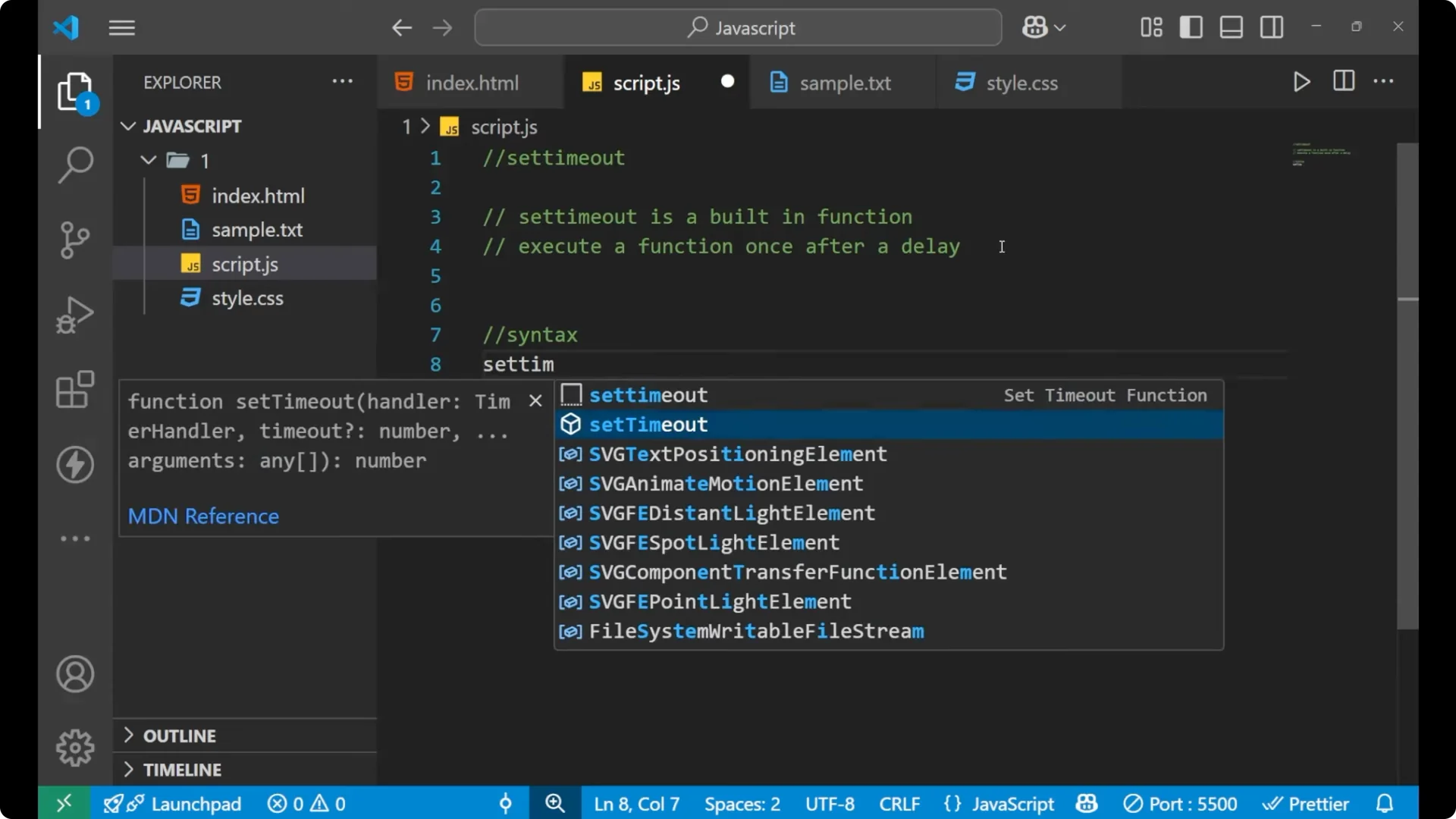
Inside the parentheses, you write the function name. The function name indicates the particular function or a group of code that you want to delay. After that, put a comma and write the delay time. The delay time is the amount of time you want to wait before executing the function.
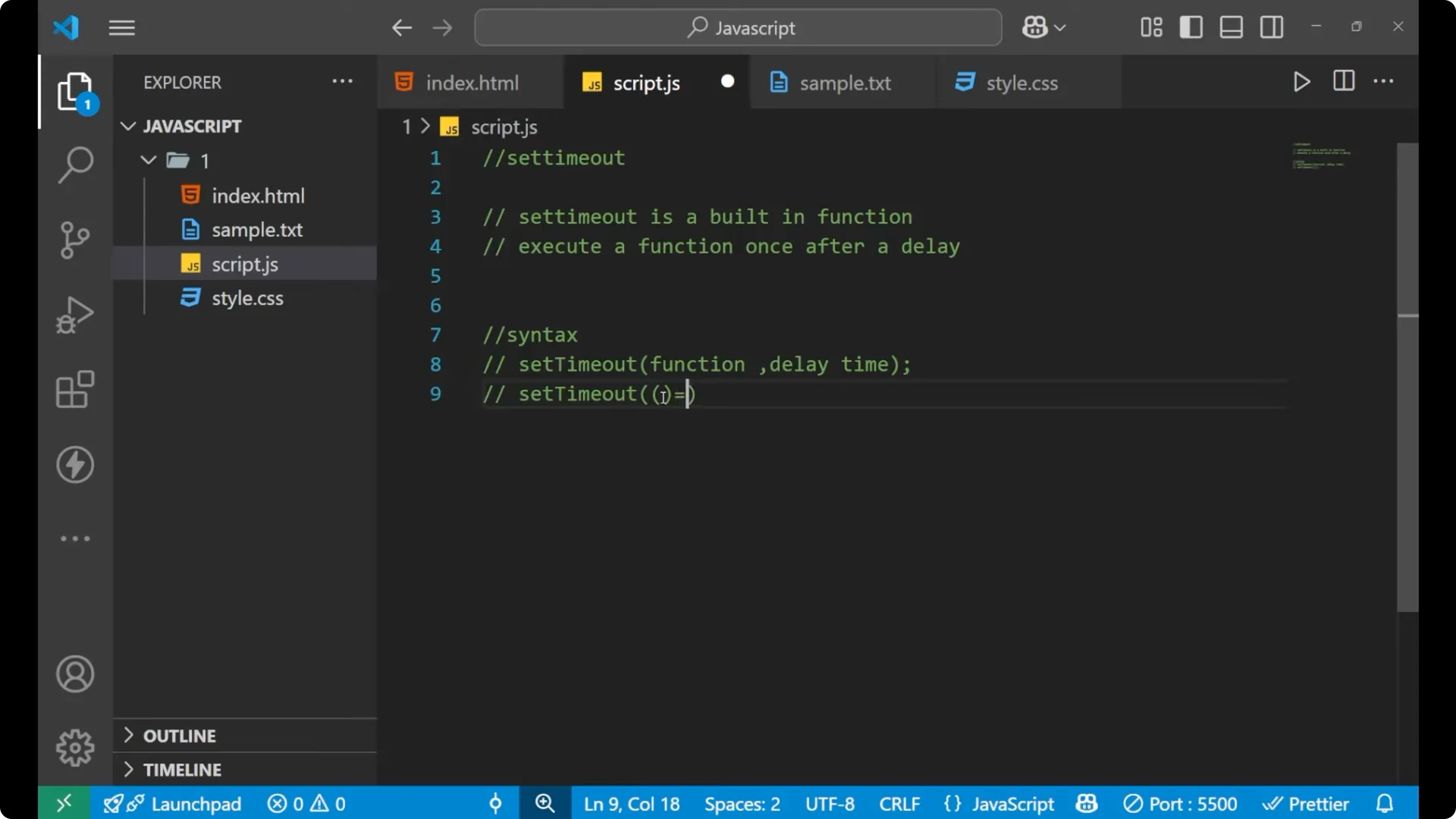
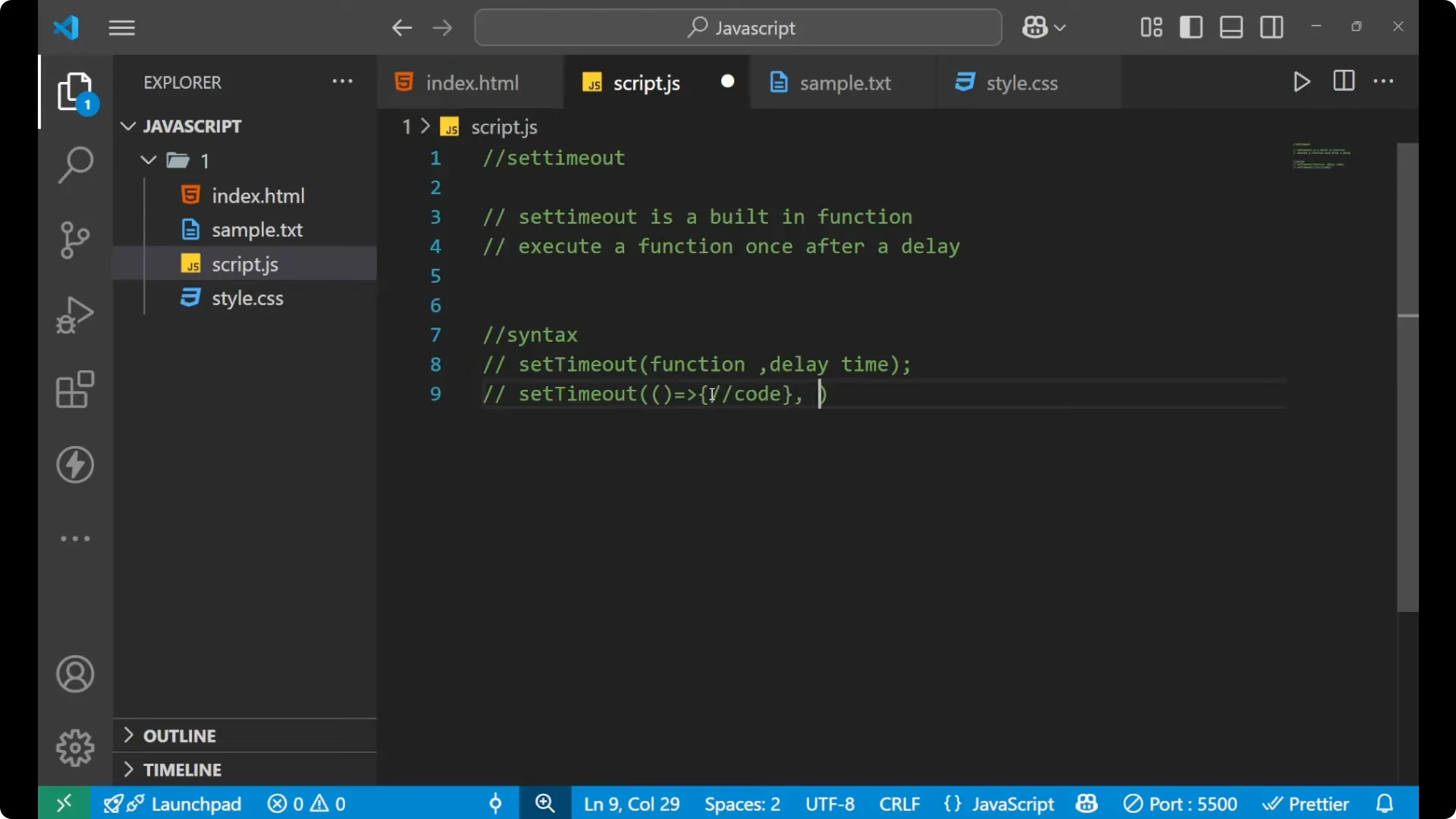
You can also create the function inside setTimeout using an arrow function.
setTimeout(() => {
  // your code here
}, delayInMilliseconds)
Step by step:
Write setTimeout.
Put parentheses.
Inside, pass a function reference that you want to delay, or create the function inline with an arrow function.
After the function, put a comma.
Write the delay time in milliseconds.
JavaScript setTimeout example
Let me give you a simple example so that you can understand it clearly.
console.log(1)
console.log(2)
console.log(3)
console.log(4)
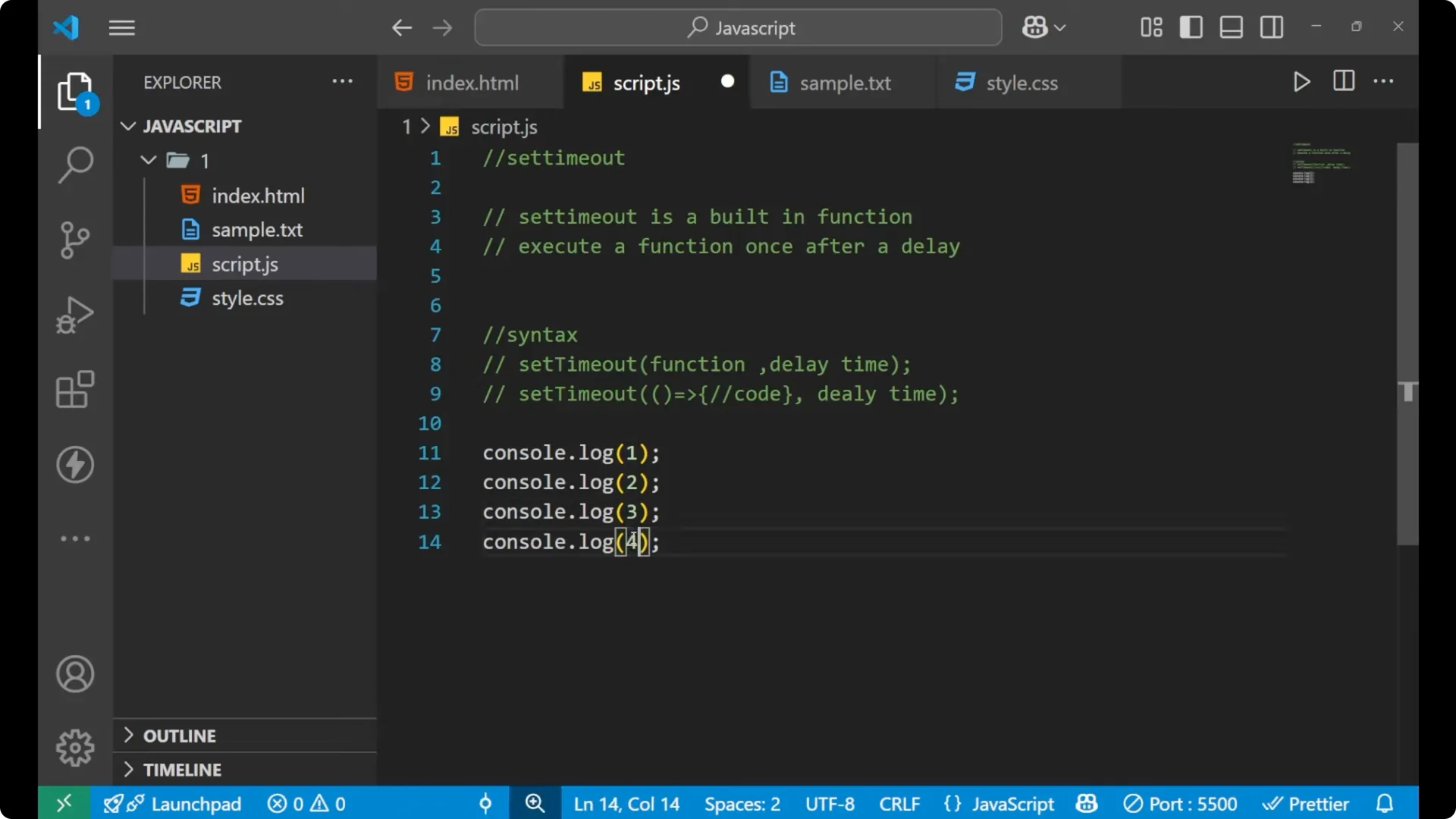
This prints in sequential order: 1, 2, 3, 4.
Delay one line with JavaScript setTimeout
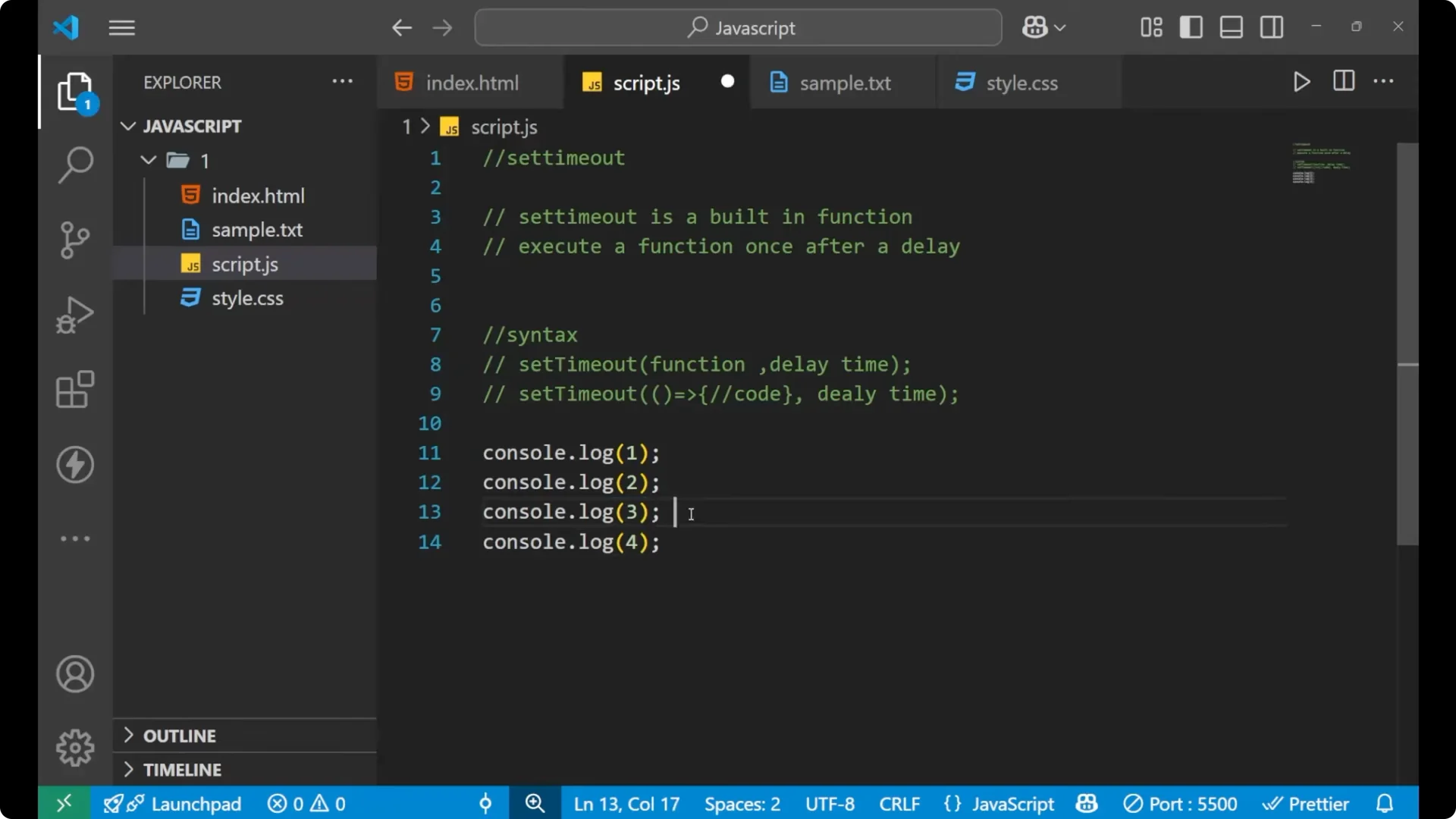
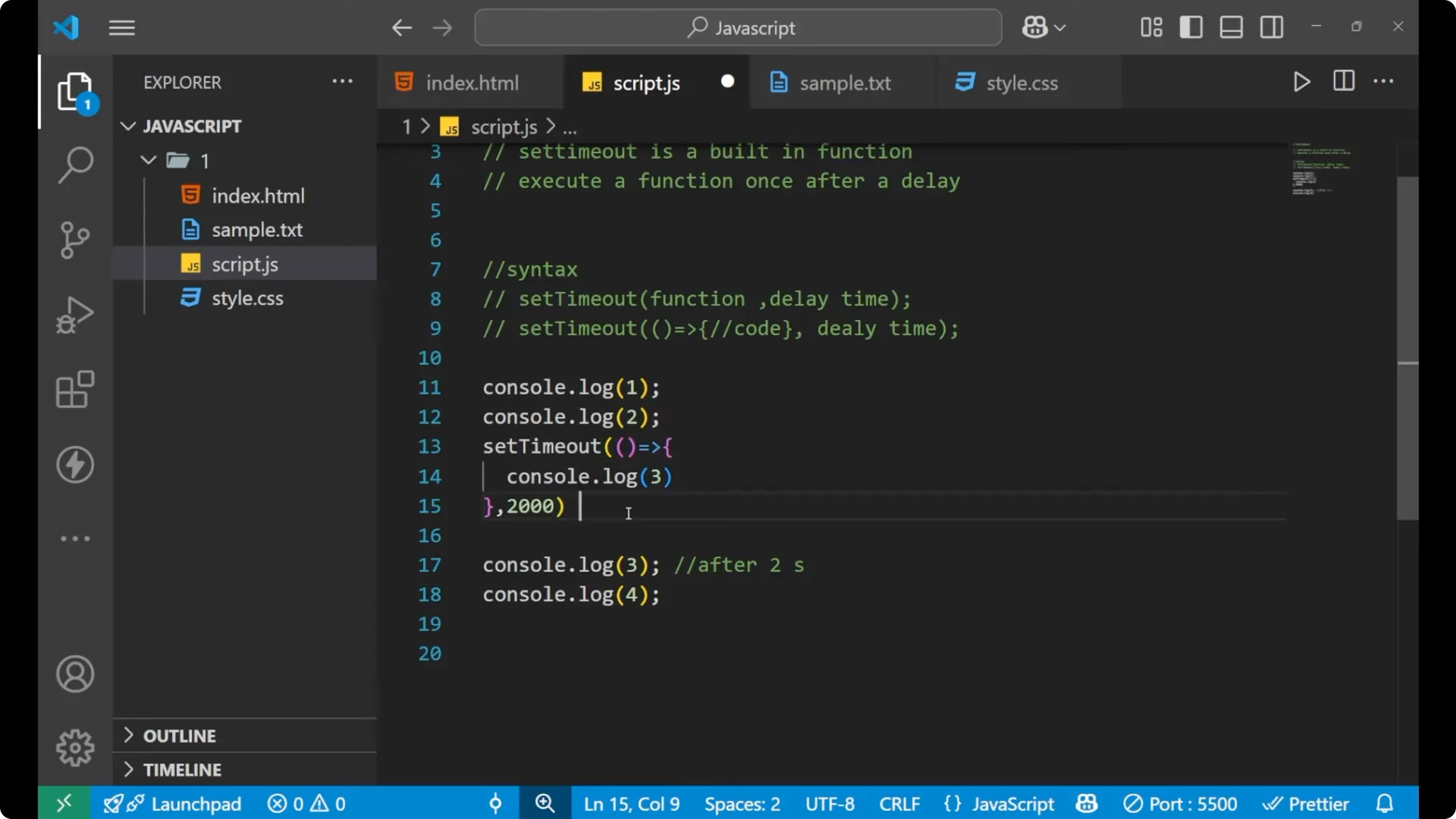
If I want the third line of code to execute after 2 seconds, I want this order: first print 1, then 2, then 4, and then after 2 seconds, print 3. For that, use setTimeout.
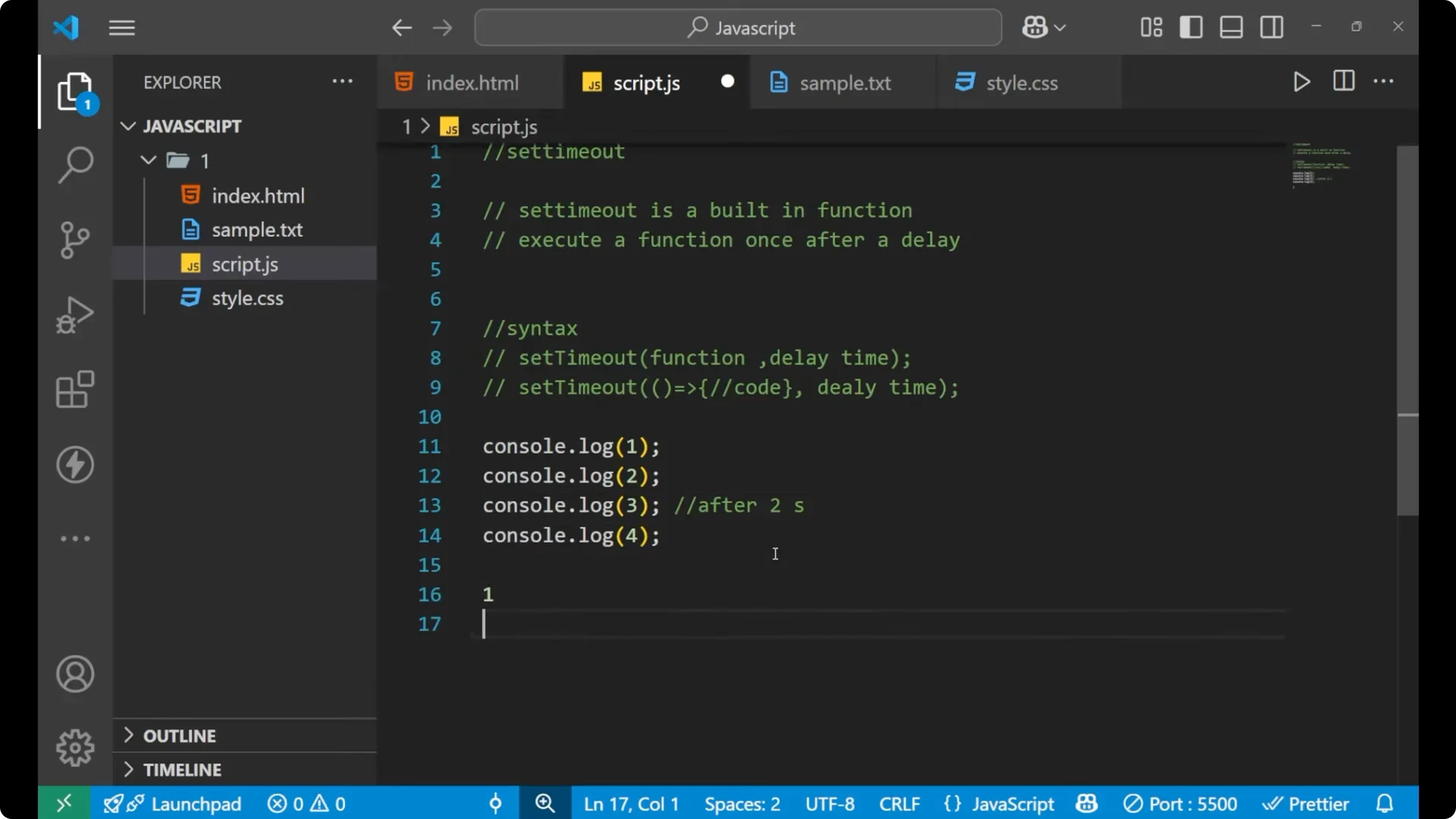
console.log(1)
console.log(2)

setTimeout(() => {
  console.log(3)
}, 2000) // 2000 milliseconds indicates 2 seconds

console.log(4)
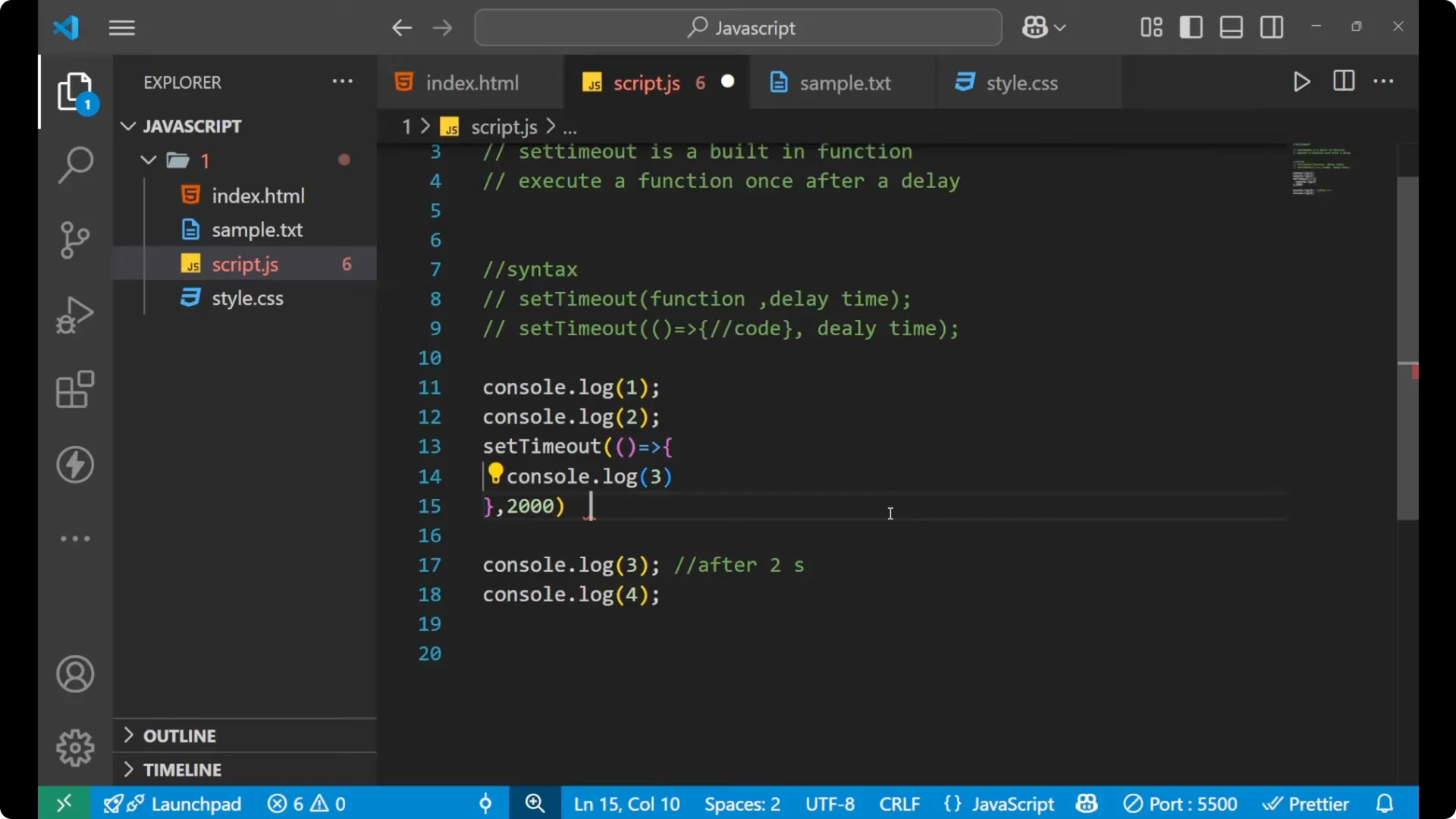
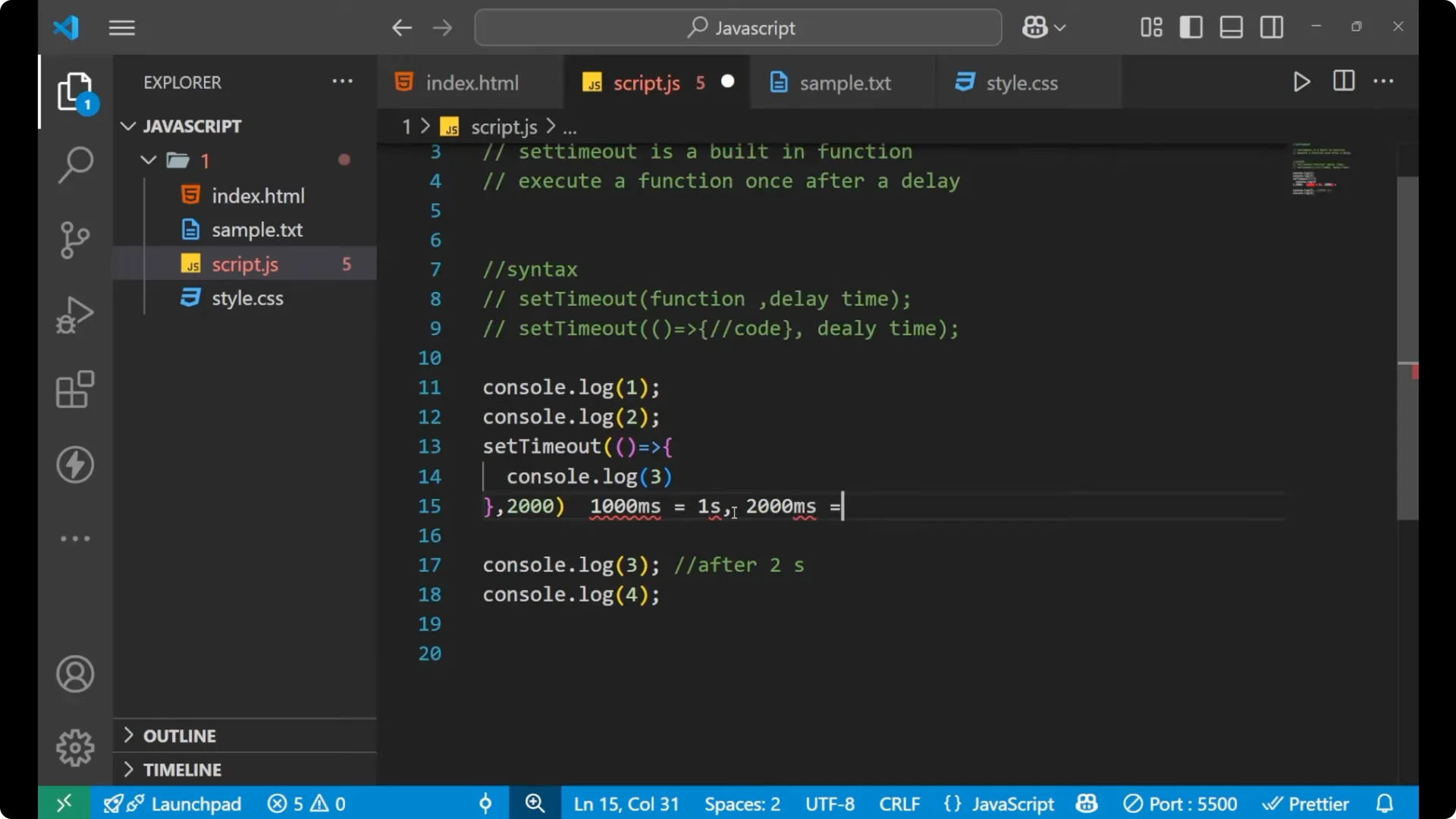
In setTimeout, time is written in milliseconds. 1000 indicates 1 second. Similarly, 2000 indicates 2 seconds. With the code above you will see 1, 2, 4 immediately, and after 2 seconds, 3.
Zero delay and the JavaScript setTimeout event loop
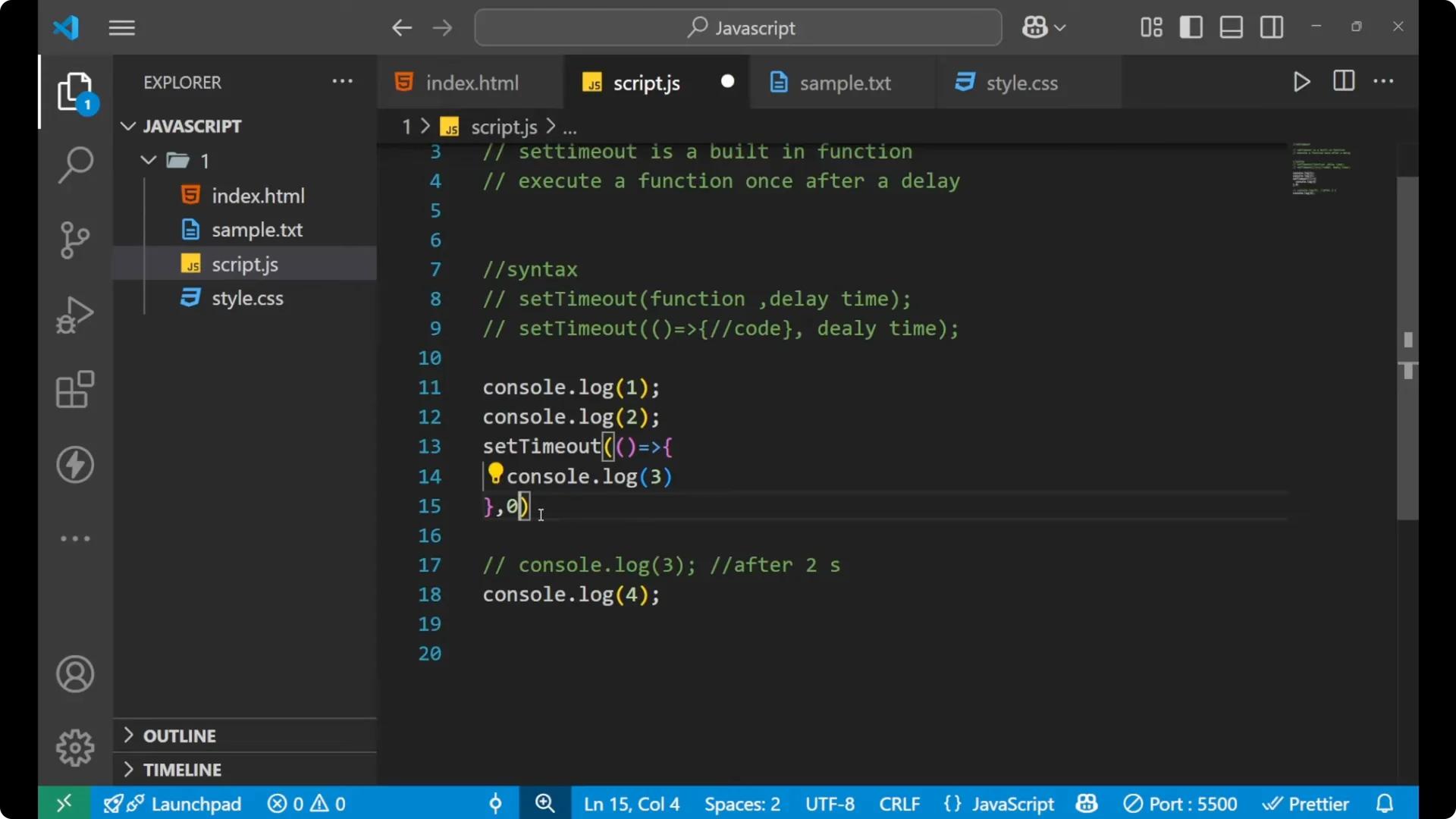
If I set the delay to 0, what is the order of execution? Consider this:
console.log(1)
console.log(2)

setTimeout(() => {
  console.log(3)
}, 0)

console.log(4)
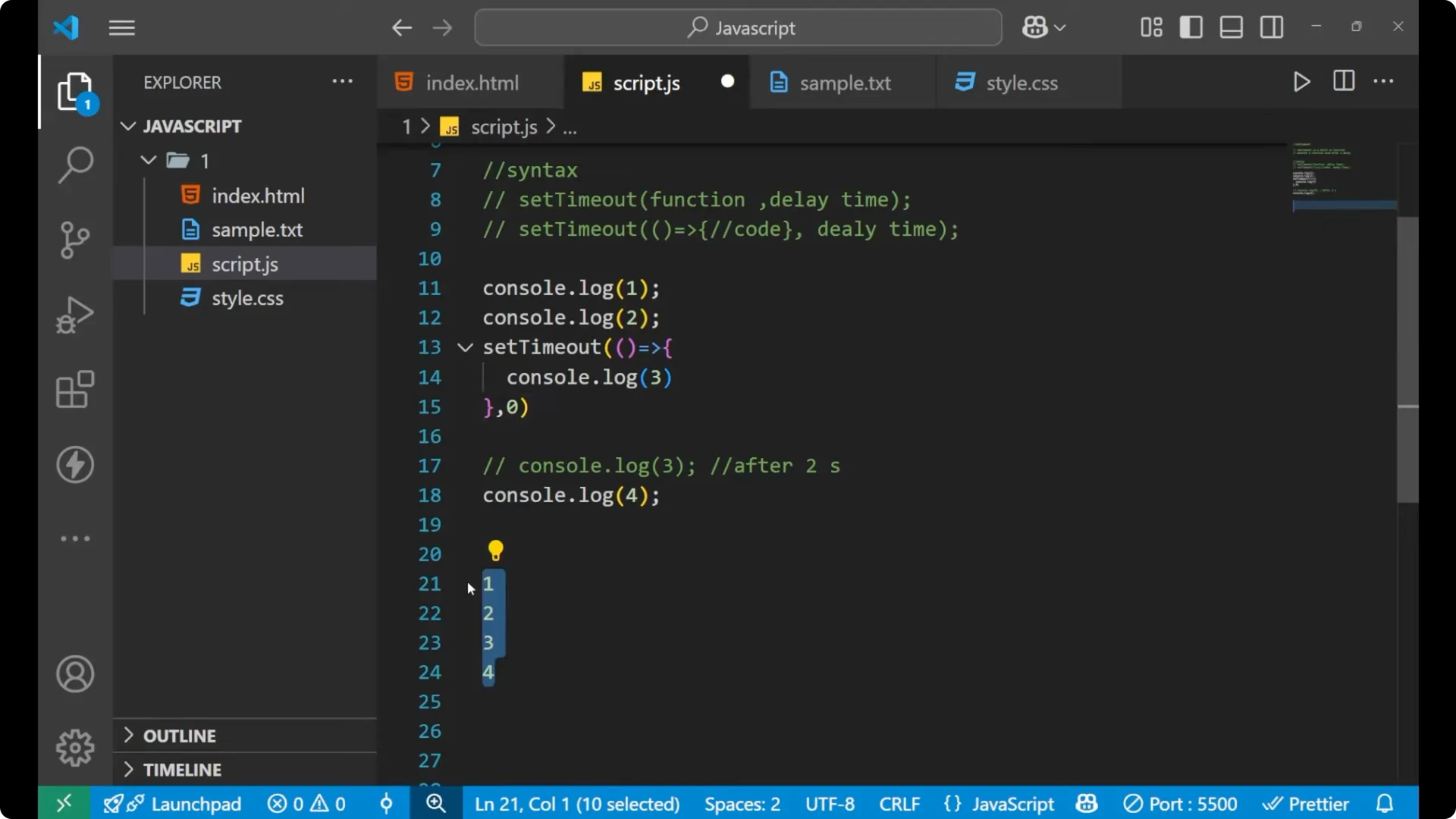
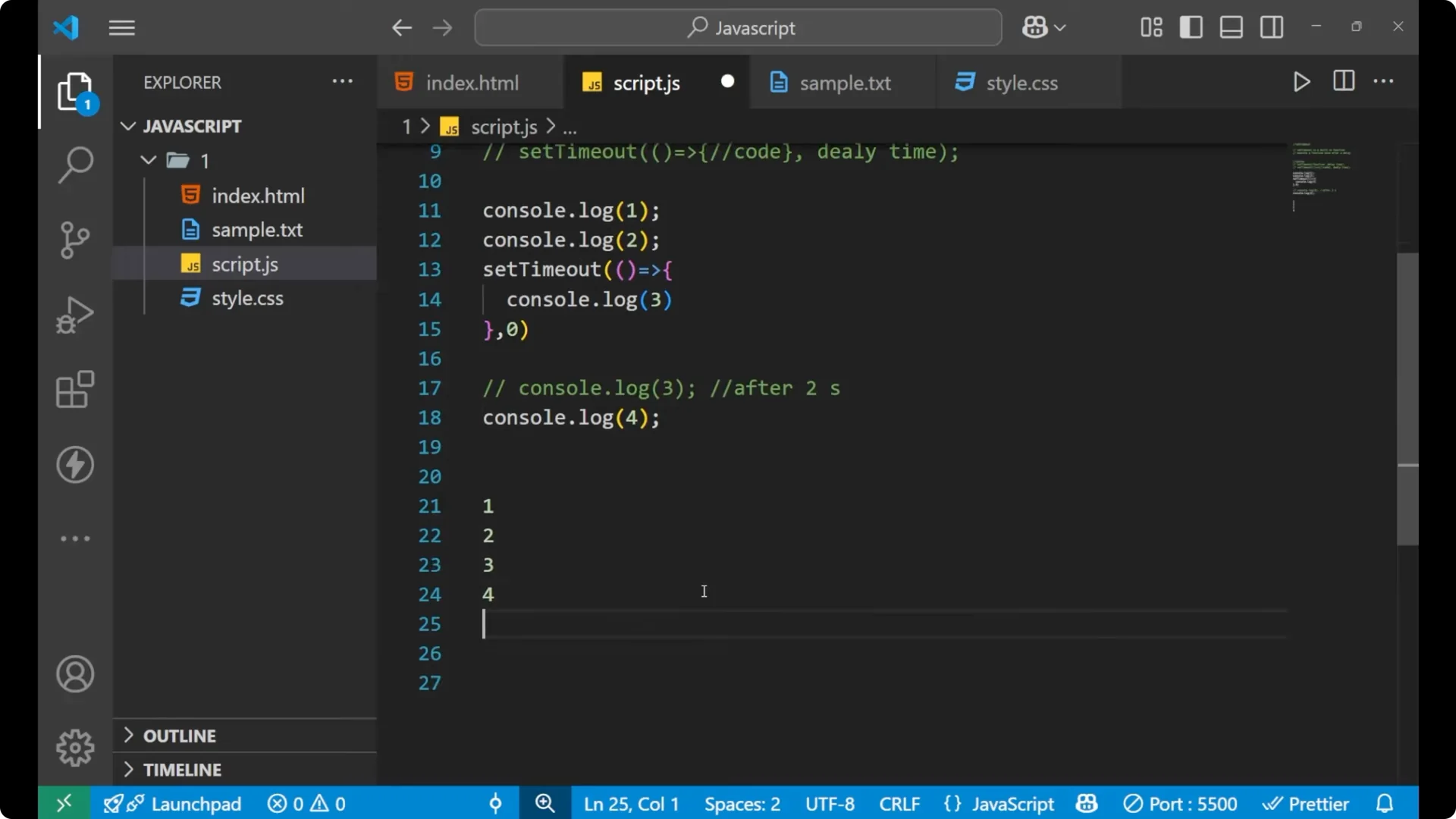
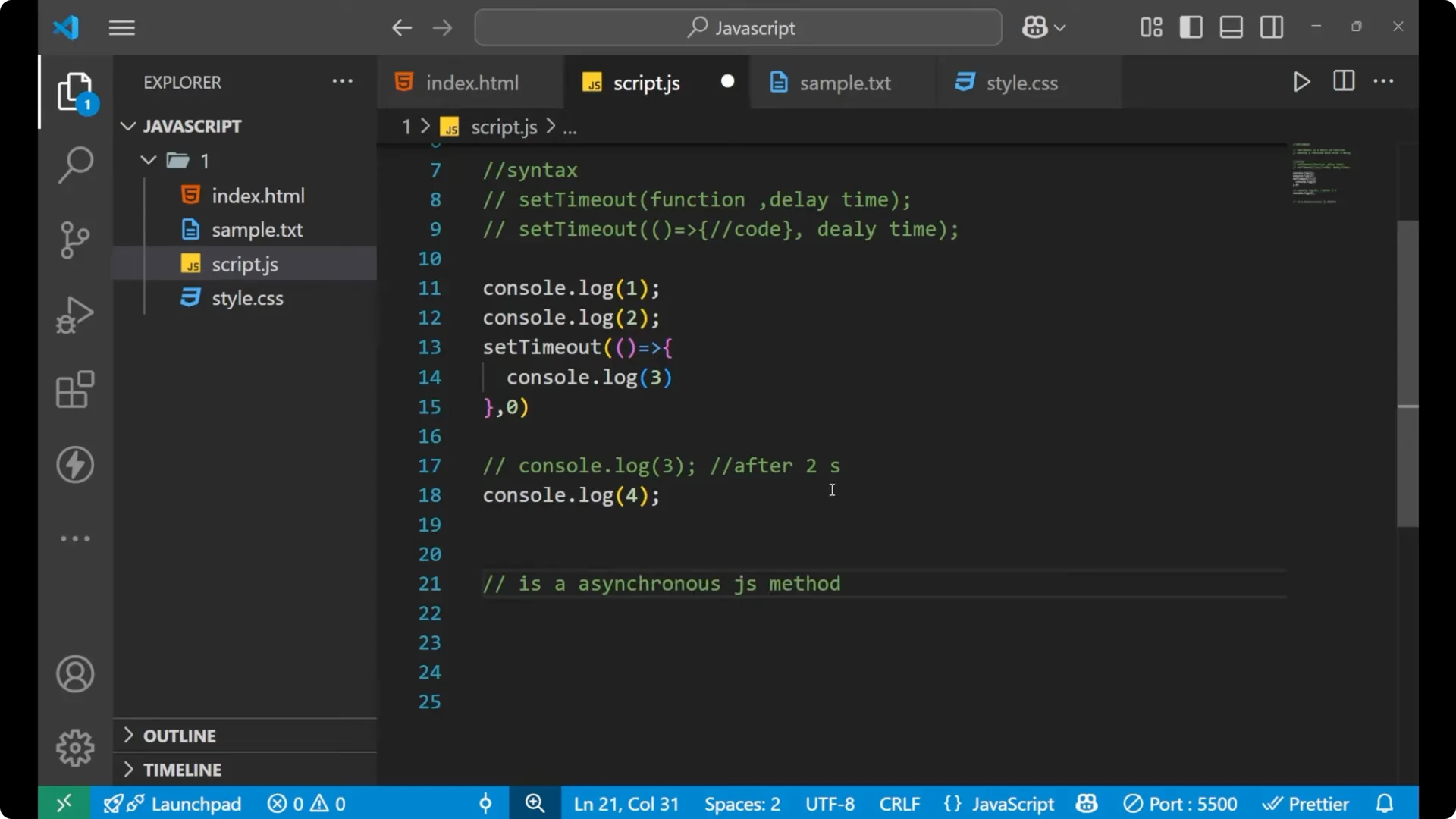
Even after making the time 0, you will again see 1, 2, 4, then 3. The reason is simple: setTimeout is an
asynchronous JavaScript method.
Think of it like this. You have four lines of code. The first line is synchronous, the second is synchronous, the third is asynchronous, and the fourth is synchronous.
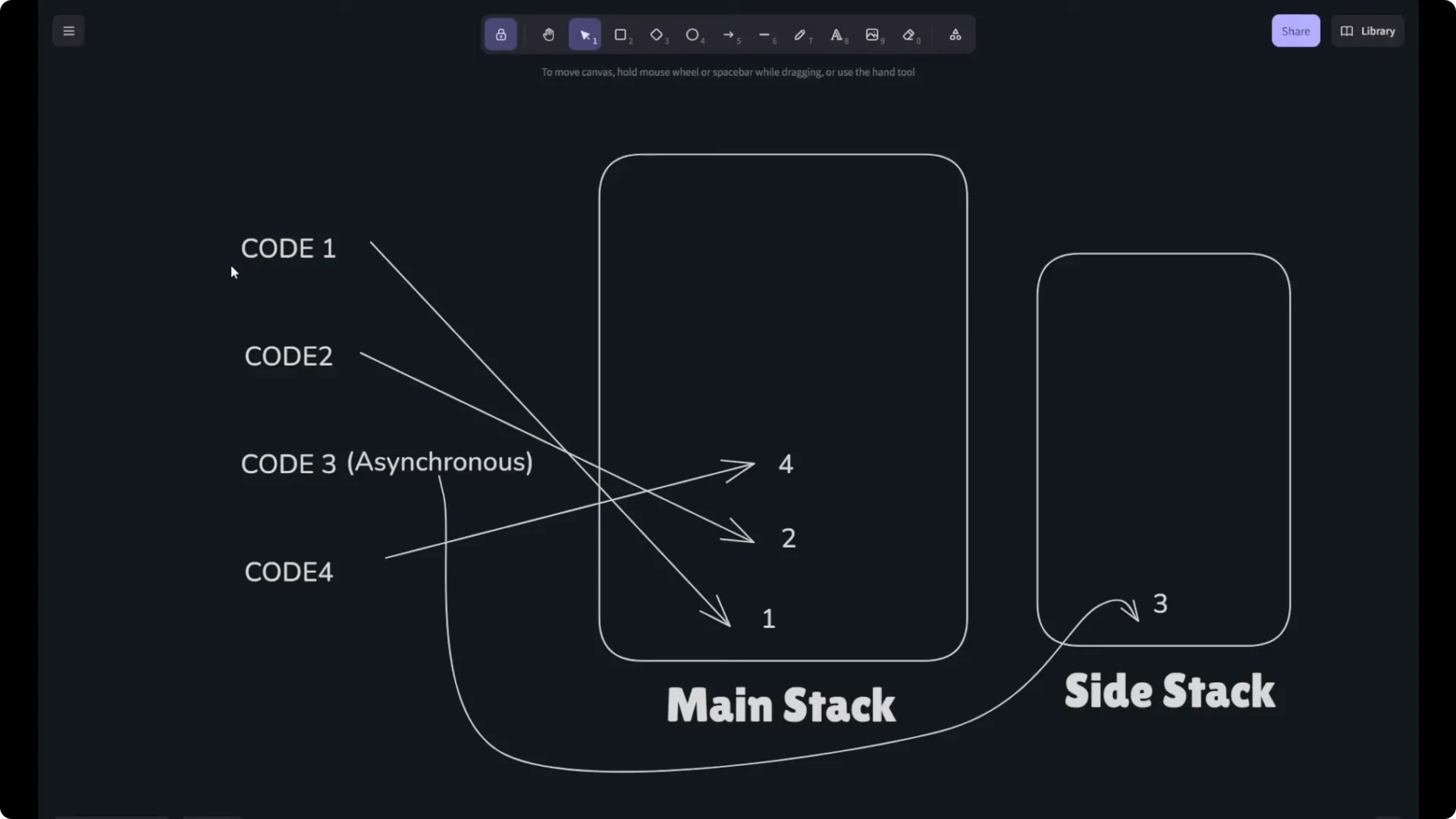
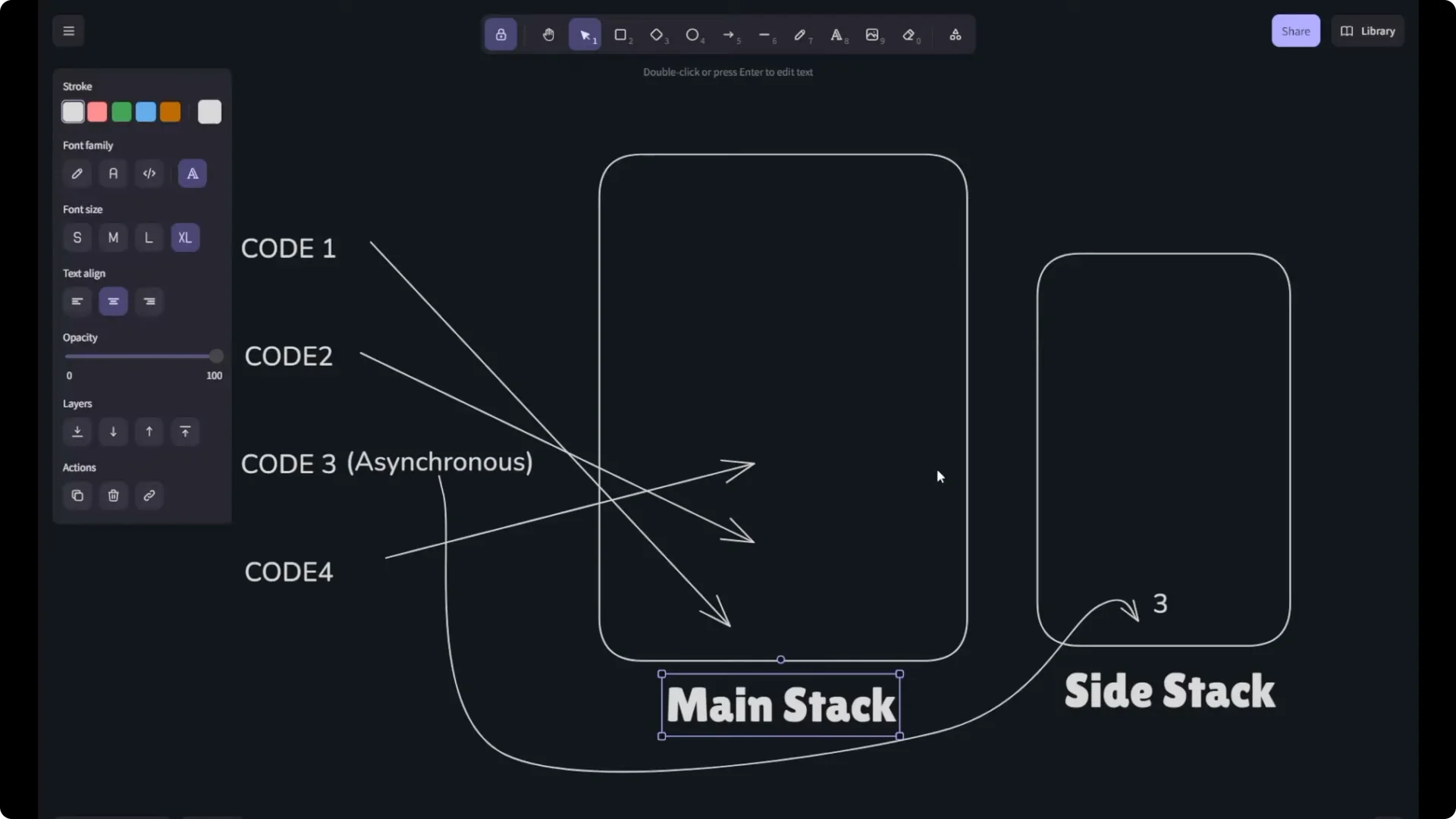
The synchronous lines go into the main stack. The asynchronous line goes to a side stack. JavaScript executes everything in the main stack first. So 1 executes, then 2, then 4. After the main stack is clear, it asks the side stack if there is any code. It says yes, there is 3. If the delay is 2 seconds, it waits for 2 seconds, then moves 3 to the main stack and executes it. If the delay is 0, it still waits for the main stack to finish, then executes 3. That is how asynchronous code works in JavaScript, and setTimeout is used to create asynchronous code.
If you want a function to run repeatedly at a fixed interval instead of just once after a delay, see
this guide to setInterval timers.
Another example with JavaScript setTimeout
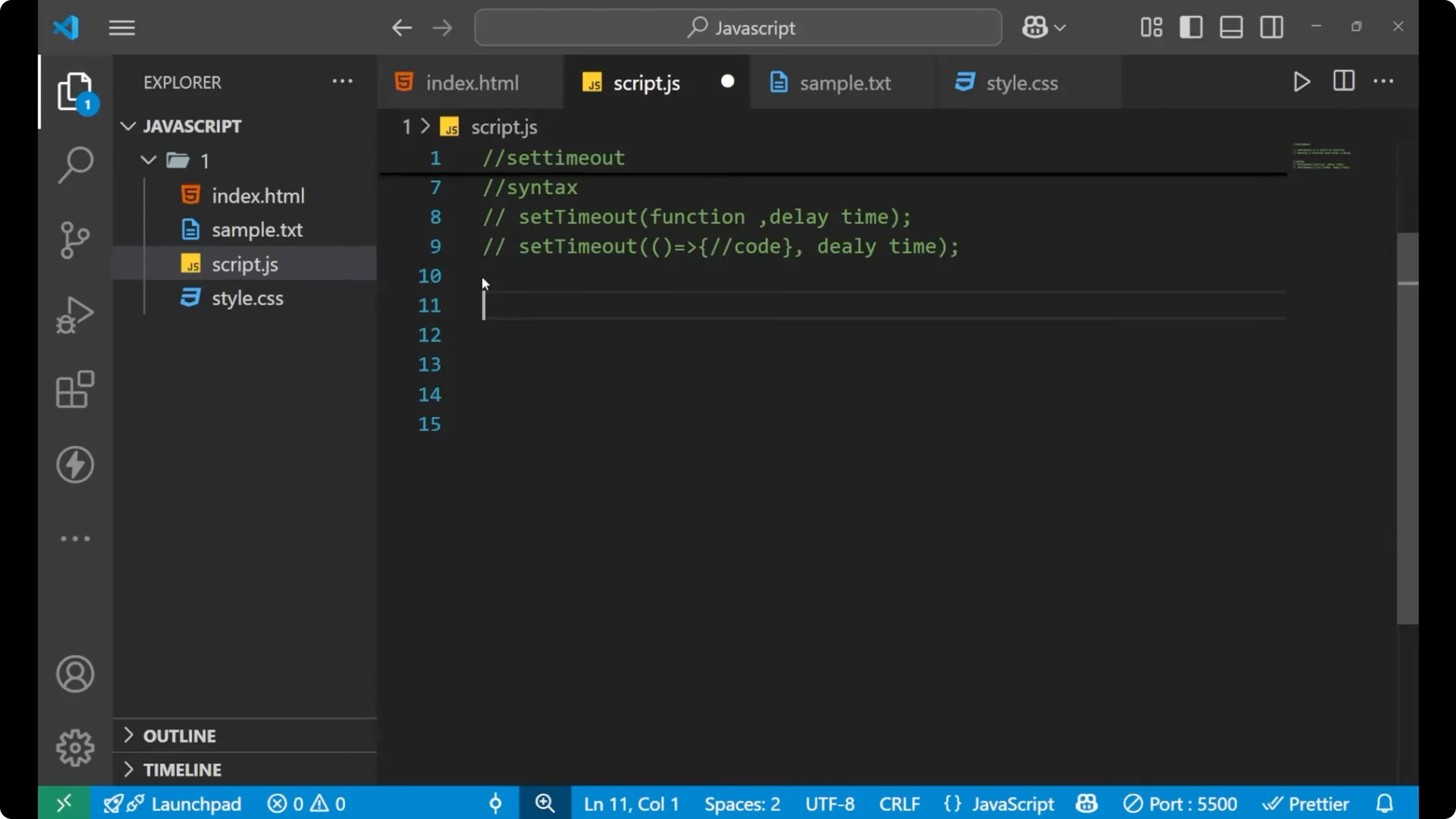
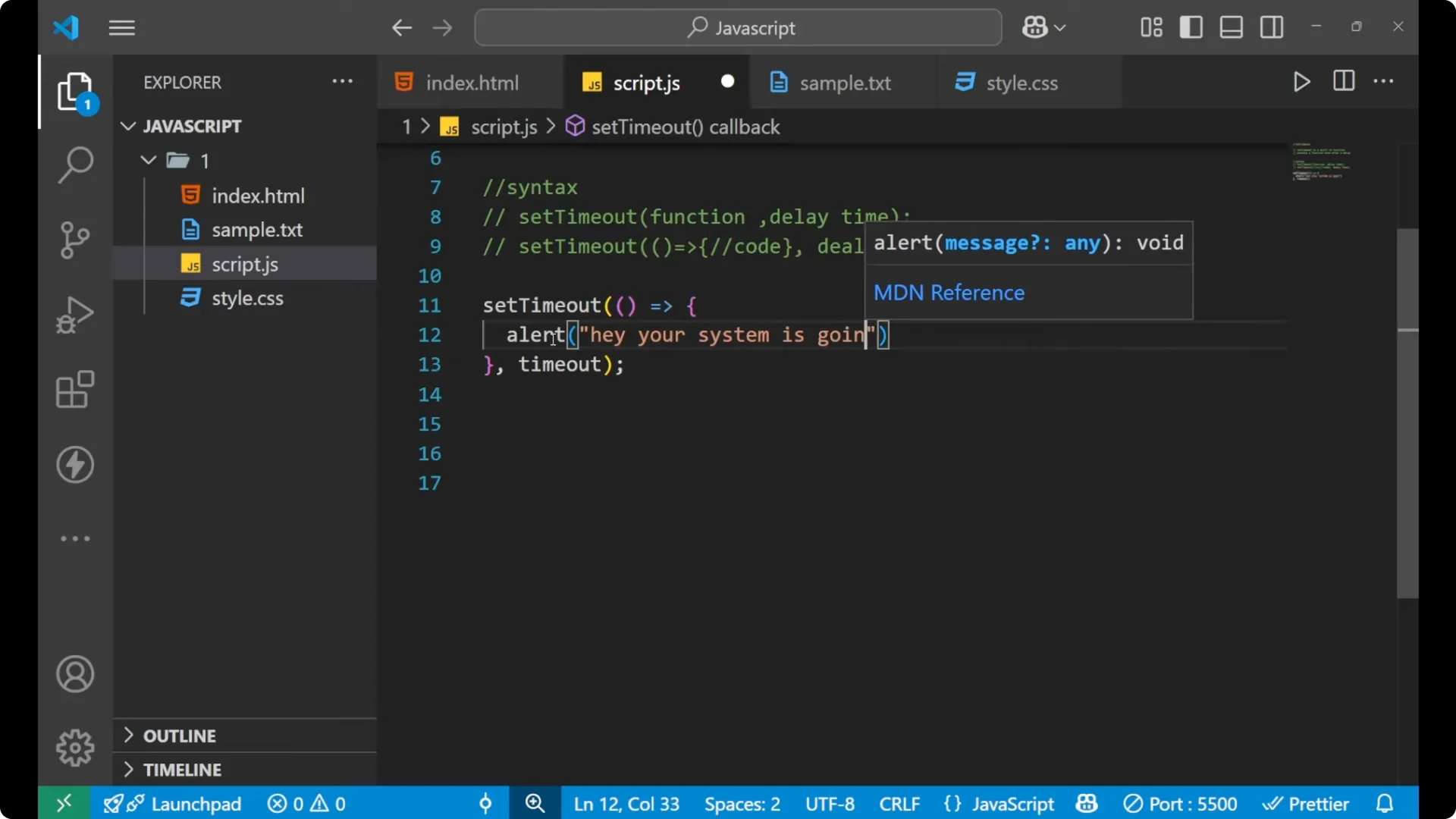
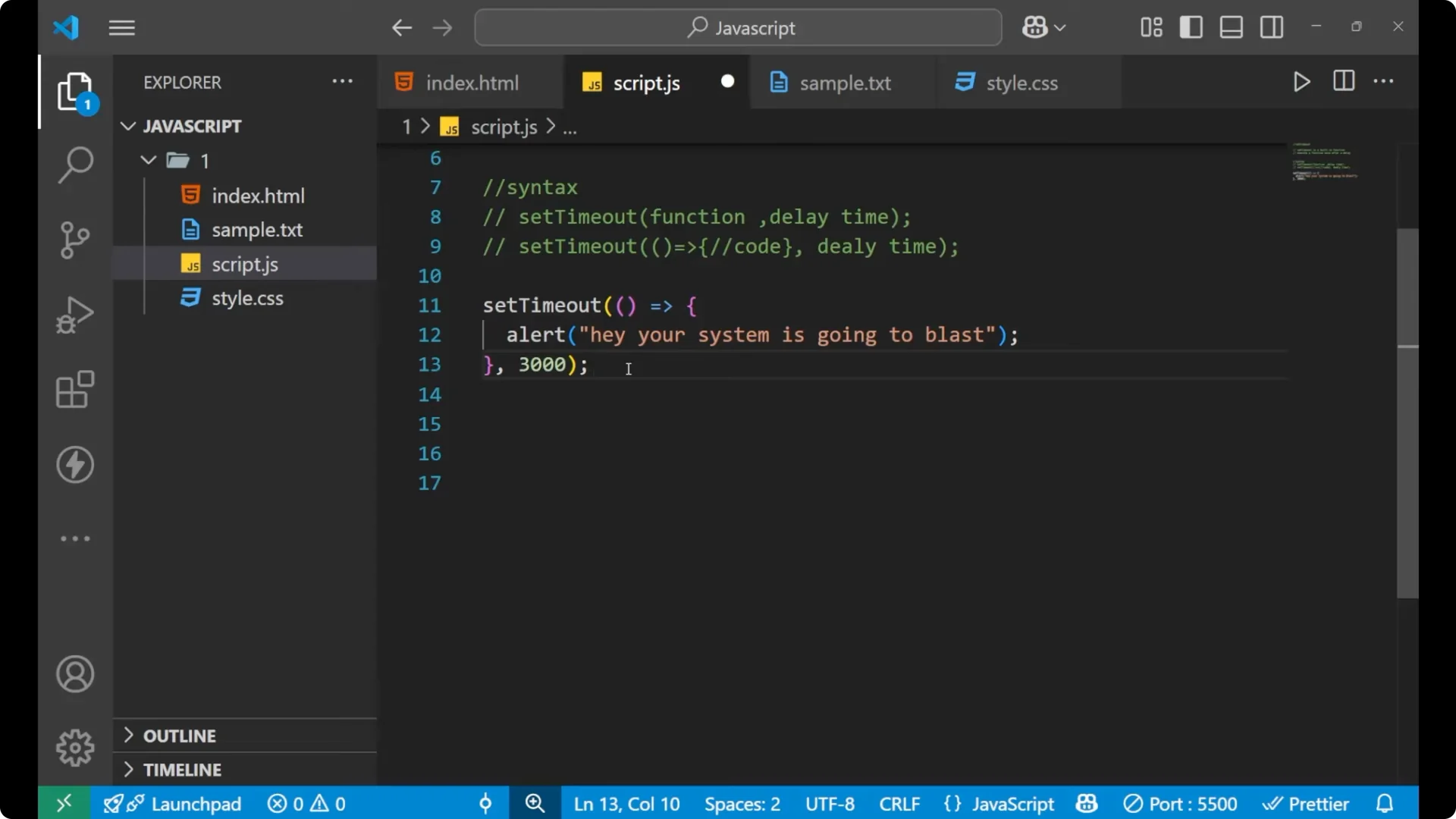
Here is another example with alert.
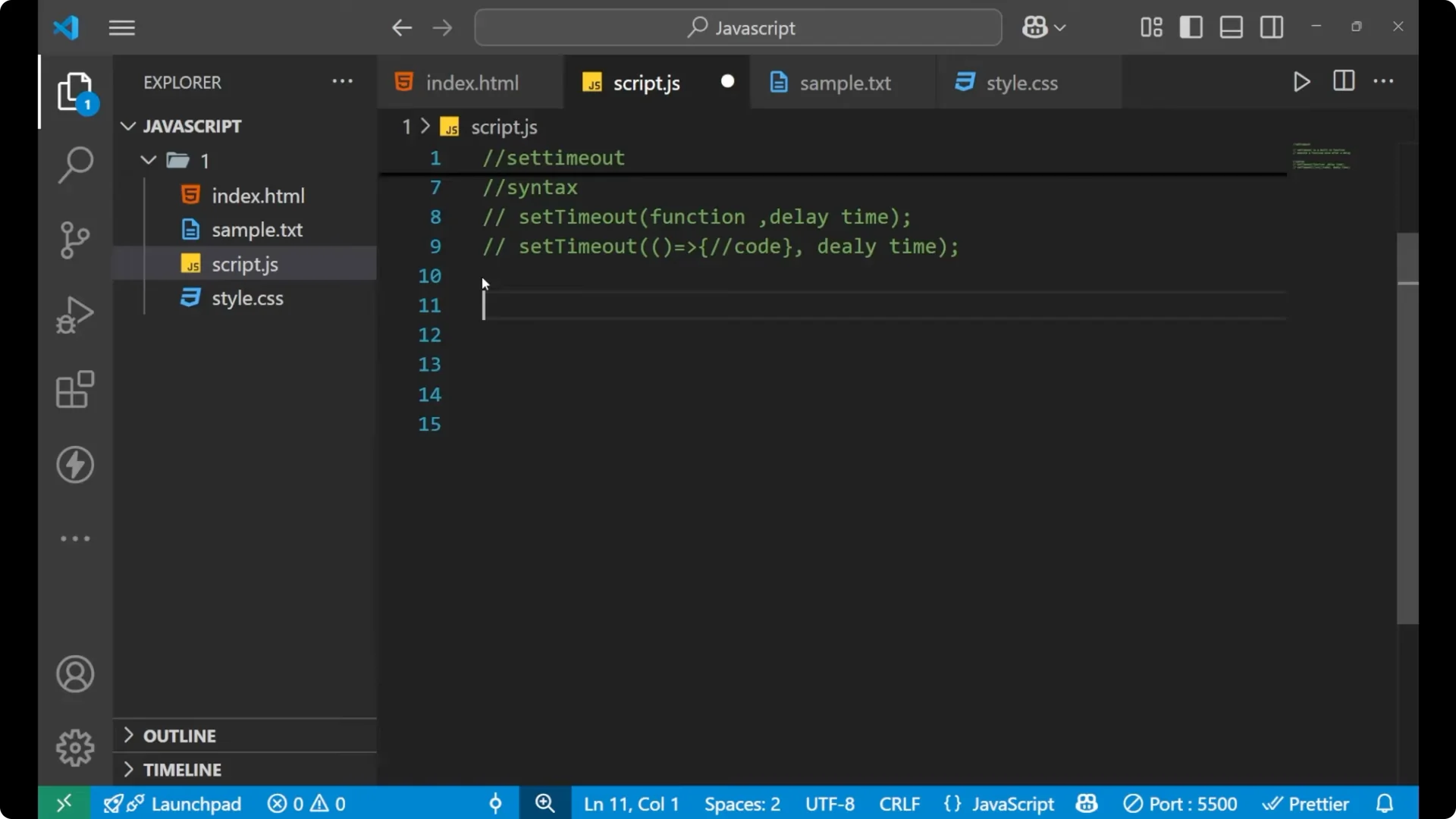
setTimeout(() => {
  alert('Hey, your system is going to blast!')
}, 3000) // 3000 milliseconds indicates 3 seconds
In setTimeout, the delay time is written in milliseconds. With the code above you will see the alert after 3 seconds.
 Read More: JavaScript prototypes and the prototype chain
Final thoughts
setTimeout is a very important method in JavaScript. It executes a function after a delay, making your code asynchronous. You can pass a function reference or create an arrow function inside it, and you must specify the delay in milliseconds. Even with a delay of 0, the callback runs after the current call stack is clear, so you will still see synchronous lines execute first.