JavaScript modules allow you to split code into reusable files, and then you can simply import and export them whenever you need. Here is how
JavaScript ES6 Modules work step by step.
JavaScript ES6 Modules basics
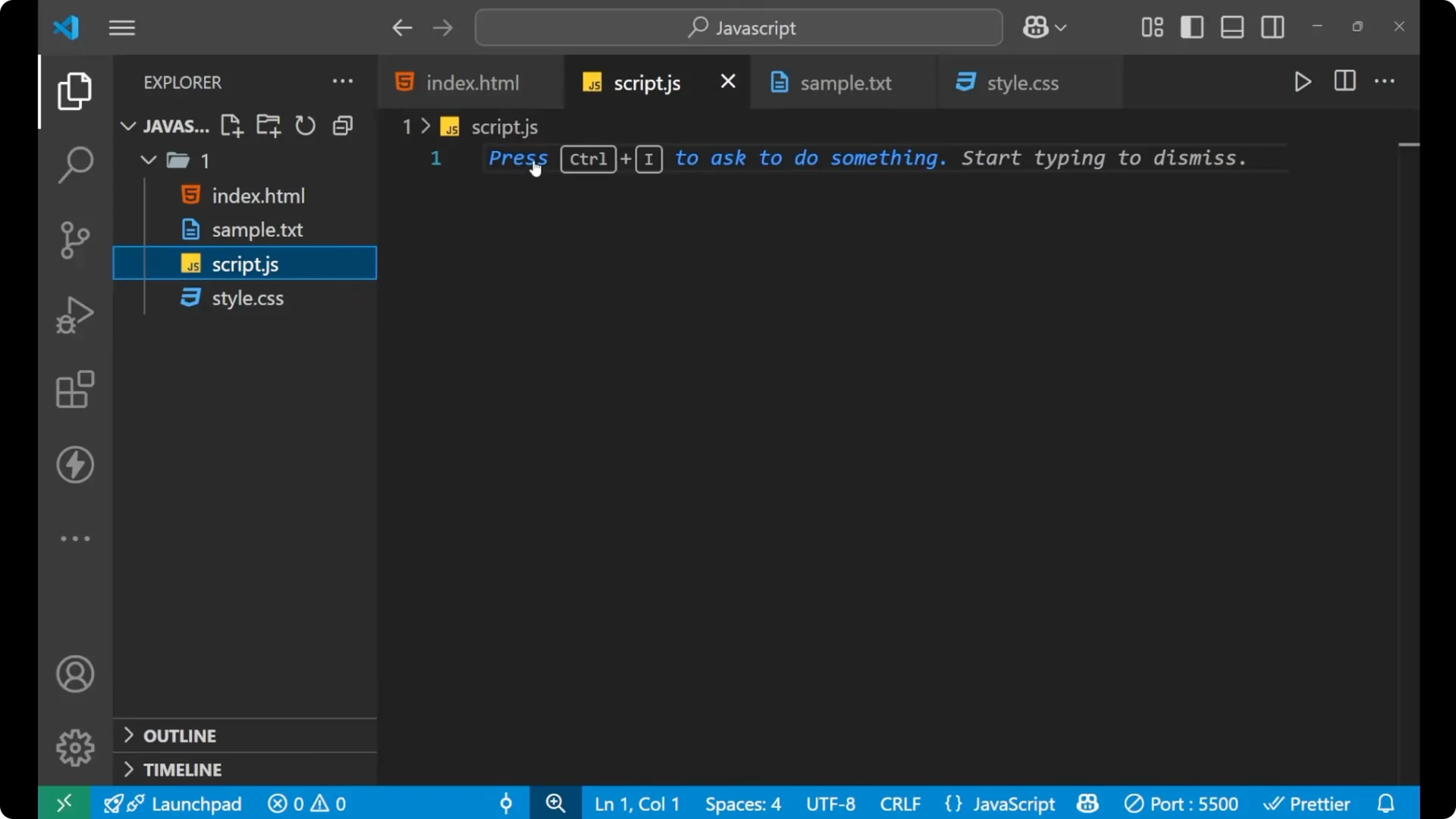
Create a new file named
data.js. One more thing you need to remember is that when you are linking your JS file with your script tag, you must mention
type=”module”. The main file is
script.js, which is connected to your HTML, and you need to write
type=”module” for that file.
<!-- index.html -->
<script type="module" src="./script.js"></script>
Setup
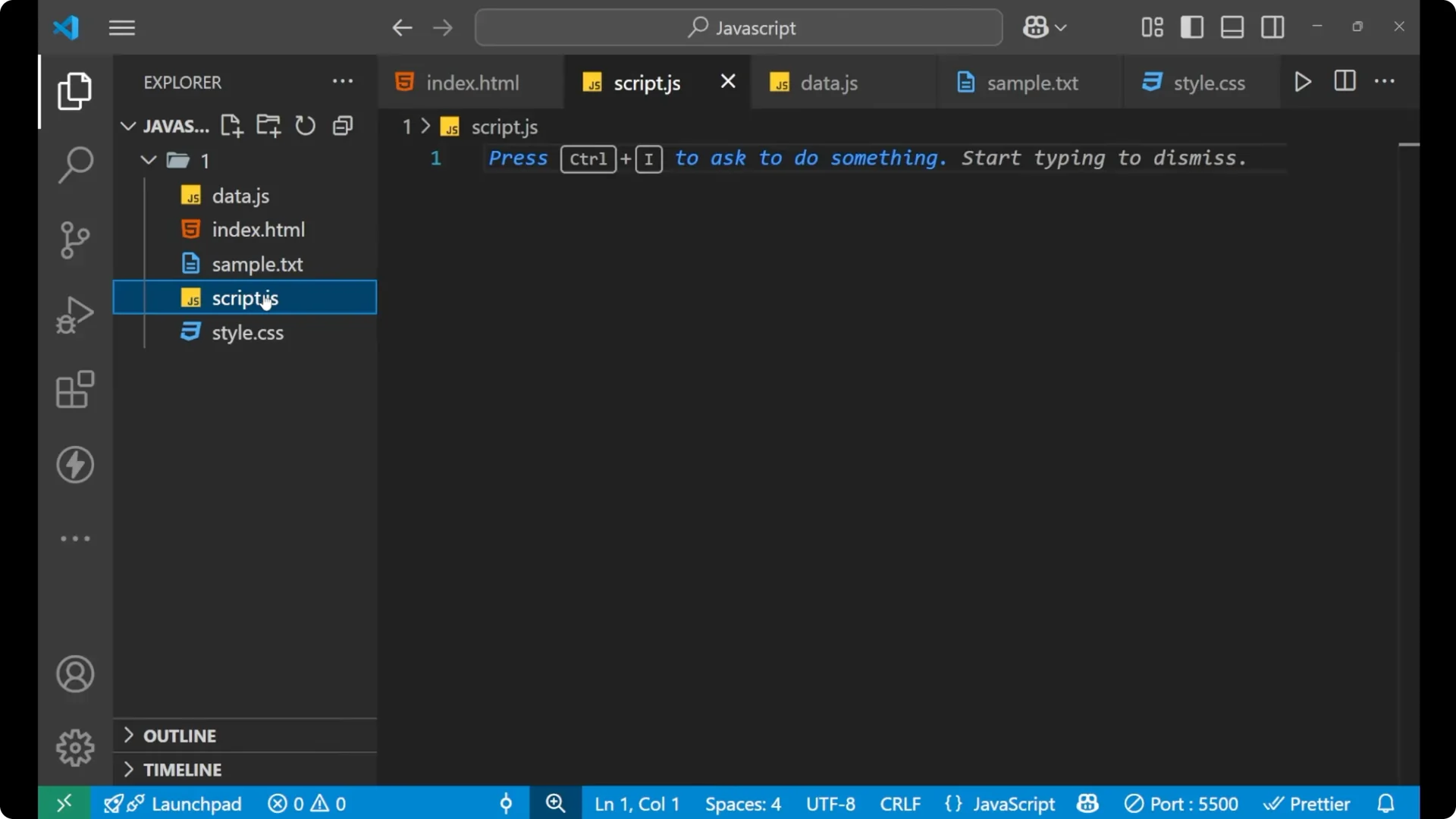
Create a file named
data.js.
Make sure your main file is
script.js and it is linked in HTML with
type=”module”.
Export in JavaScript ES6 Modules
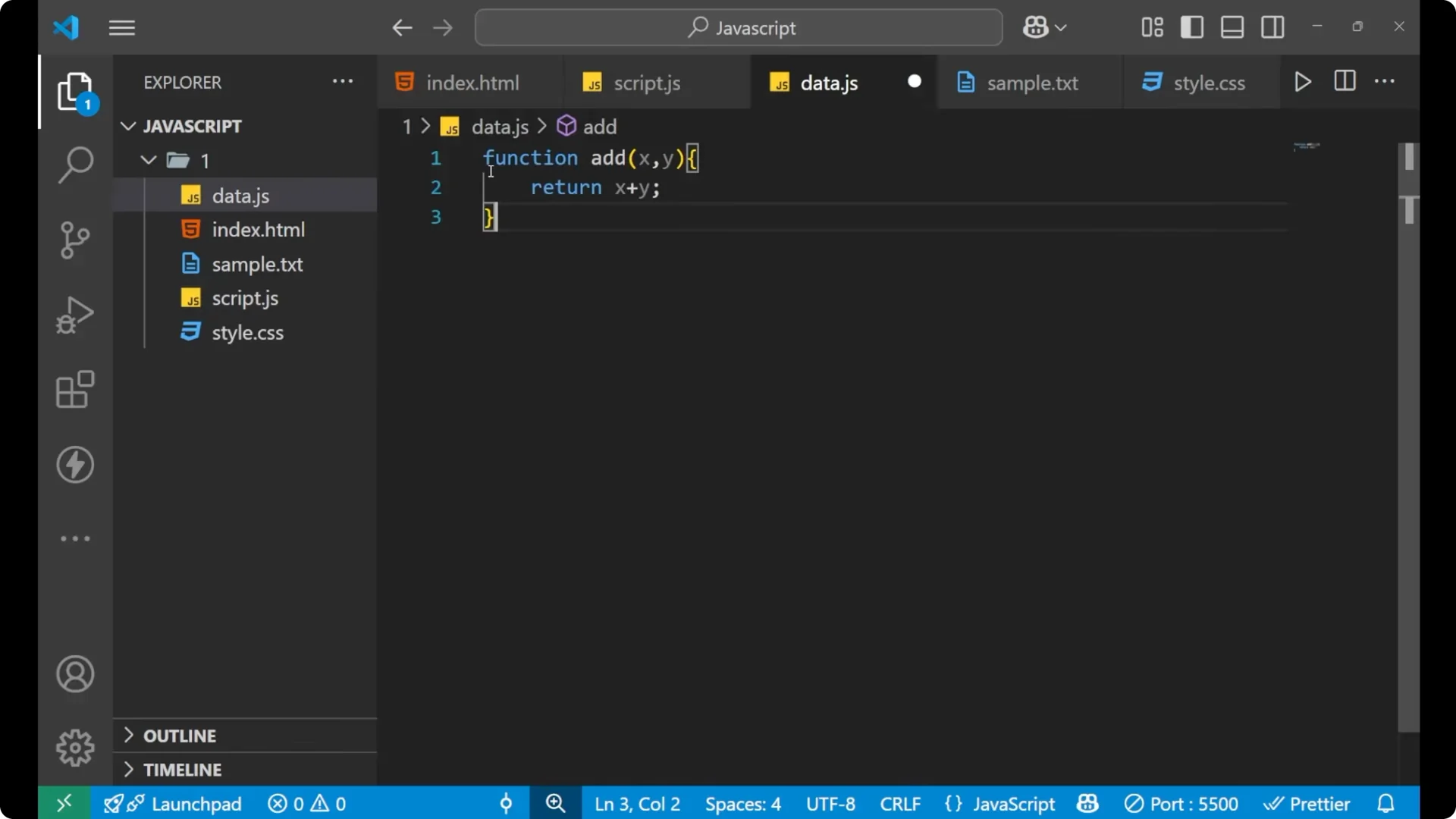
Inside
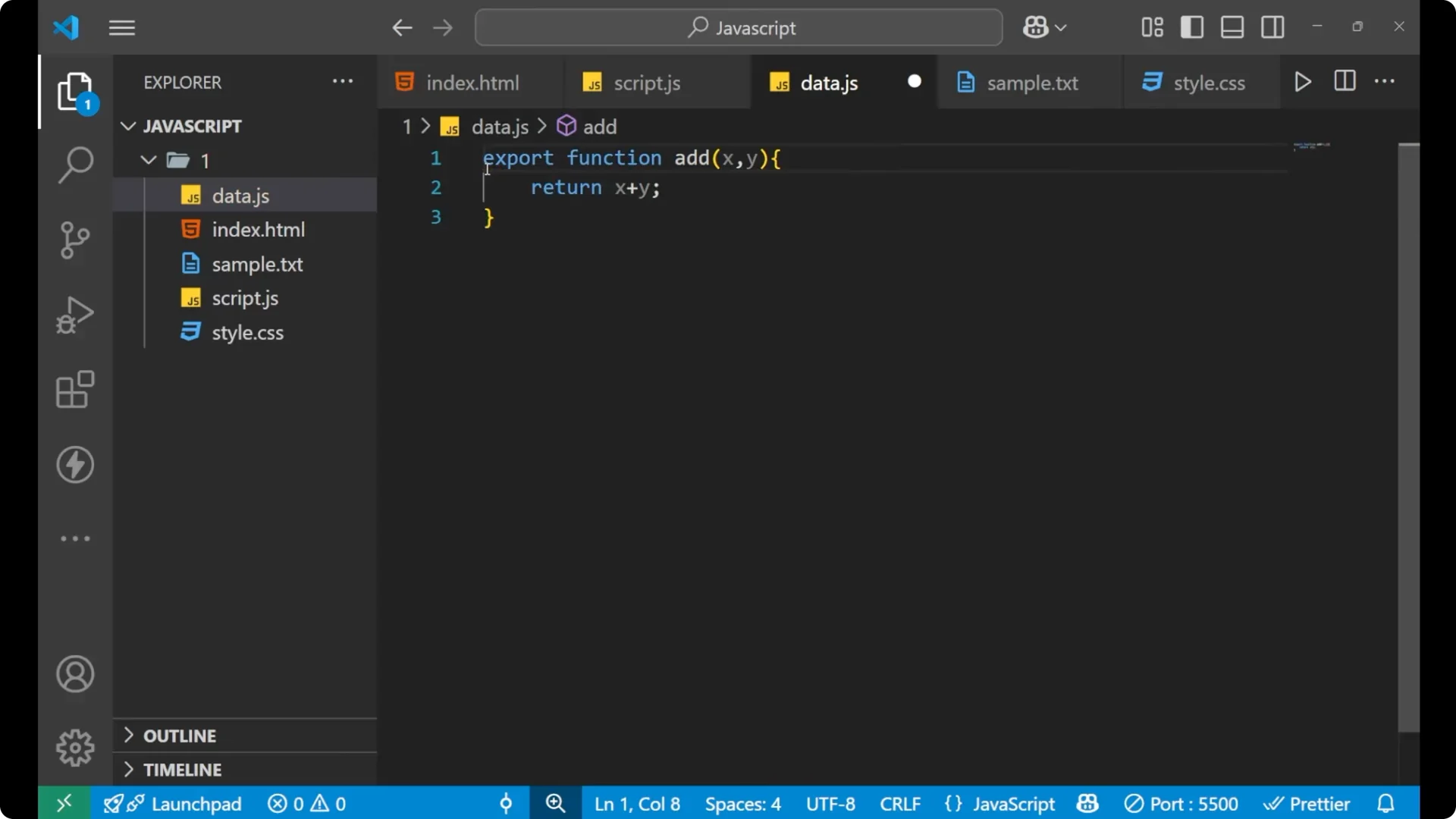
data.js, create a function and export it. It is very simple: write
export before the function.
// data.js
export function add(x, y) {
  return x + y;
}
Import and use in JavaScript ES6 Modules
In
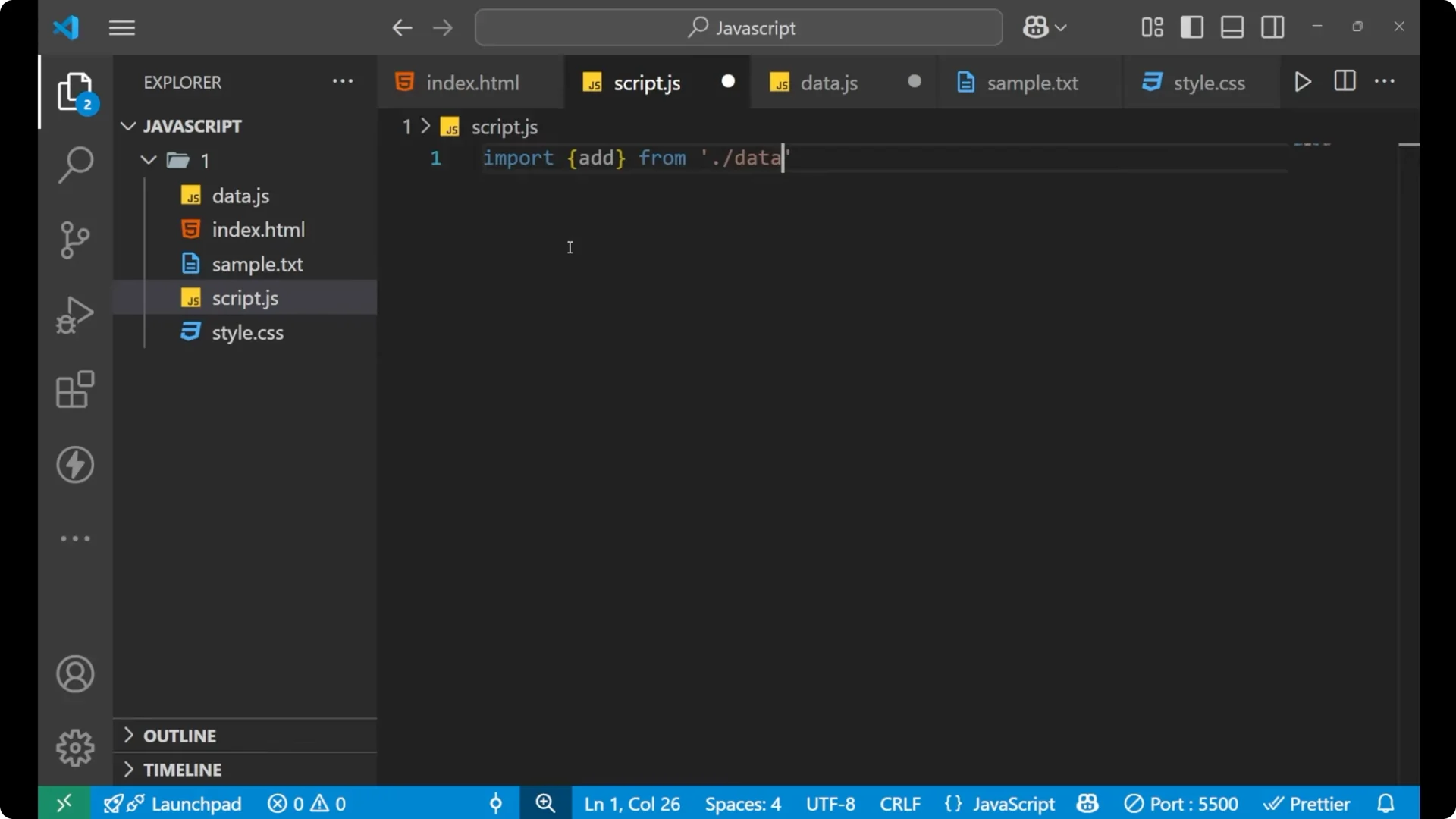
script.js, write
import, put the function name inside curly braces, and then specify the file path. Do not forget to include the .js extension at the end of the file name.
// script.js
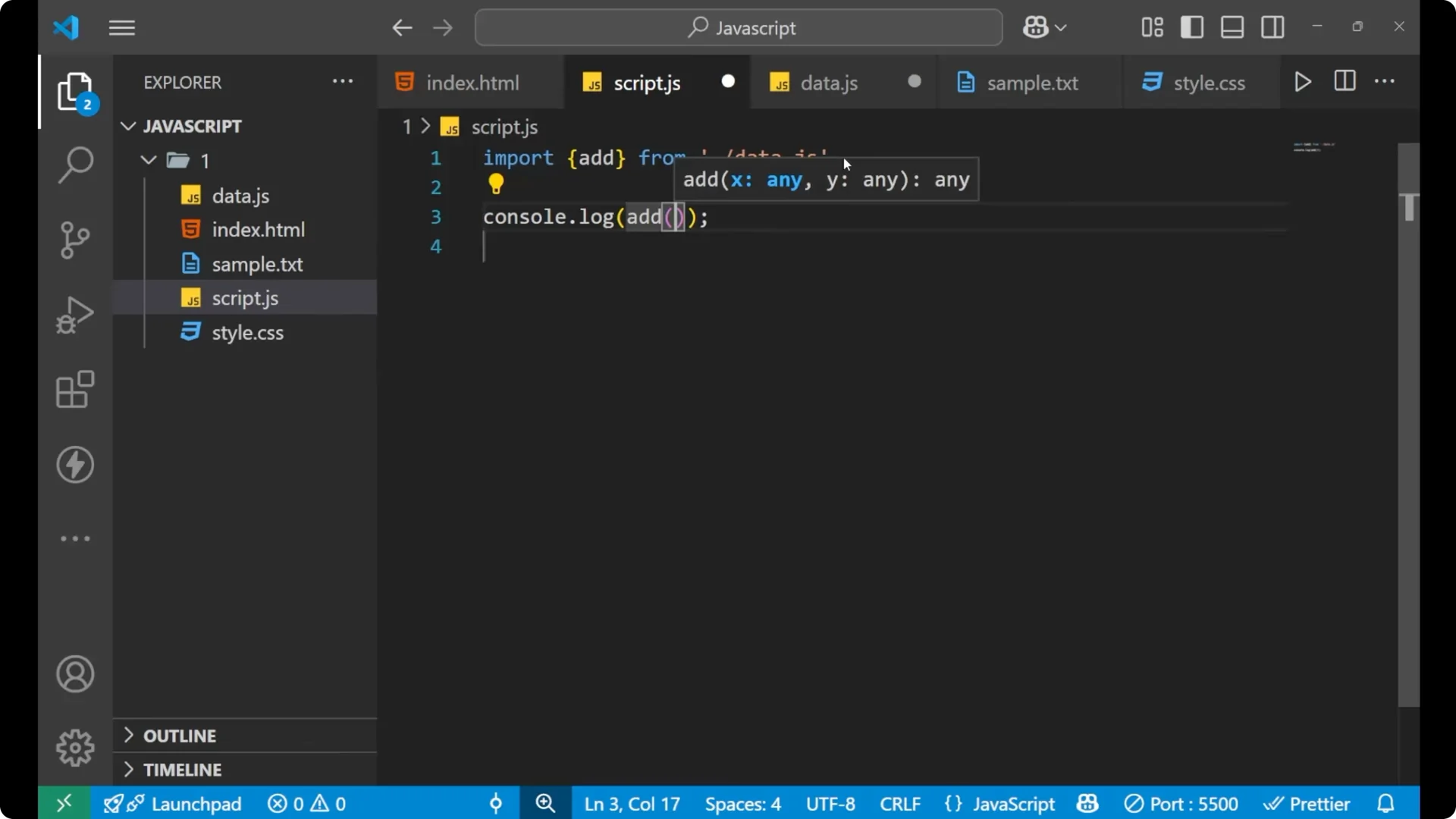
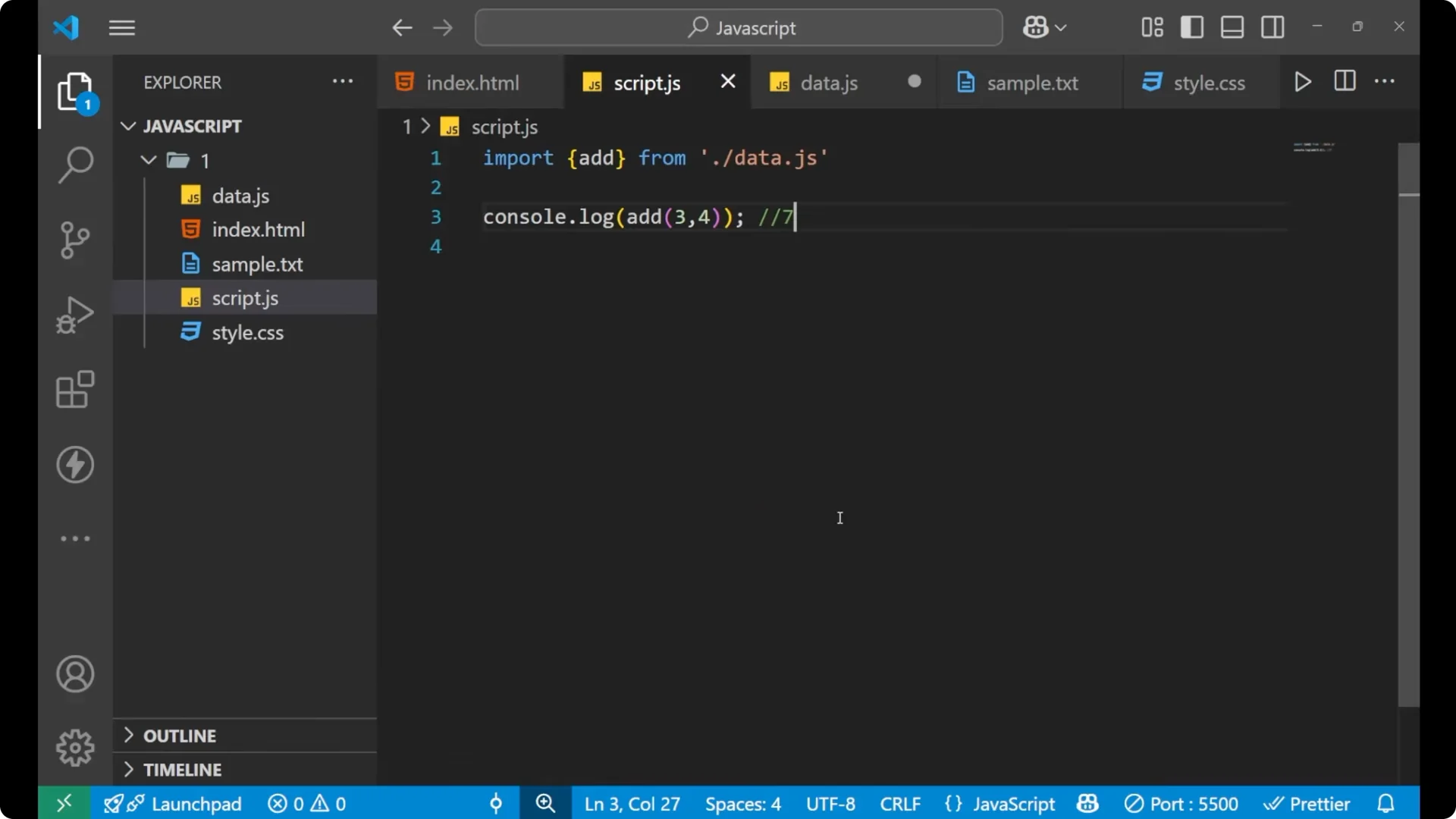
import { add } from './data.js';

console.log(add(3, 4)); // 7
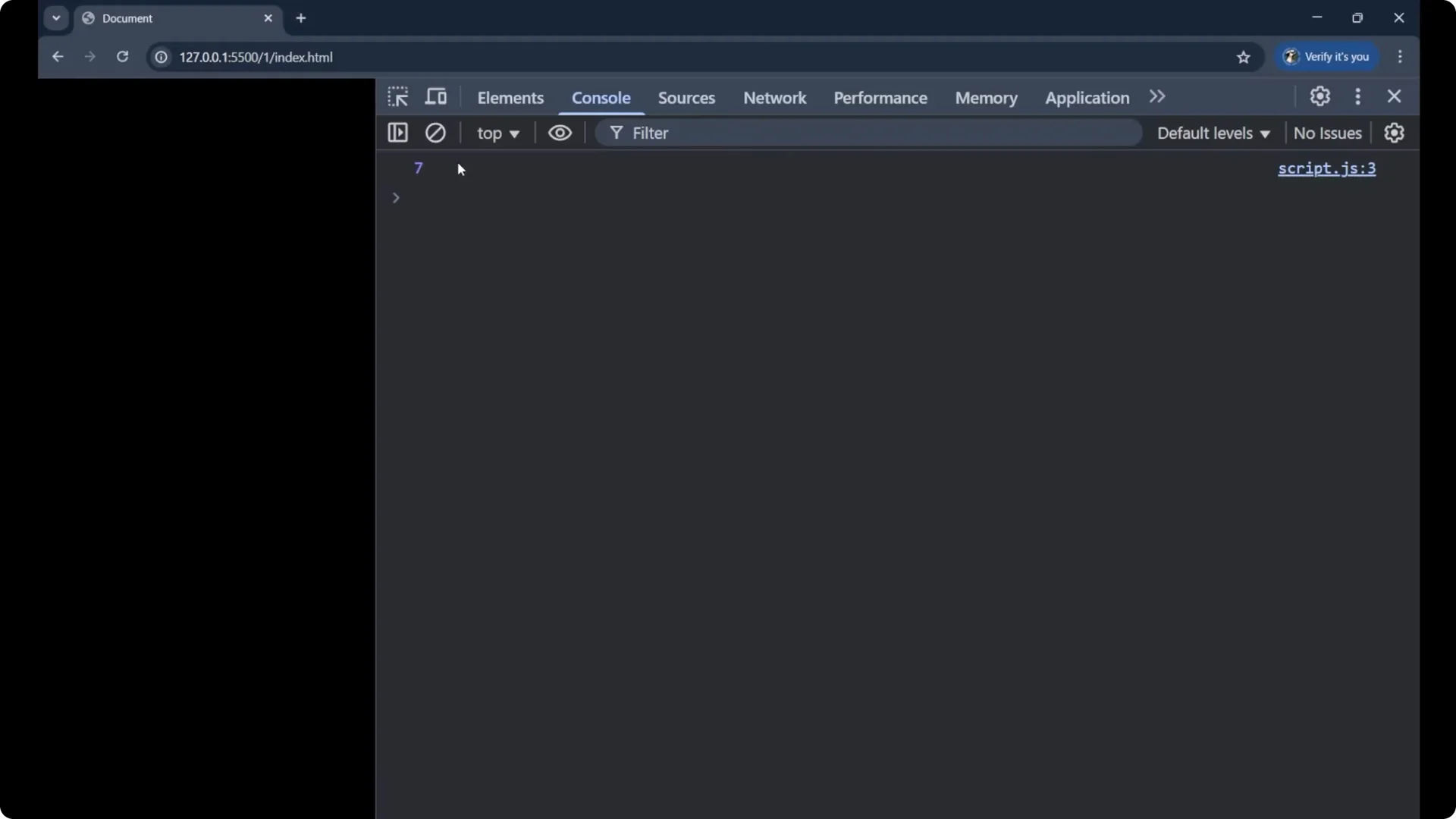
You should get the value 7 in the console. The function created in
data.js is now working in
script.js, and that is exactly what modules do.
If you are brushing up conditional logic while testing imports, see
switch case.
Why separate files in JavaScript ES6 Modules
The question arises: why make a separate file? For storing a large set of data, keeping everything inside the same file makes the content bulky and difficult to understand. It is easier to keep your main logic clean by moving large data to an external file.
Export large data
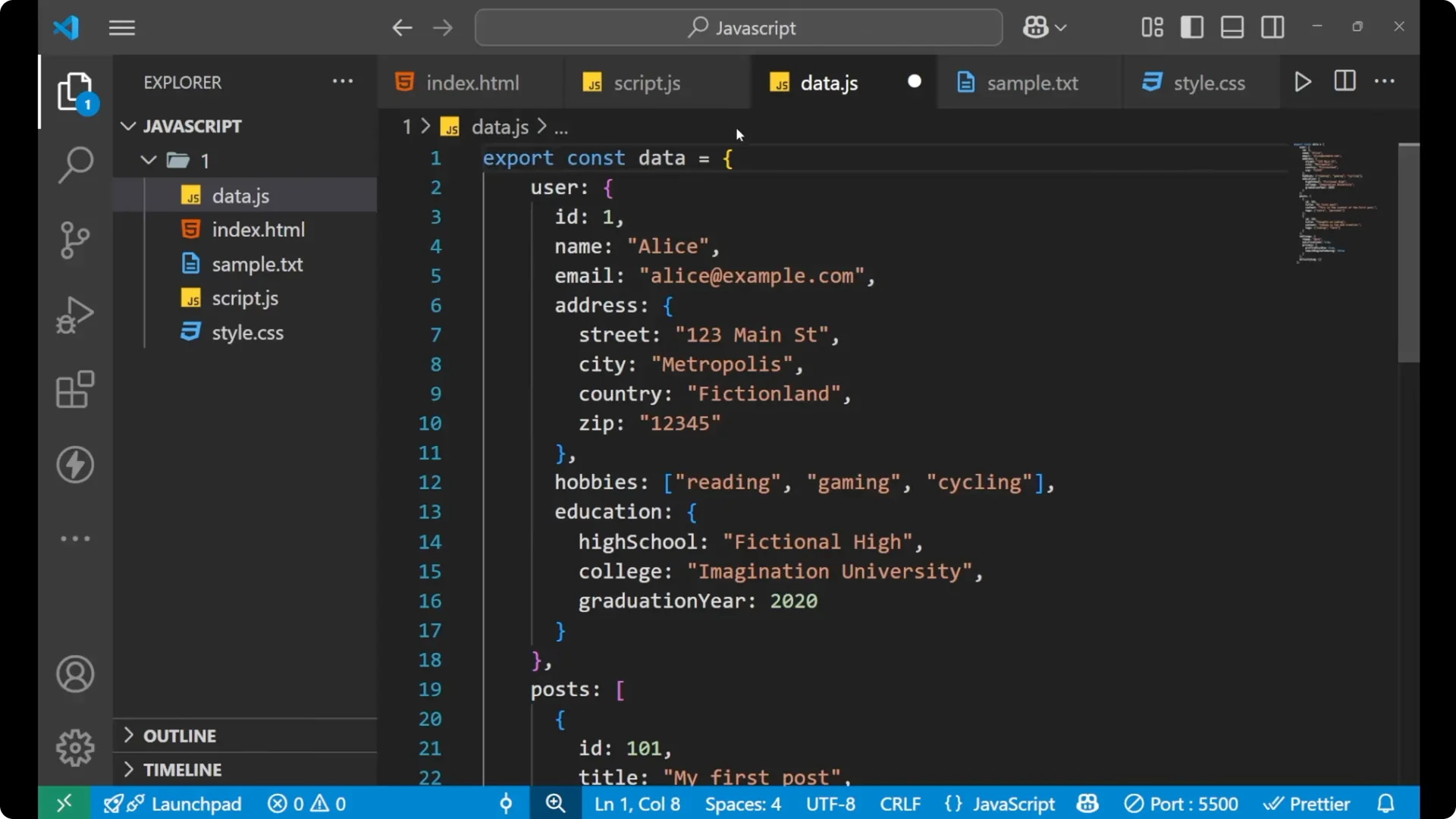
Export the data from
data.js.
// data.js
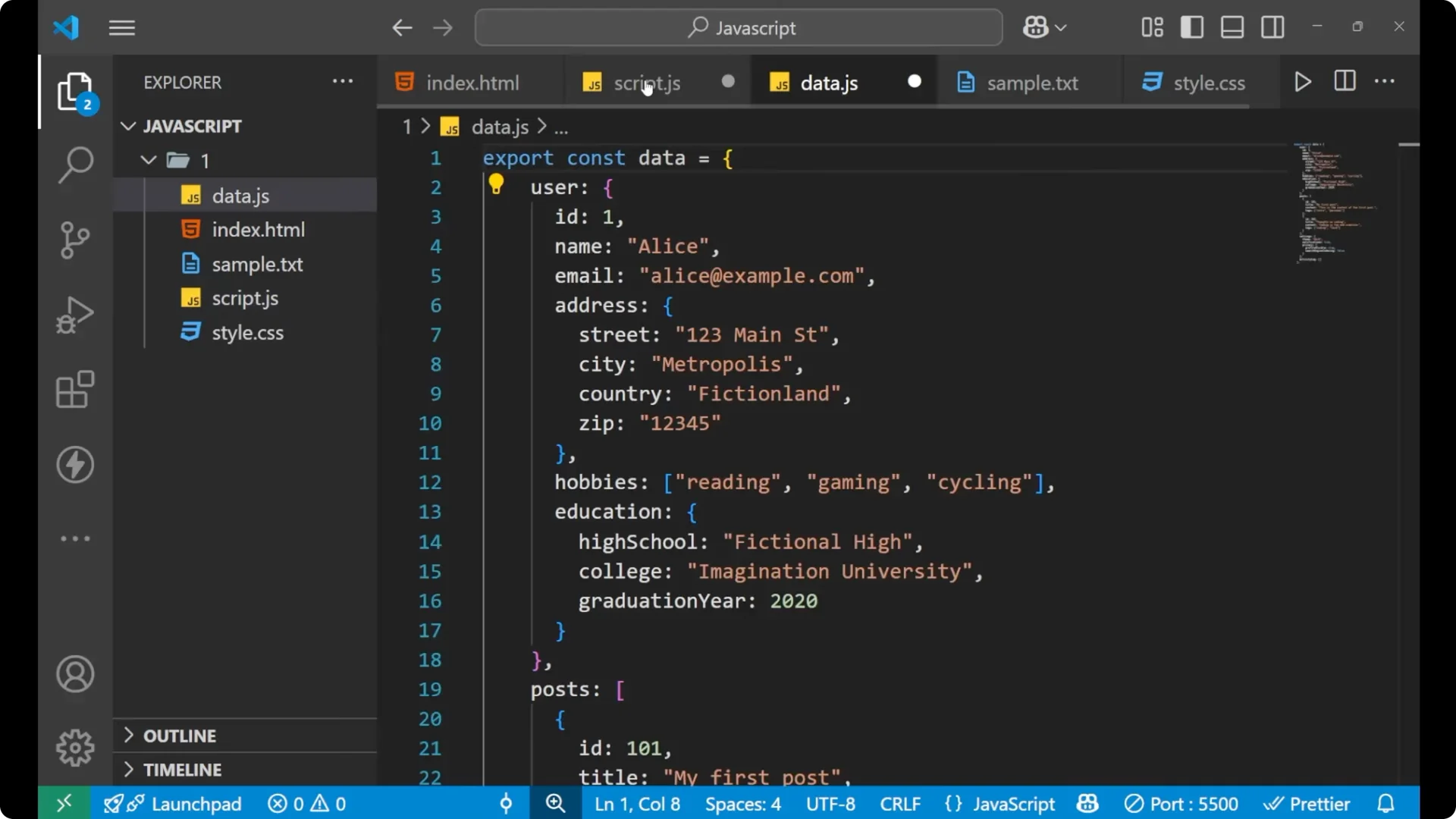
export const data = {
  post: [
    // large dataset here
  ]
};
Import and access data
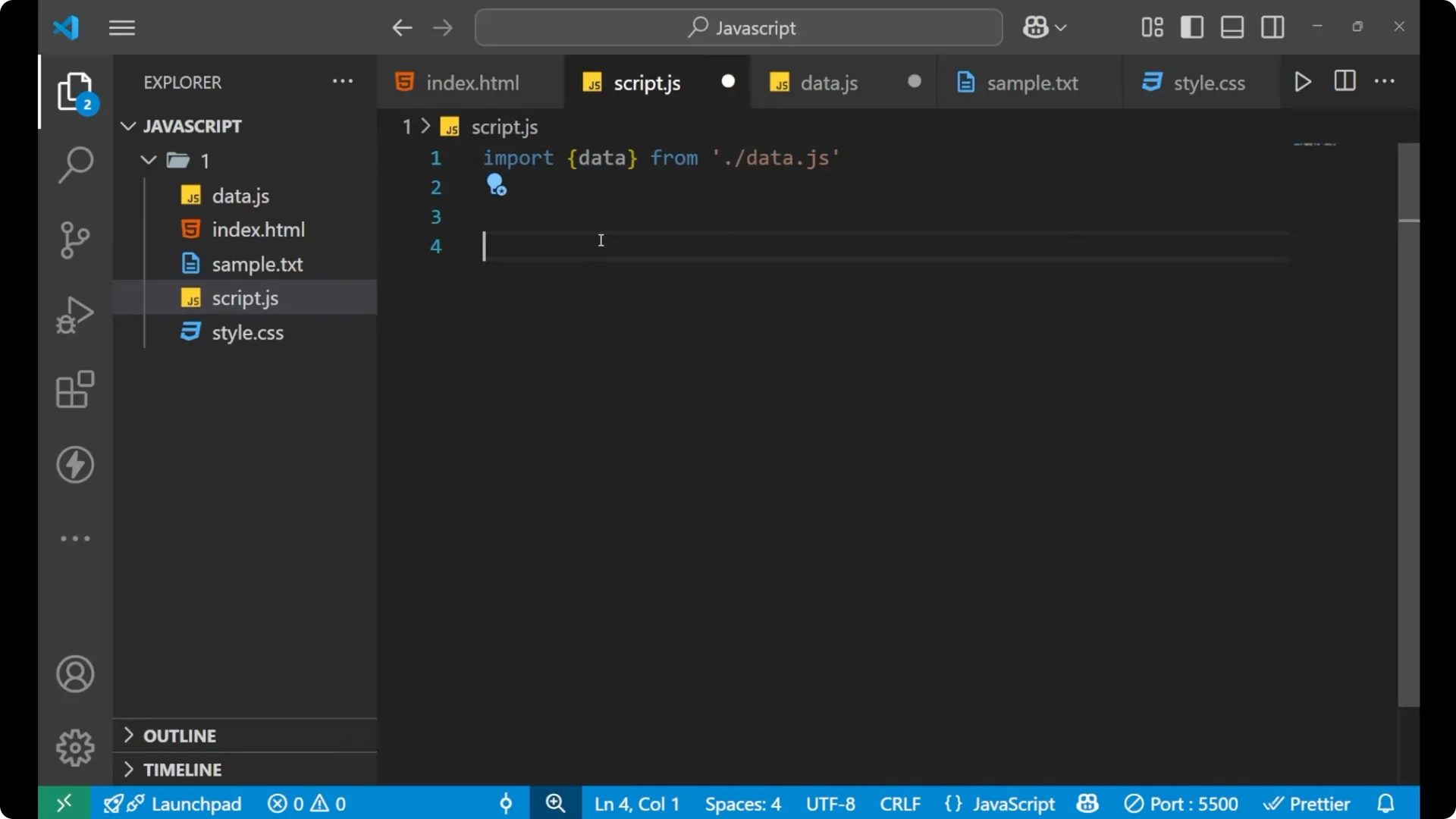
Import it in
script.js and work with it.
// script.js
import { data } from './data.js';

console.log(data);
console.log(data.post);
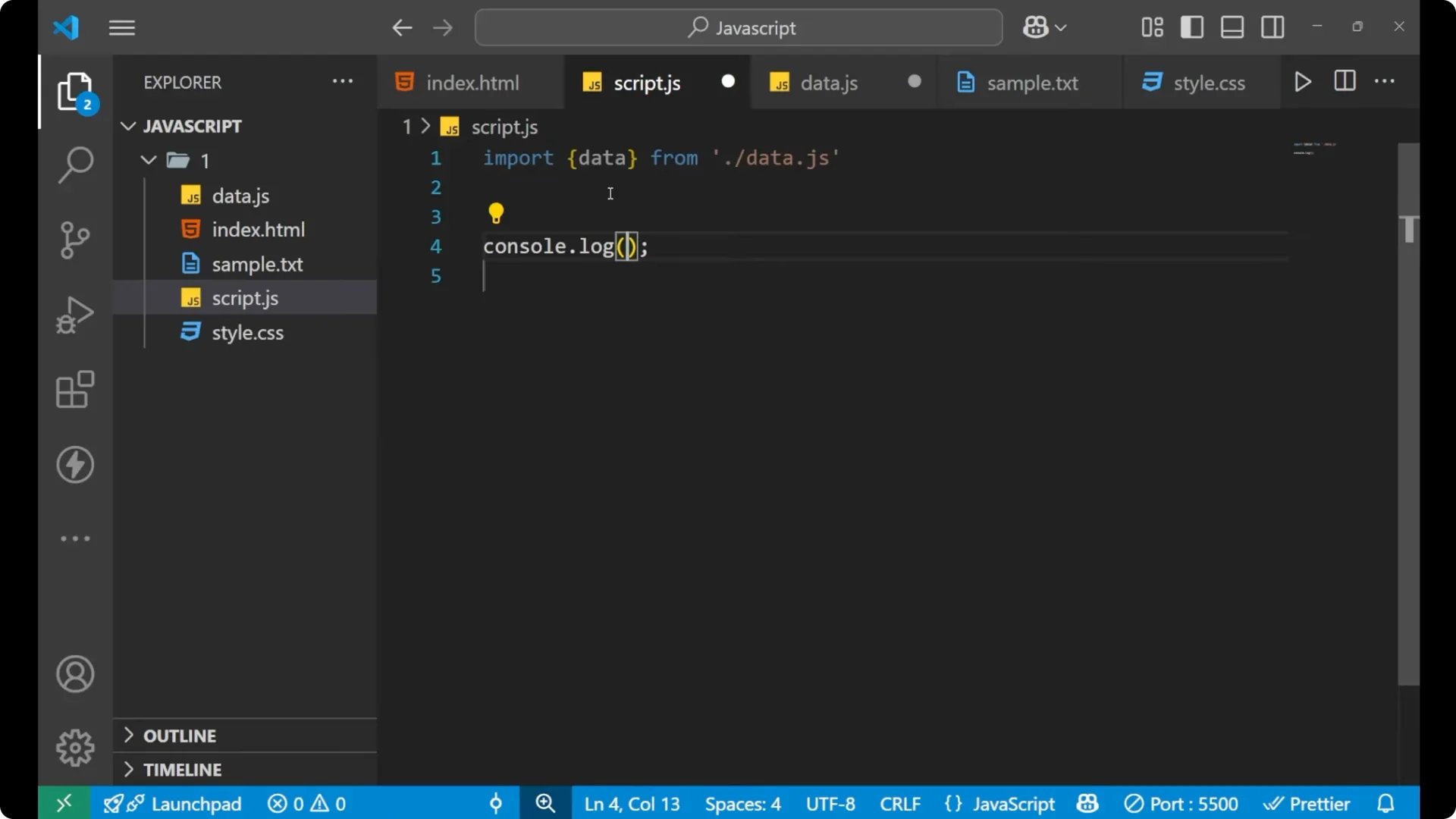
You will see the same data in your console. If you want to work with it, you can call `data.post` to get only the post array and continue from there.
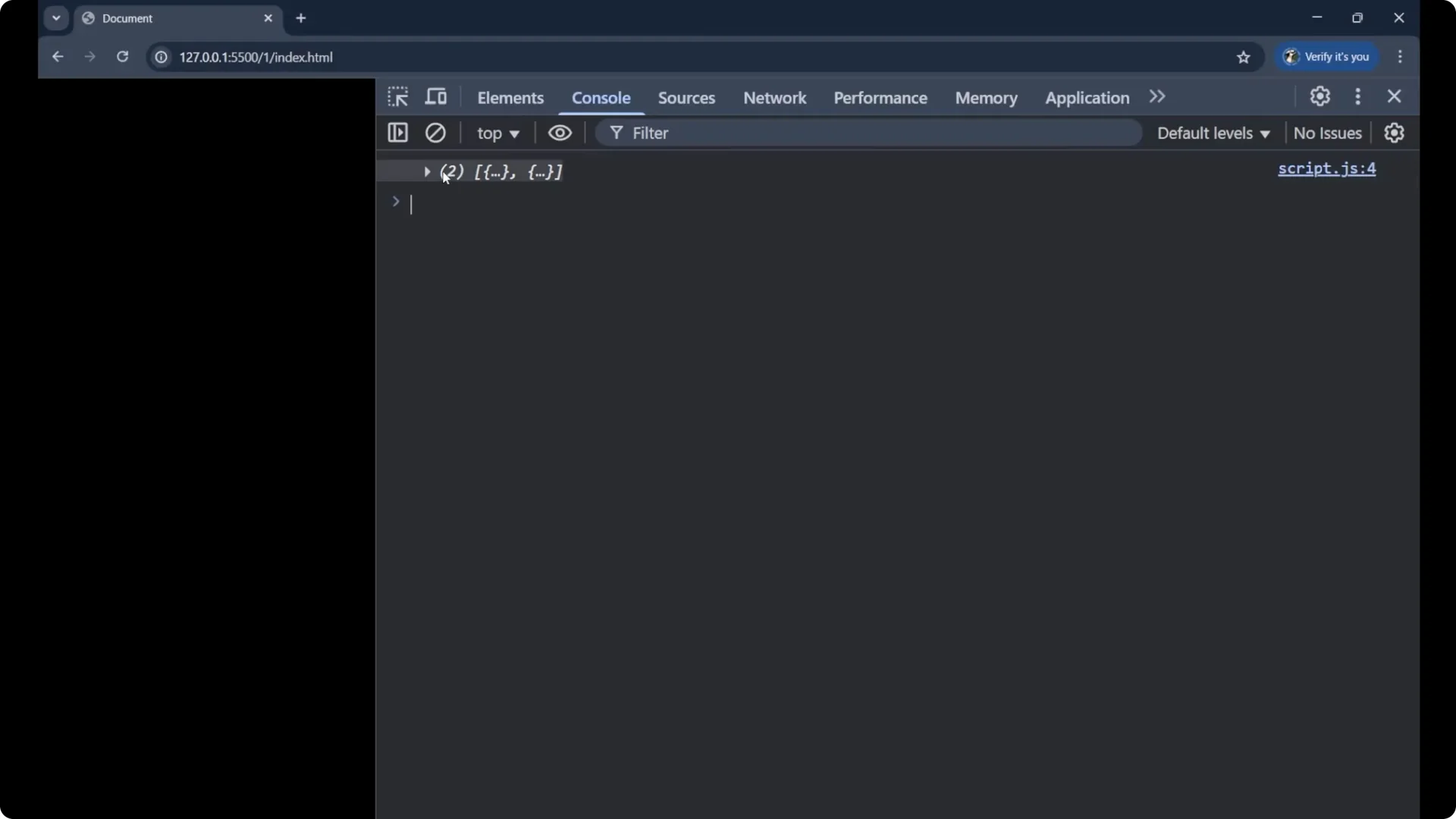
If your dataset comes in as a JSON string, you may need to parse it first. For a quick refresher, see
JSON parse.
If you plan to iterate through posts while testing, review
do while.
Final thoughts on JavaScript ES6 Modules
JavaScript ES6 Modules help you keep code organized by splitting functionality and data into separate files. Use
export to expose functions or data from one file, and
import to bring them into another. Always set
type=”module” on the script tag, include the .js extension in import paths, and keep large data in dedicated files so your main logic stays clean and readable.