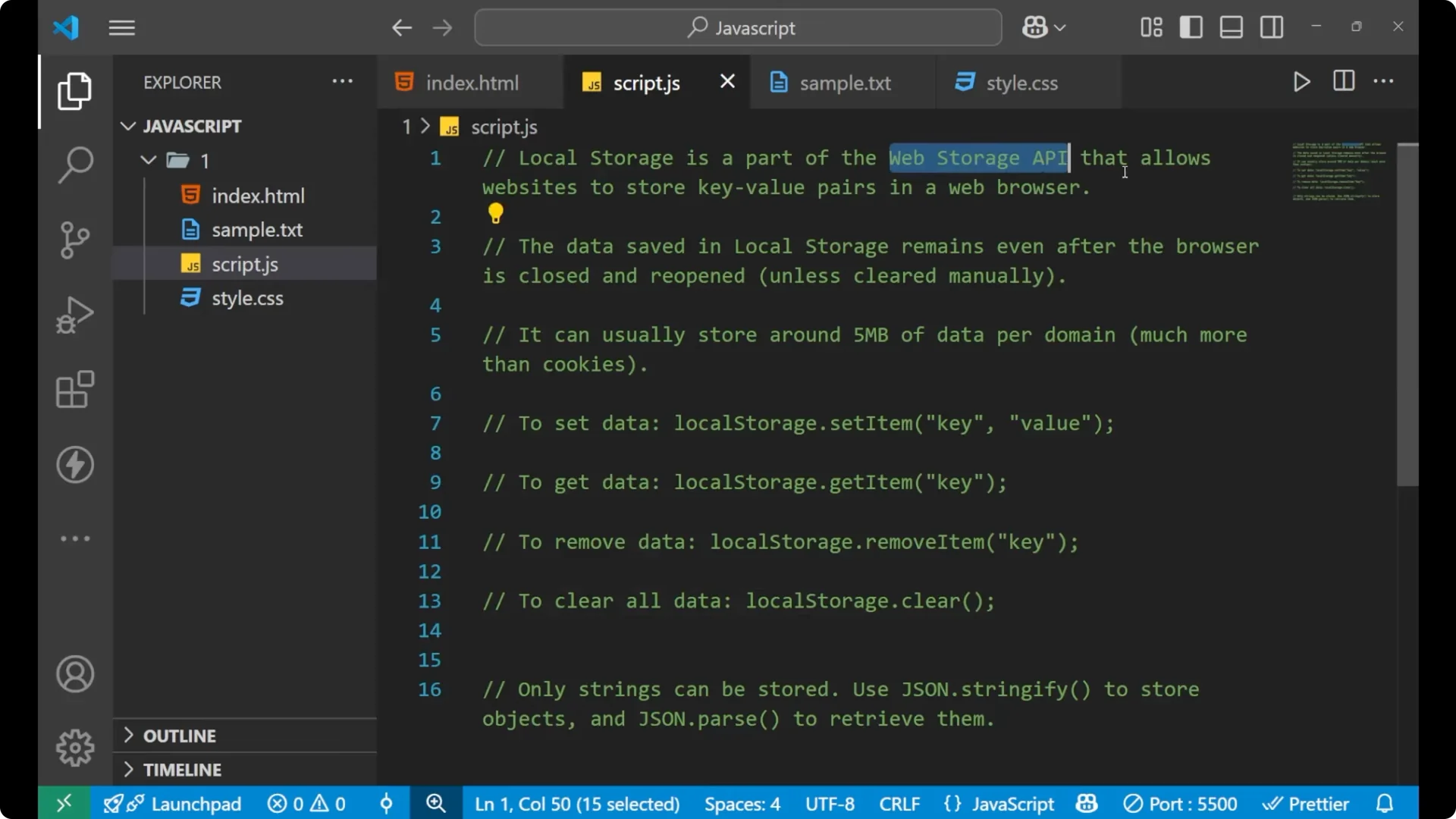
Local storage is basically a browser feature that allow you to store your data permanently. The data you store is in the form of key value pairs and it remains even after the page is reloaded or the browser is closed. It is a part of the
_Web Storage API_ that allow a website to store key value pairs in the browser. The limit is about
_5 MB per domain_. For larger needs we use cookies, which is a different topic we usually cover on the backend.
Basics of JavaScript Local Storage
Set data in JavaScript Local Storage
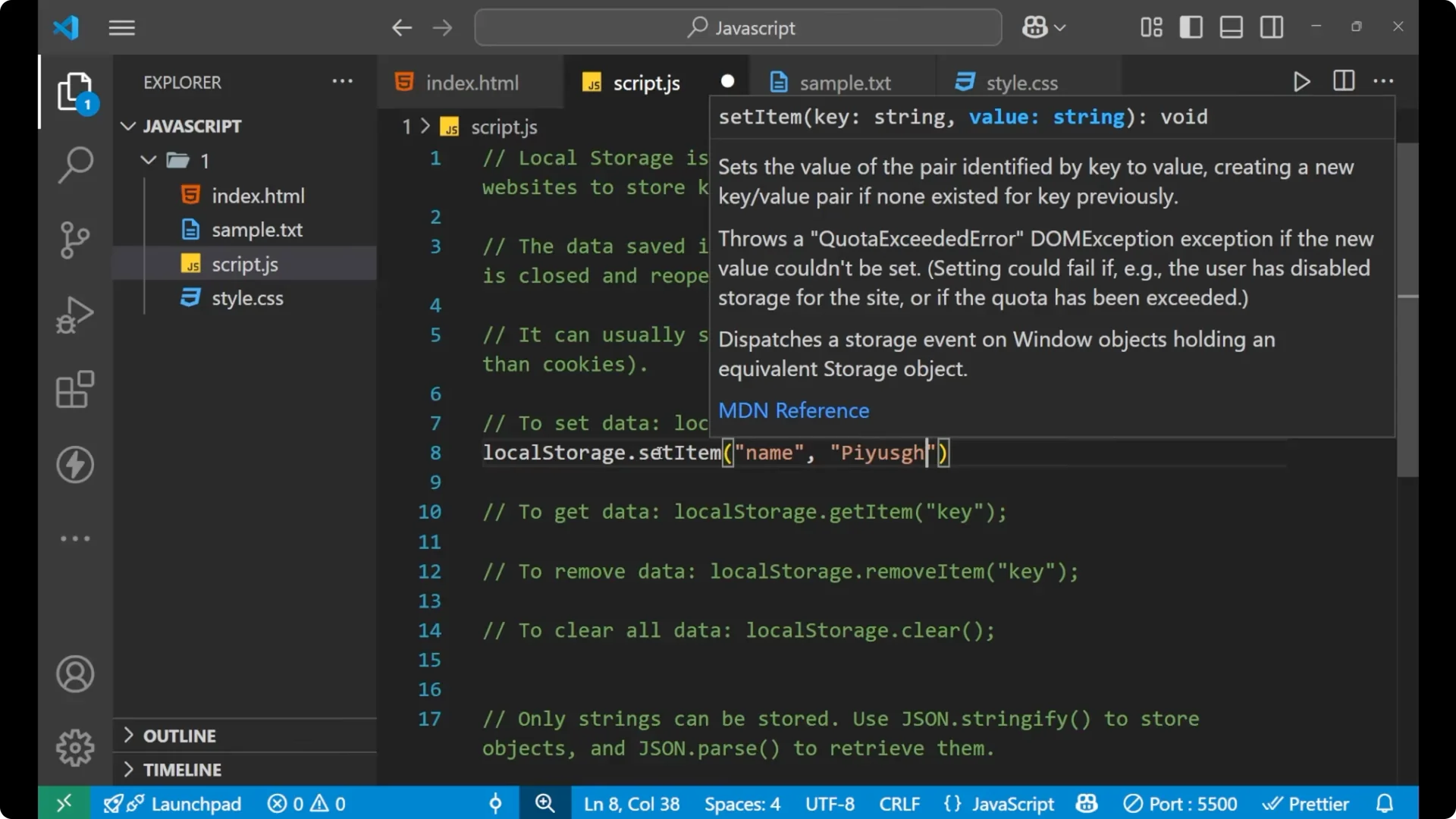
To store any item in local storage you call
_localStorage_ and use
_setItem_ with a key and a value.
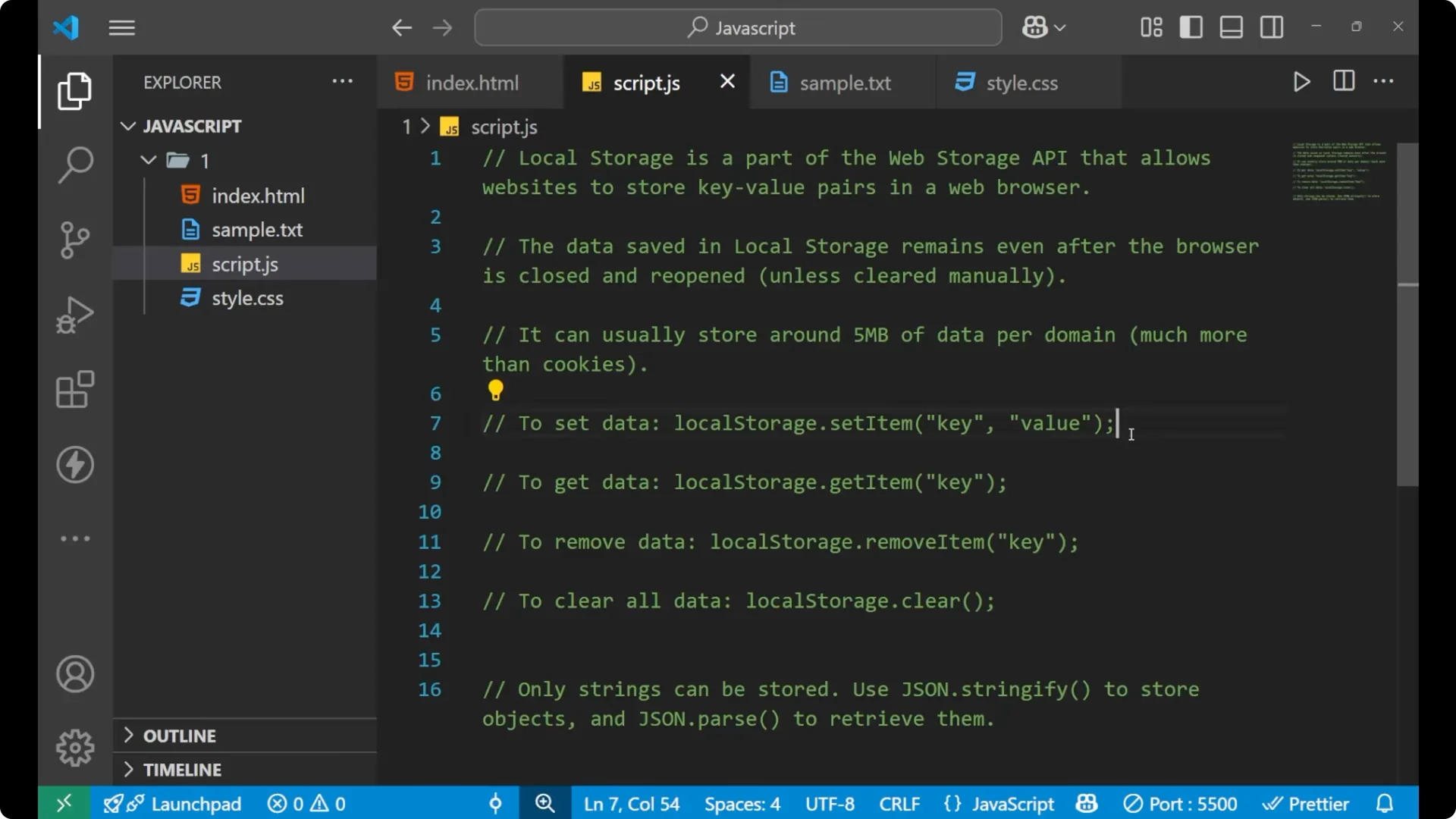
// set a simple key-value
localStorage.setItem('name', 'Push');
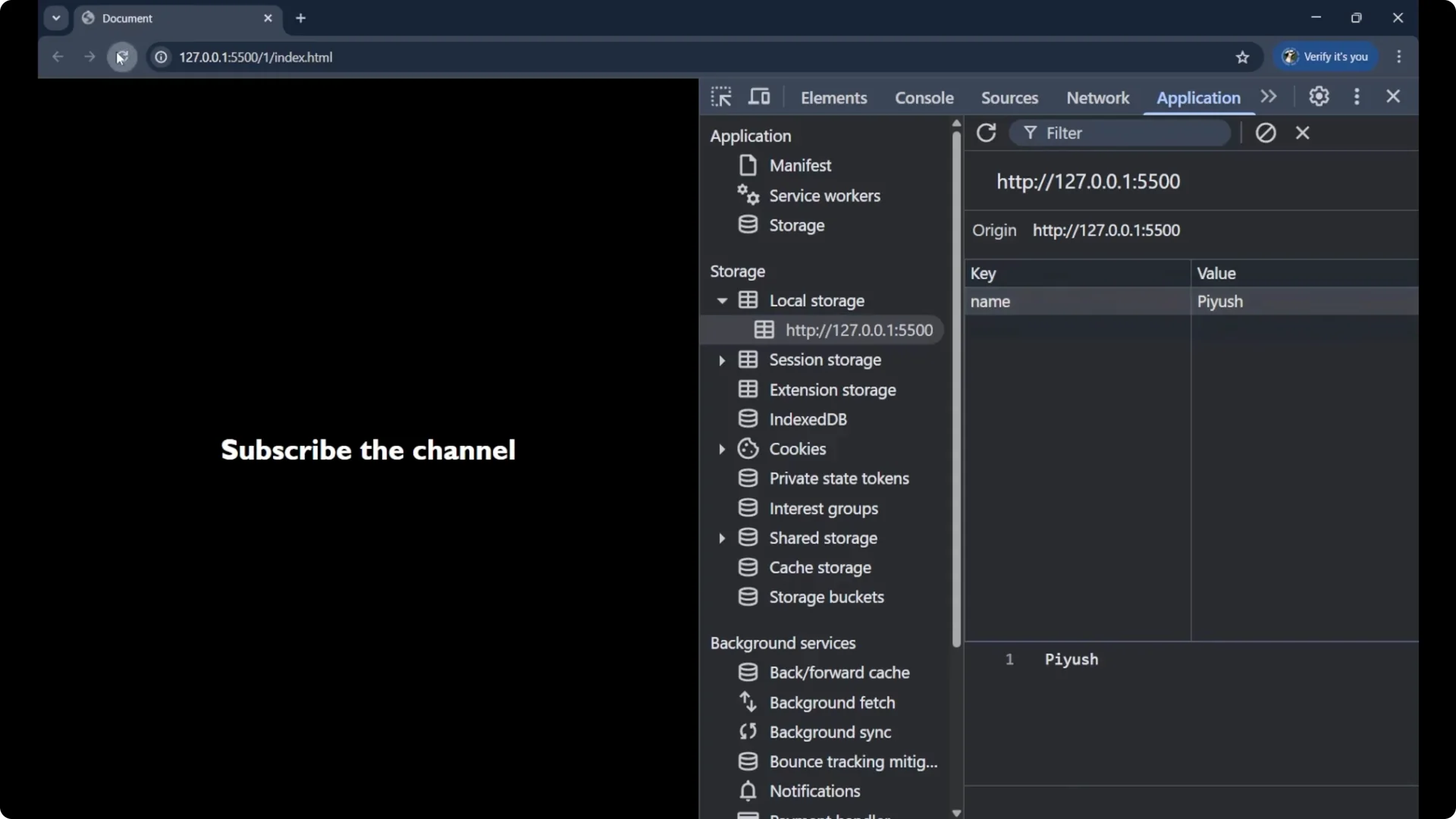
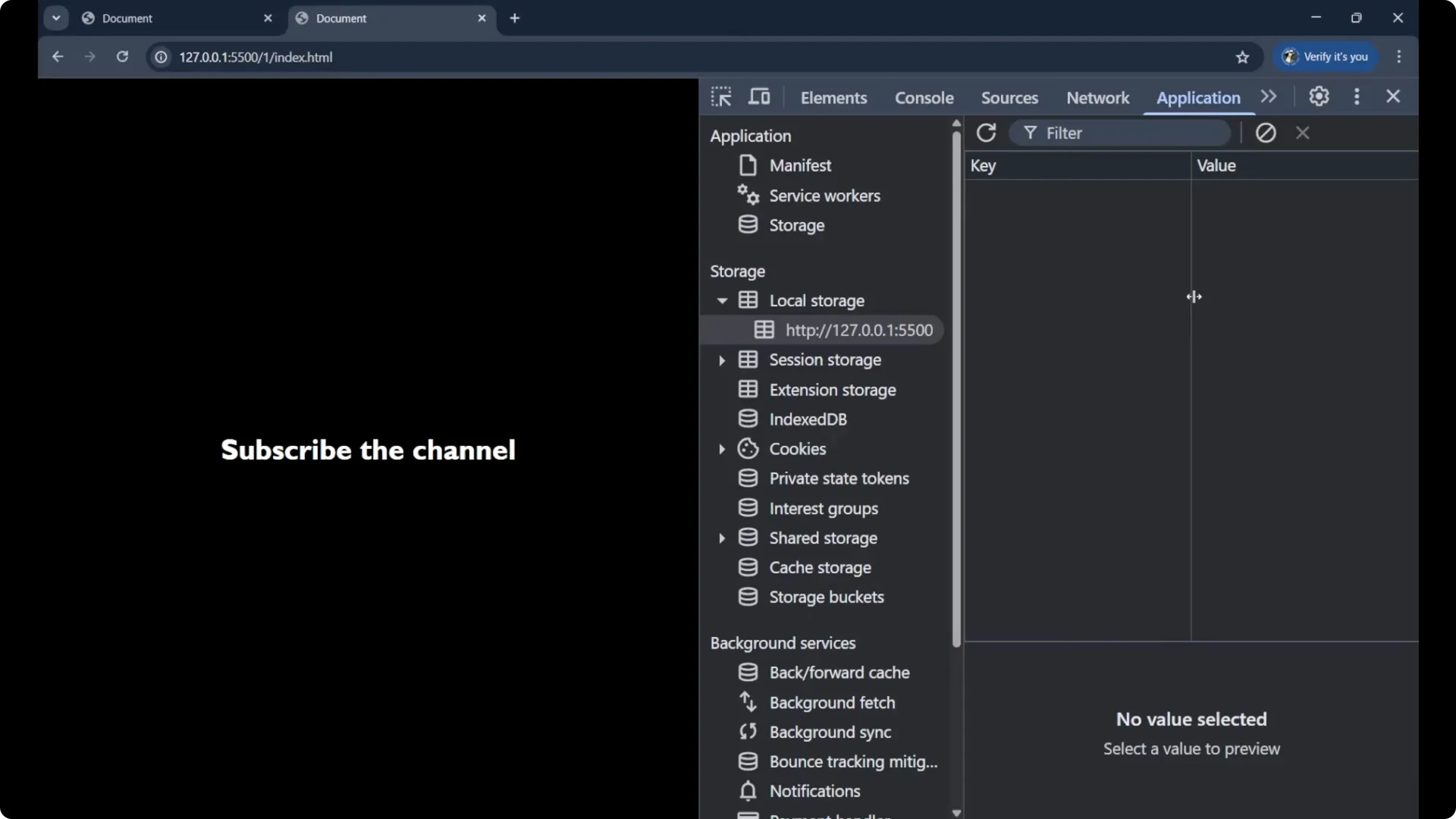
You can verify your keys and values in your browser devtools under Application – Local Storage. The data stays even after you refresh or close and reopen the browser.
Get data from JavaScript Local Storage
Use
_getItem_ with the key.
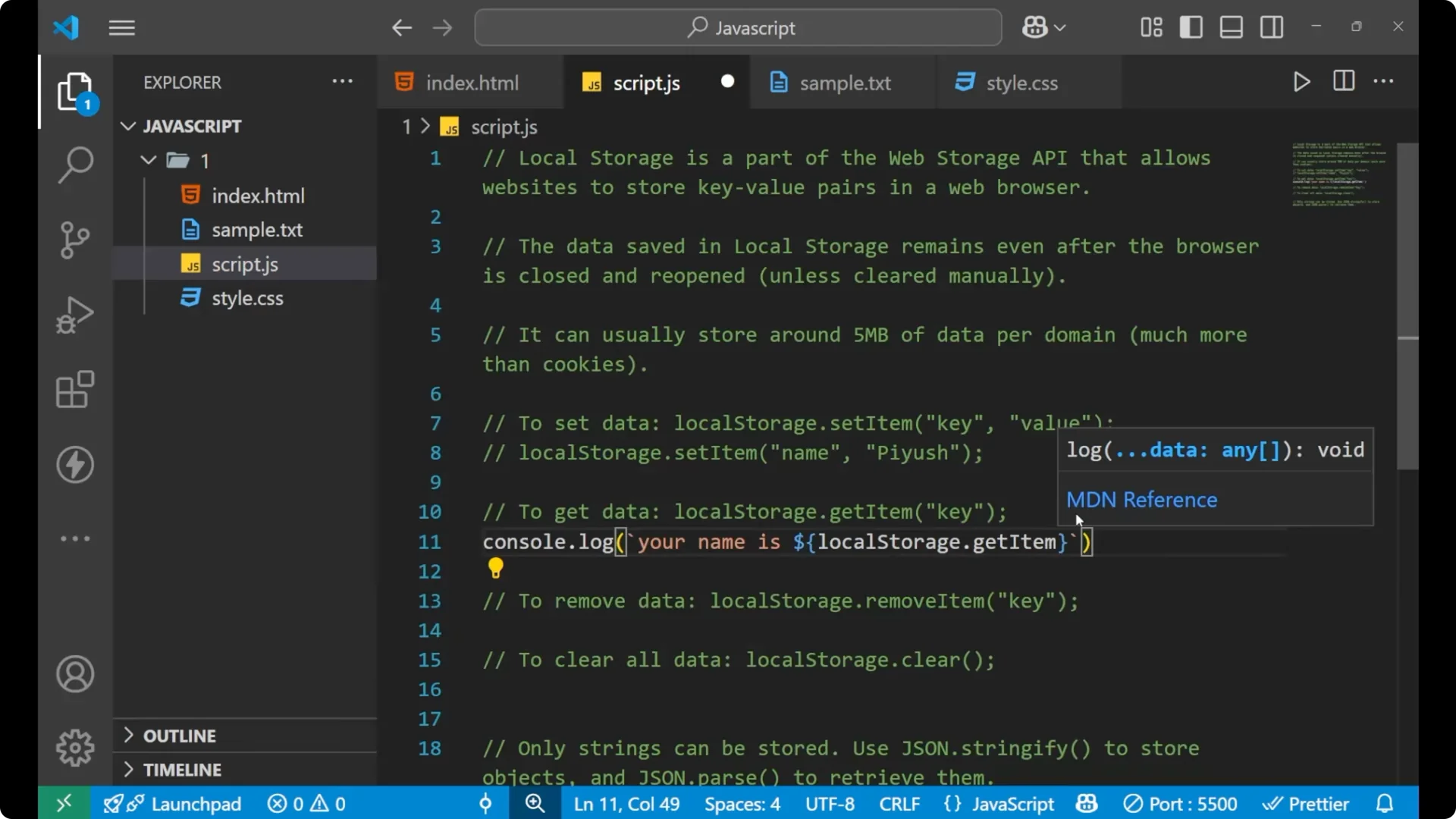
// print a value from localStorage
console.log(`Your name is ${localStorage.getItem('name')}`);
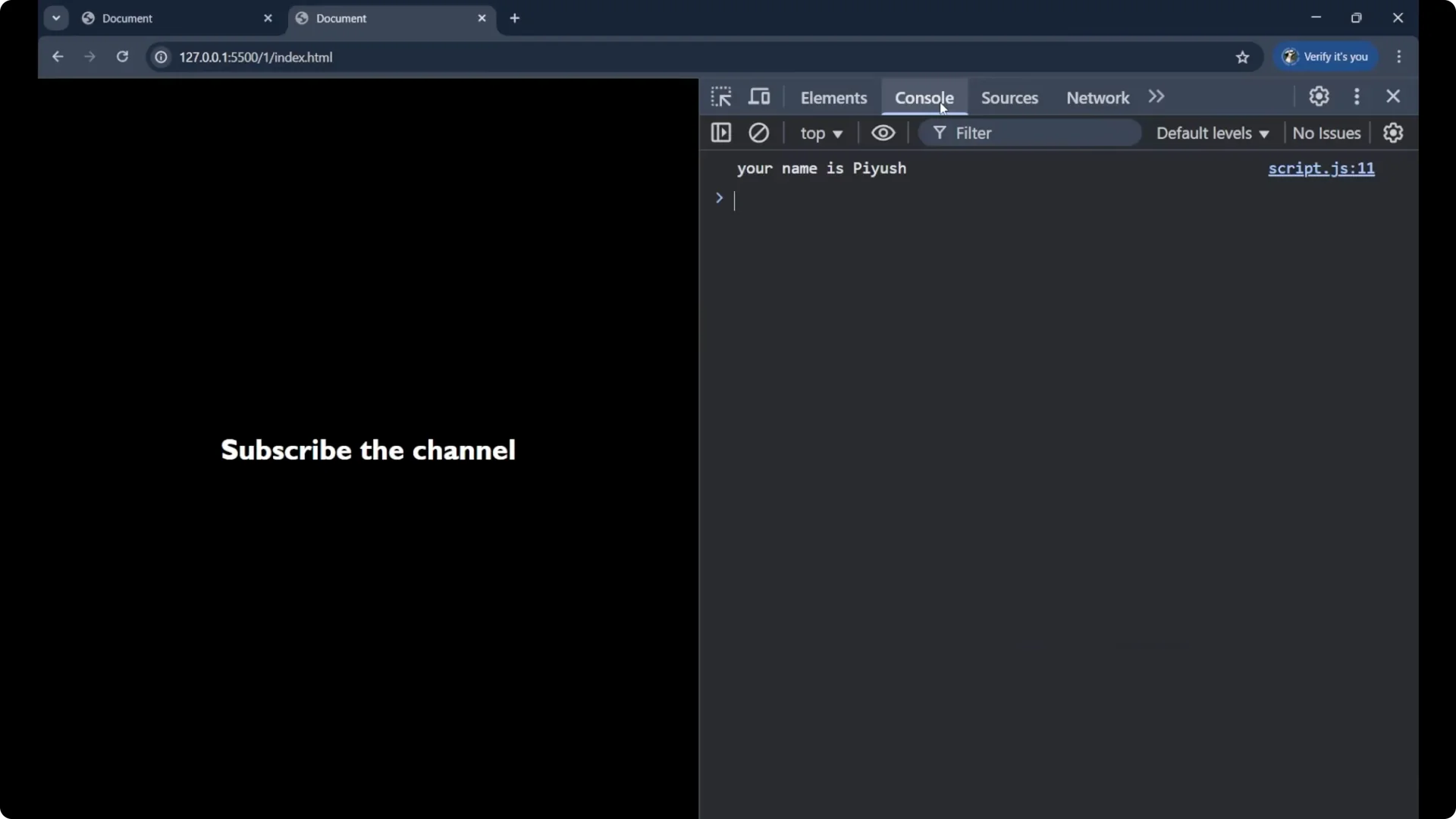
Local storage saves data as
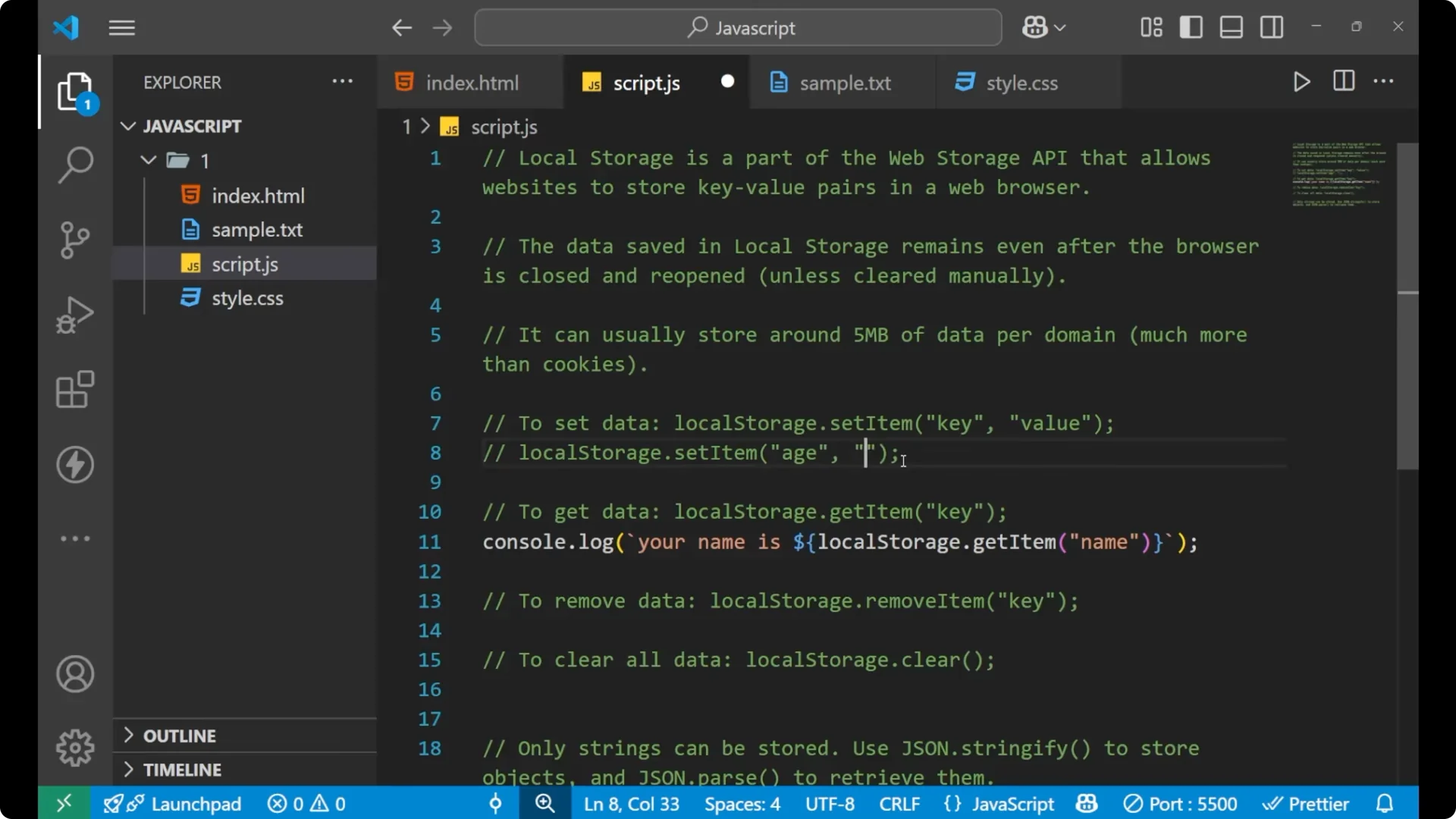
_strings only_. If you store a number like an age, it is still saved as a string.
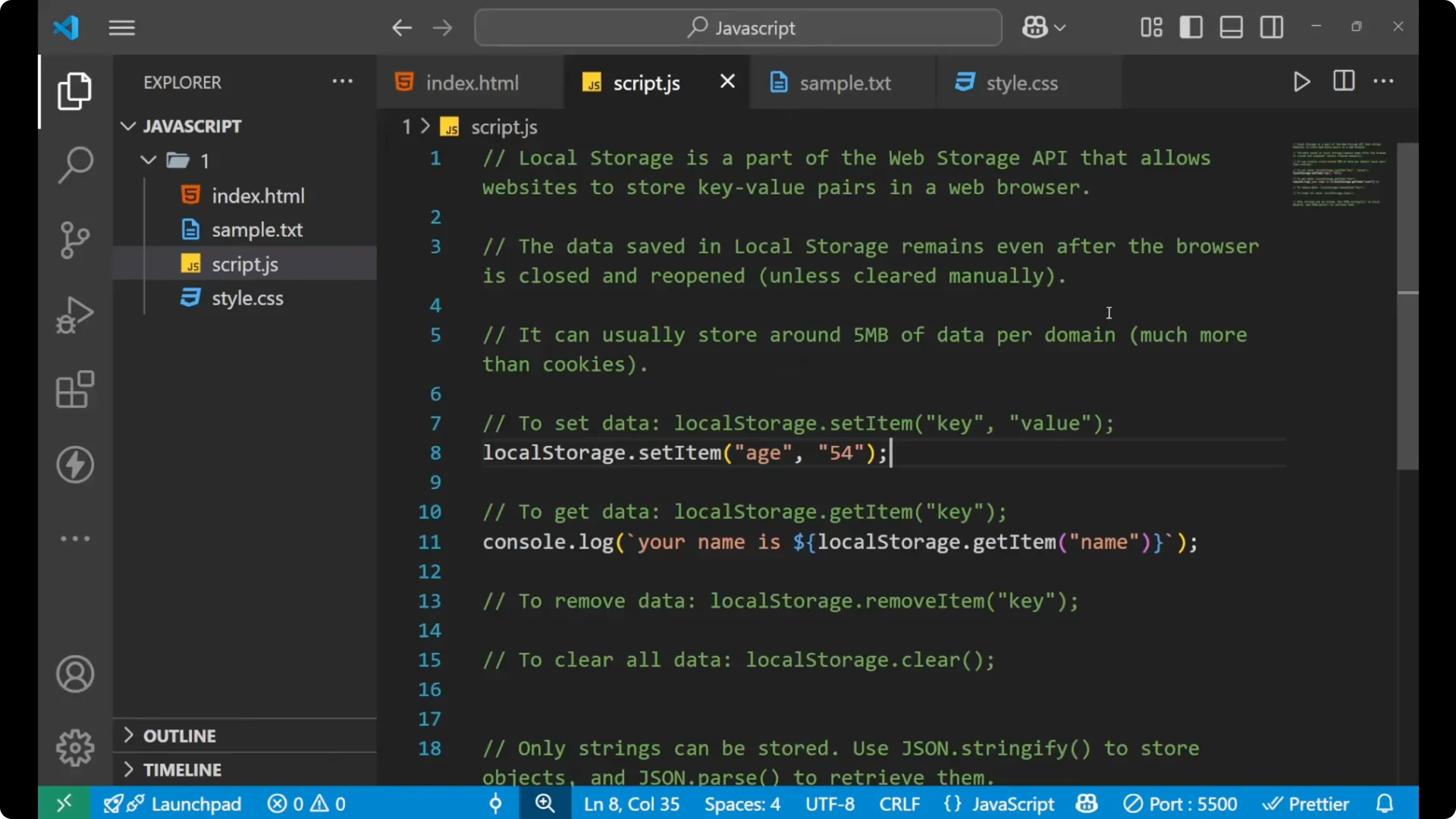
// storing a number still stores a string
localStorage.setItem('age', '54');
console.log(typeof localStorage.getItem('age')); // "string"
Remove and clear data in JavaScript Local Storage
To remove a single item use
_removeItem_ with the key.
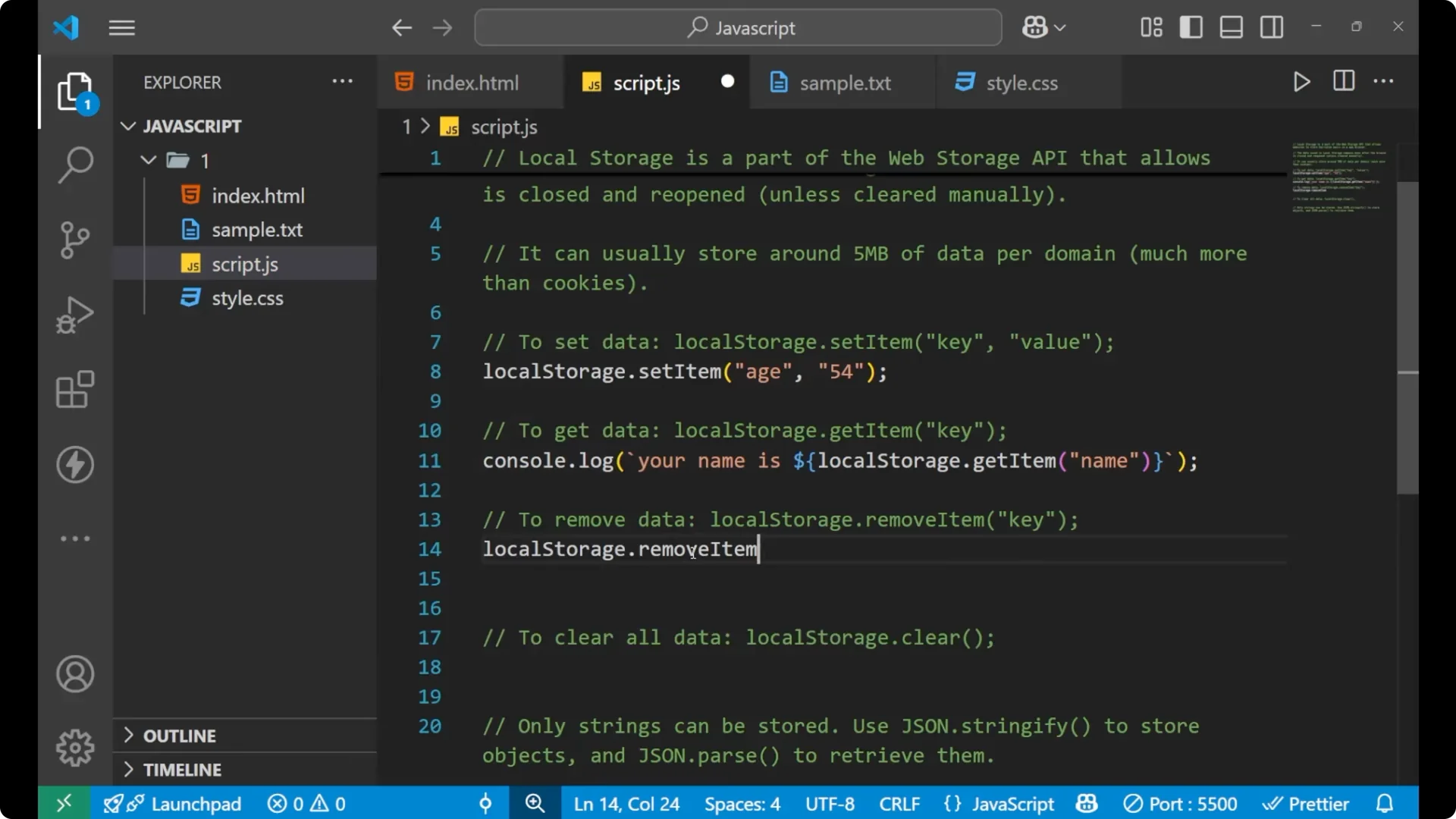
localStorage.removeItem('age');
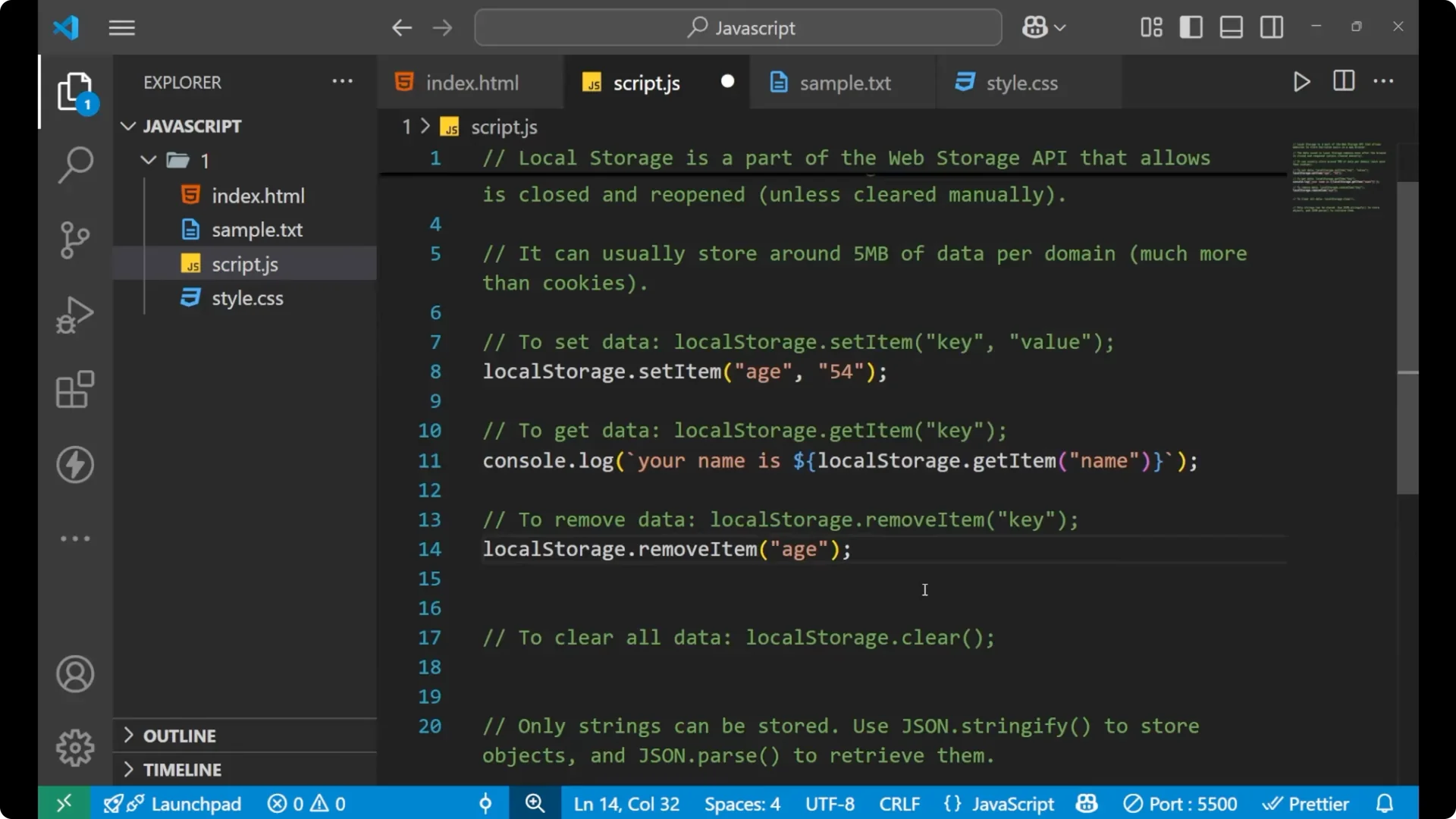
To clear everything use
_clear_.
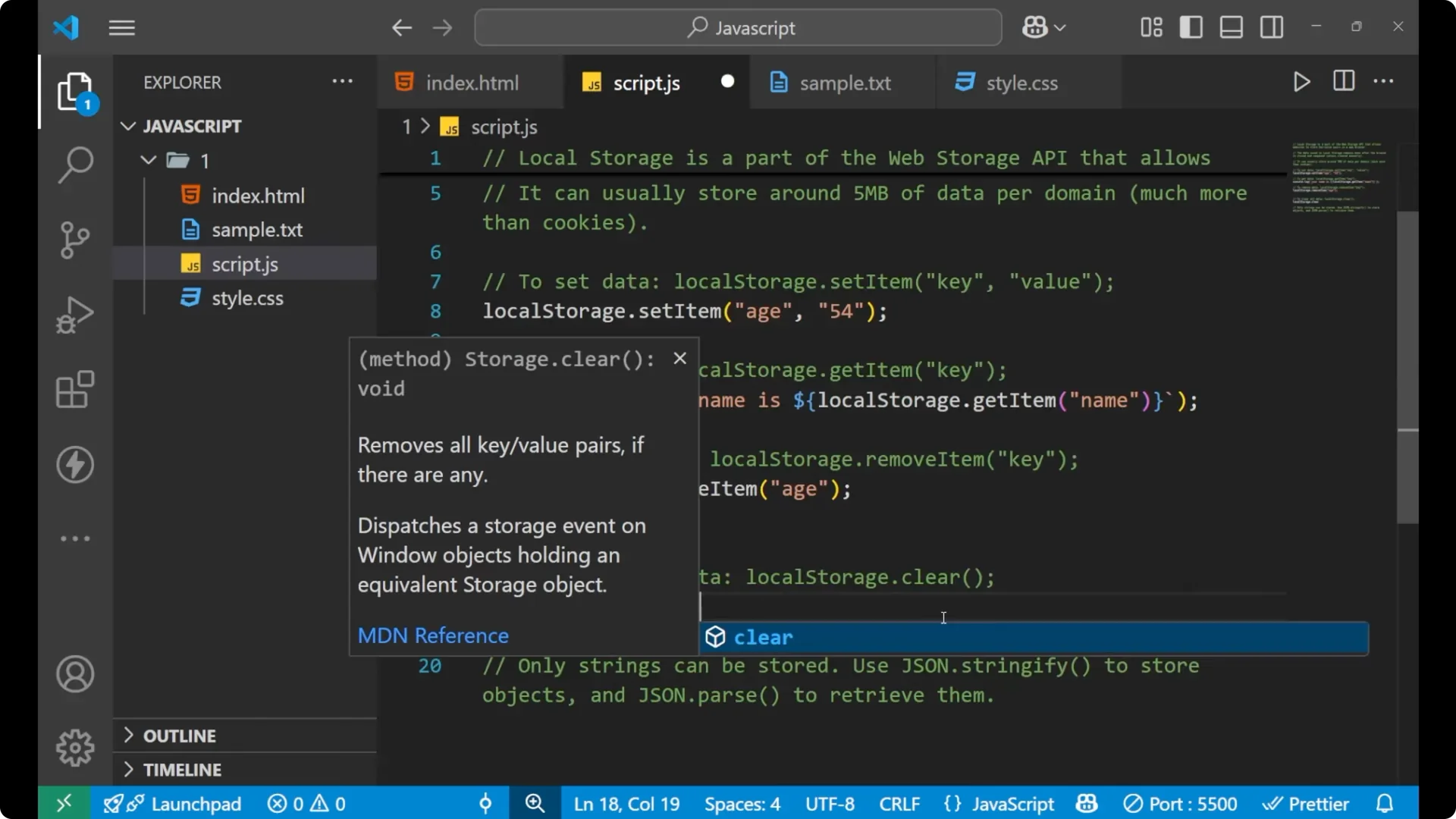
localStorage.clear();
 Read More: do while loops
Store objects in JavaScript Local Storage
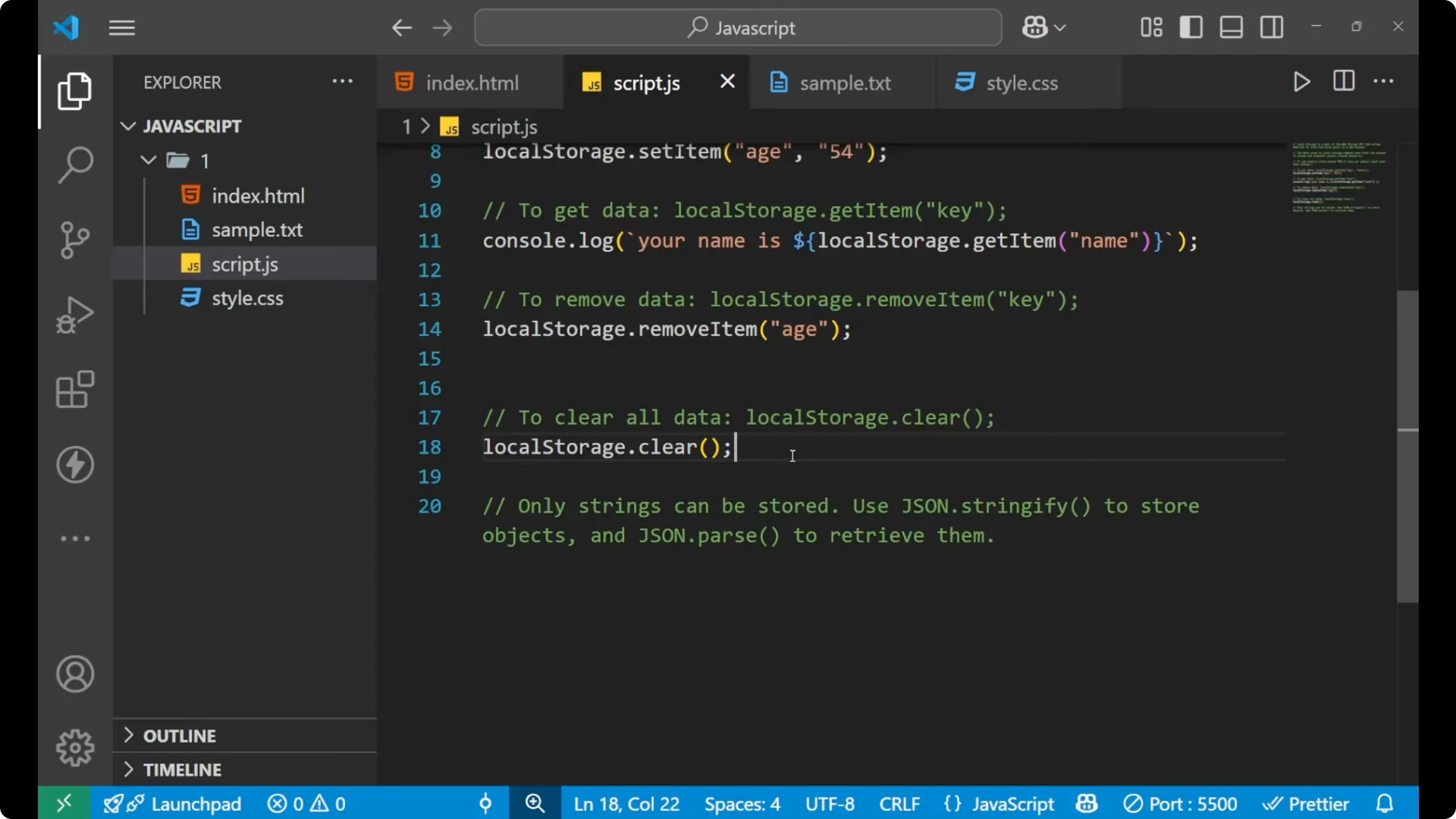
Only strings can be stored, so to store an object you first convert the object into a string using
_JSON.stringify_. To read it back as an object you convert the string into an object using
_JSON.parse_.
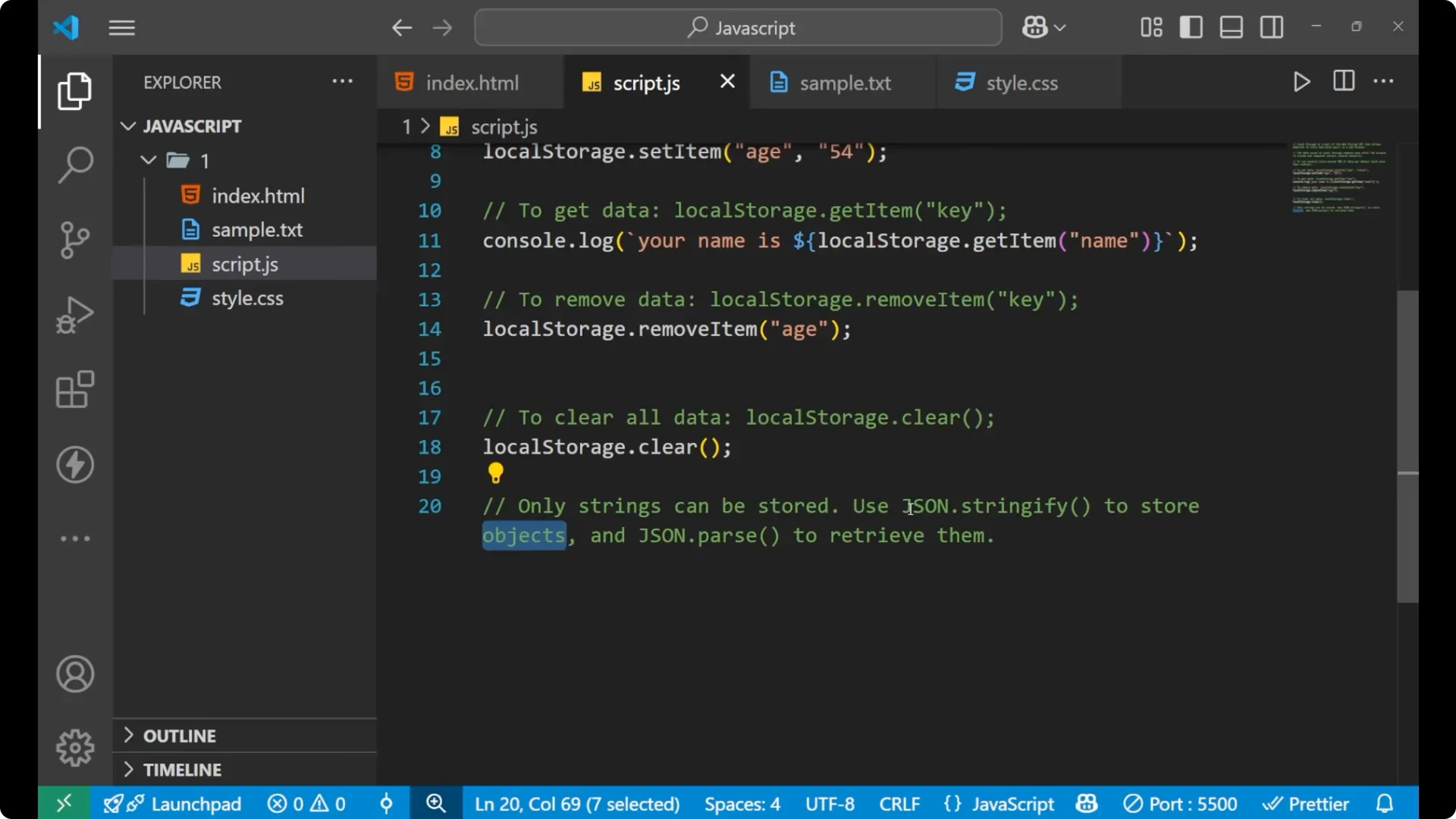
// an object to store
const userDetail = { name: 'P', age: 25 };

// store the object as a string
localStorage.setItem('user', JSON.stringify(userDetail));

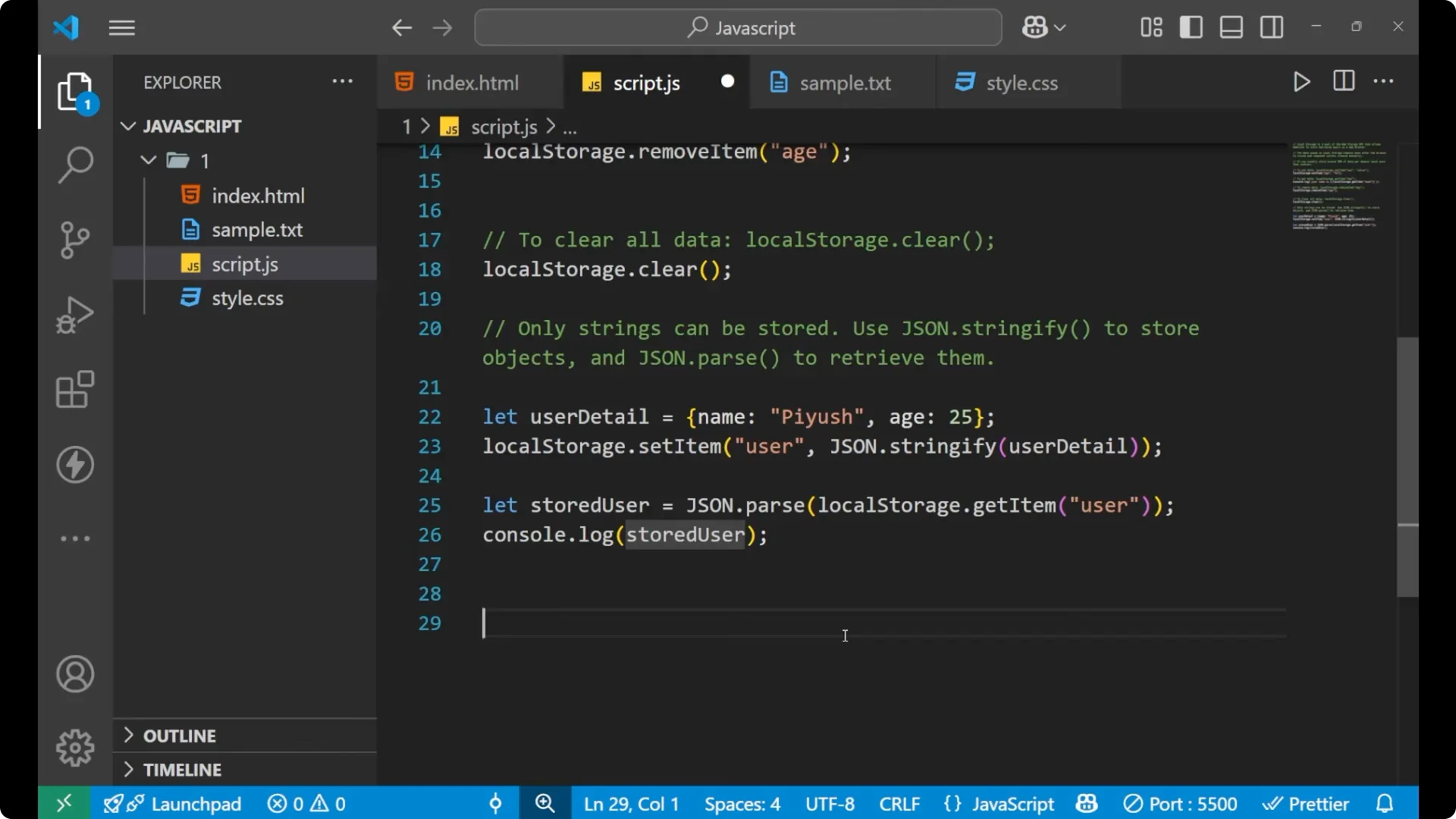
// get the string and convert back to an object
const storedUser = JSON.parse(localStorage.getItem('user'));

// use it
console.log(storedUser.name); // 'P'
console.log(storedUser.age);  // 25
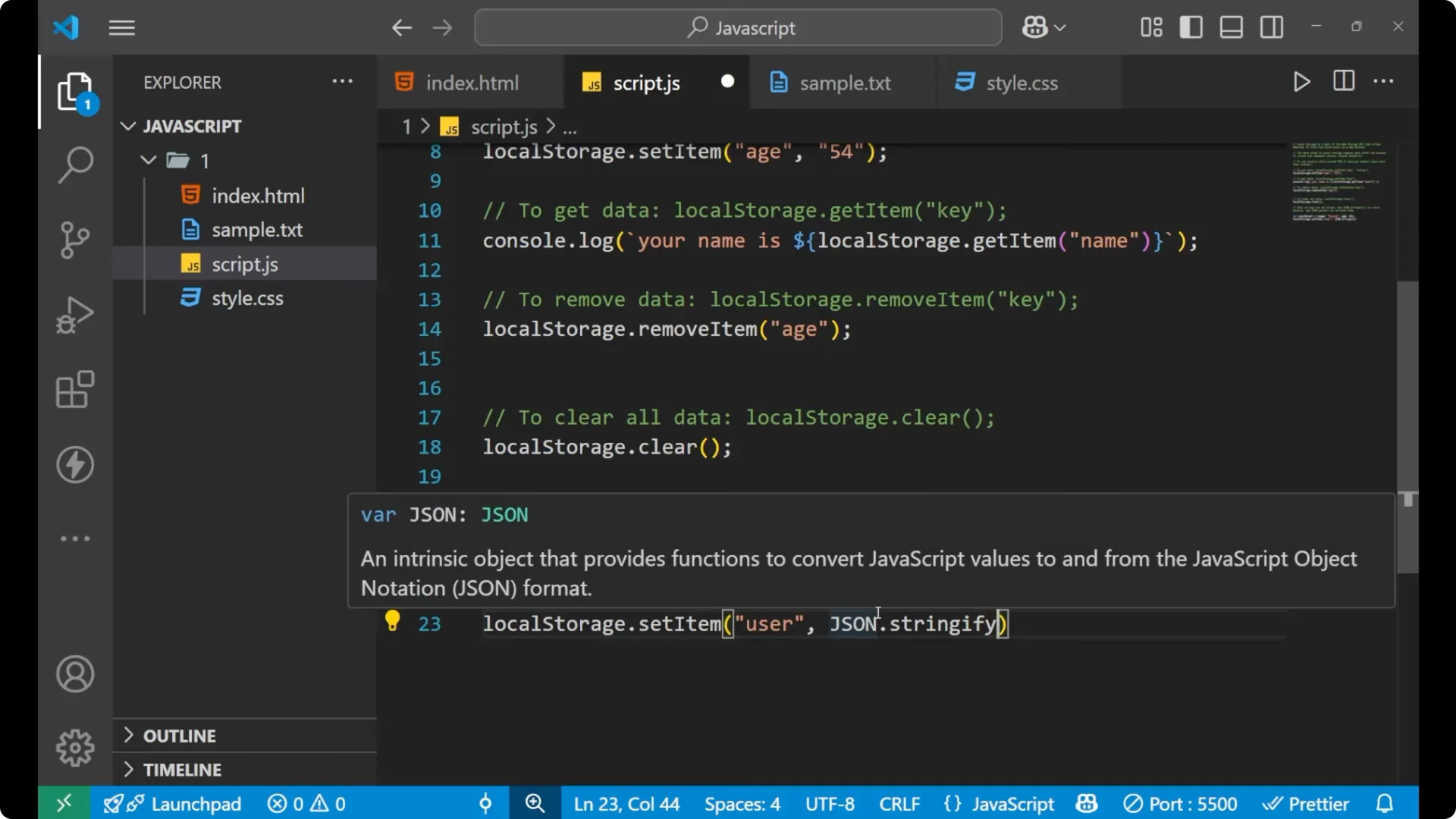
For a deeper refresher on parsing, see
JSON parse.
Mini project with JavaScript Local Storage
Let’s build a very simple page to save a name in local storage and show it on demand.
HTML setup
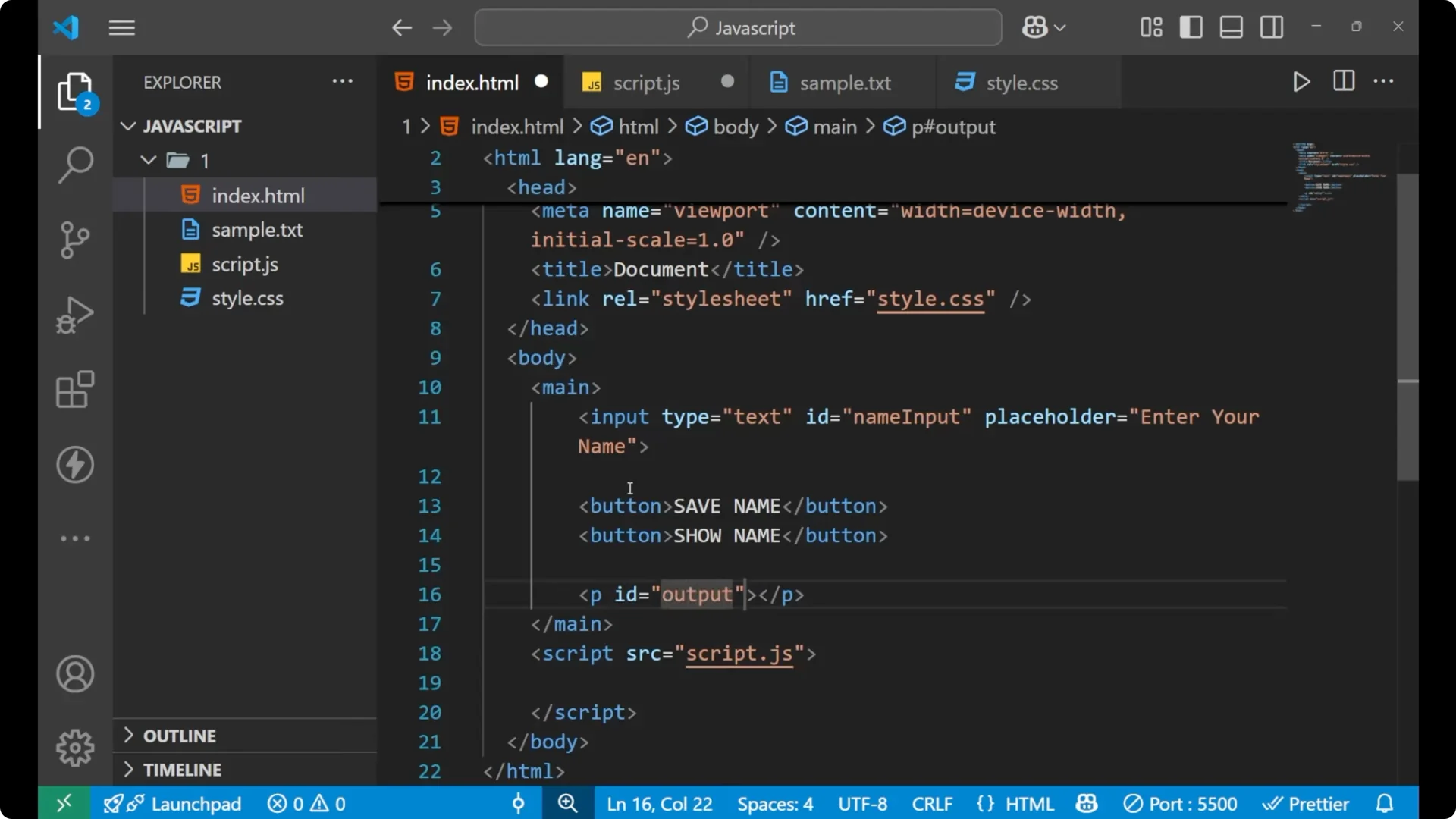
Step 1: Create the input, two buttons, and a paragraph to display output.
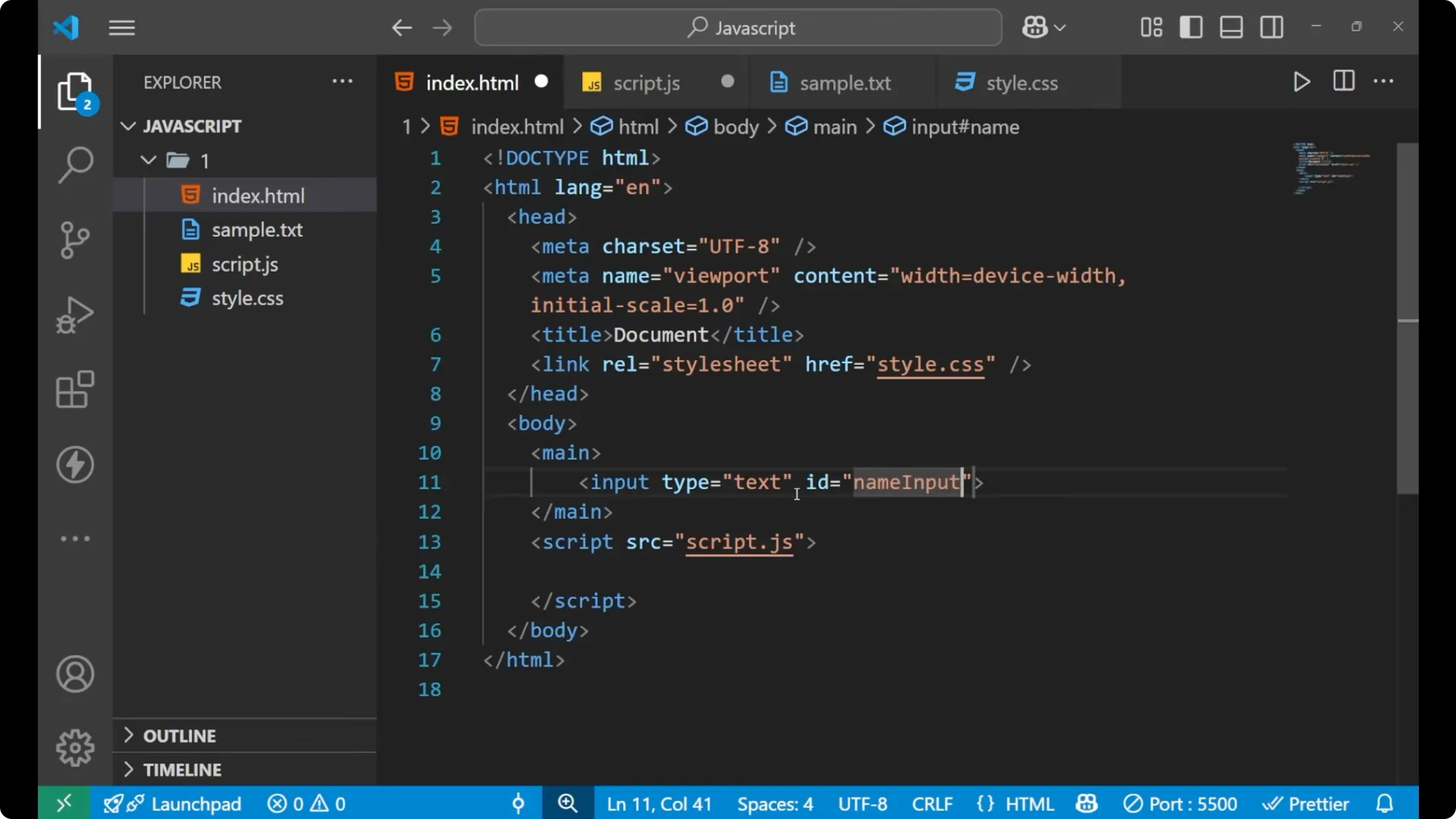
<input type="text" id="nameInput" placeholder="Enter your name" />
<button onclick="saveName()">Save name</button>
<button onclick="showName()">Show name</button>
<p id="output"></p>
JavaScript logic
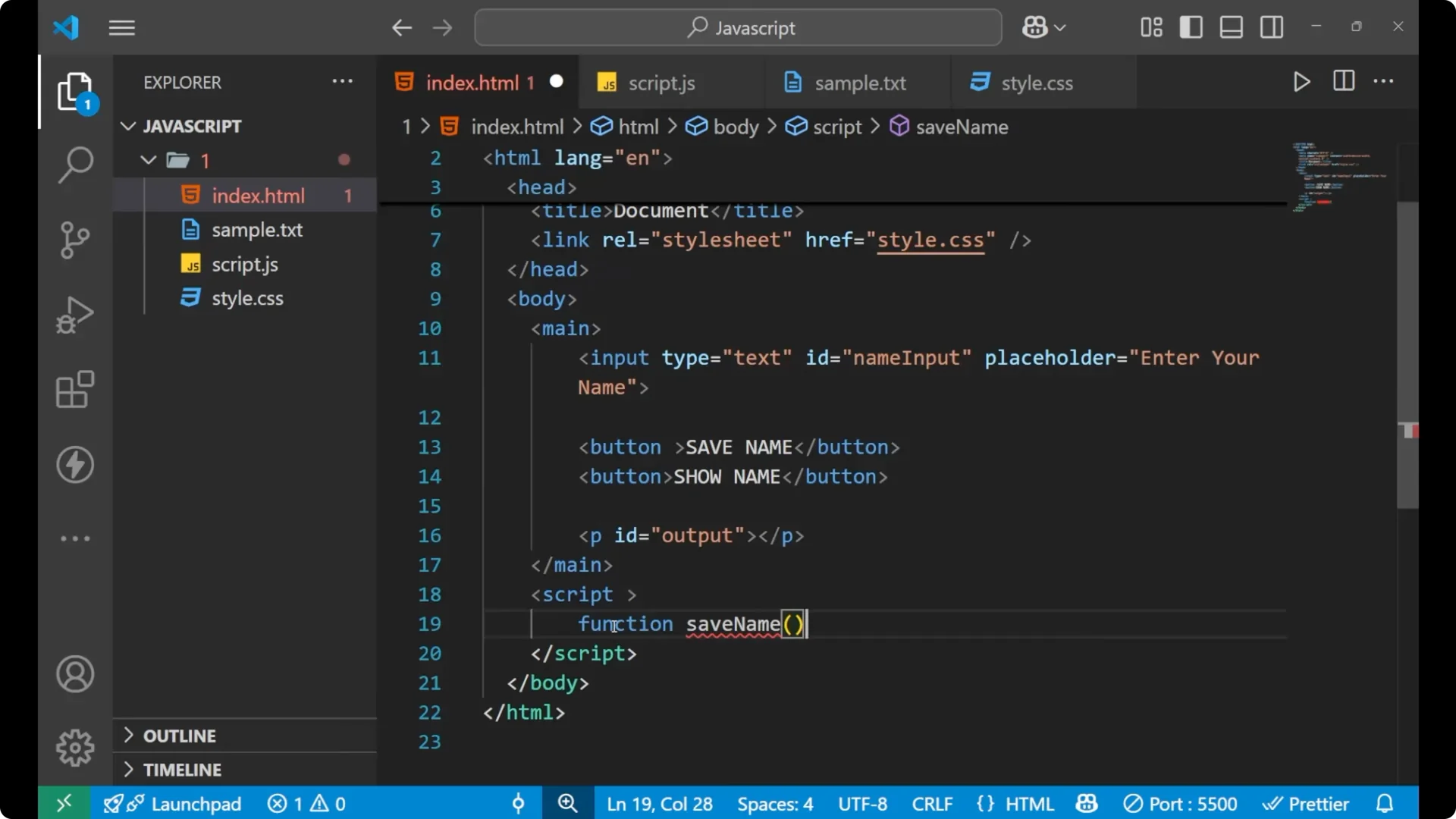
Step 2: Create a function to save the name from the input into local storage using
_setItem_.
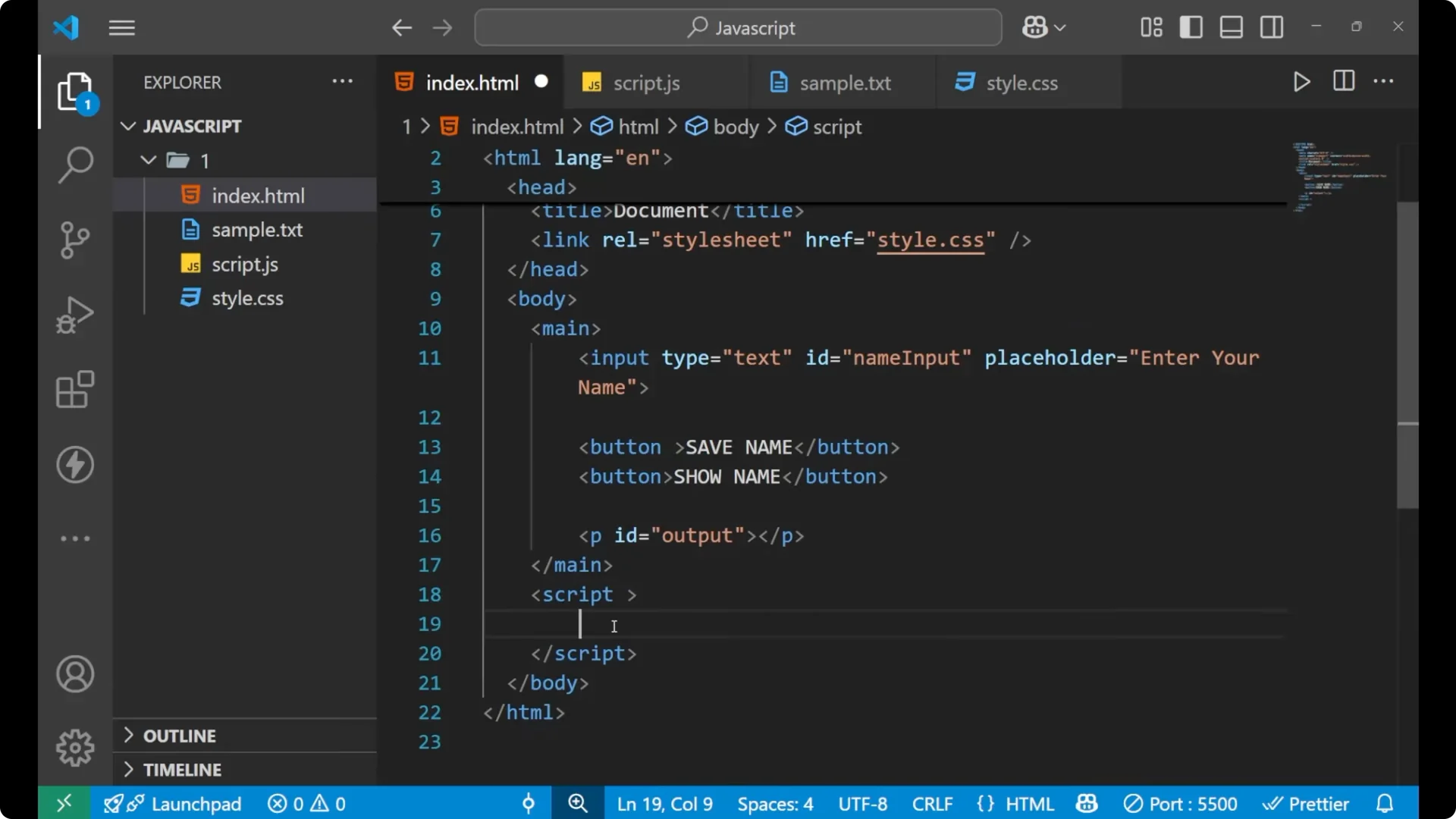
<script>
  function saveName() {
    const name = document.getElementById('nameInput').value;
    localStorage.setItem('username', name);
  }
</script>
Step 3: Create a function to read the name from local storage using
_getItem_ and print it inside the paragraph.
<script>
  function showName() {
    const savedData = localStorage.getItem('username');
    document.getElementById('output').innerText = 'Hello ' + savedData;
  }
</script>
Test persistence
Step 4: Type a name and click Save name. Refresh the page. Click Show name. You will still get the same value because the name is stored in
_localStorage_ and persists across reloads and browser restarts until you remove it or clear everything.
Read More: switch case
Final thoughts
Local storage is easy to work with once you know the core methods:
_setItem_,
_getItem_,
_removeItem_, and
_clear_. Remember that storage is
_strings only_, so use
_JSON.stringify_ when saving objects and
_JSON.parse_ when reading them back. With key value pairs that persist and a limit of about 5 MB per domain,
_JavaScript Local Storage_ is a simple way to keep small pieces of data available across page loads.