
We are going to learn about JavaScript Call, Apply, Bind and how they help control the this keyword inside a function.
We will see how each one works step by step, with simple examples you can run in the console.
Read More: switch case
Controlling this with JavaScript Call, Apply, Bind
The goal with call, apply, and bind is to set a specified this context for a function.
You pass the context as an argument, but you do not take it as a parameter inside the function. You will understand it clearly with the code.
JavaScript Call
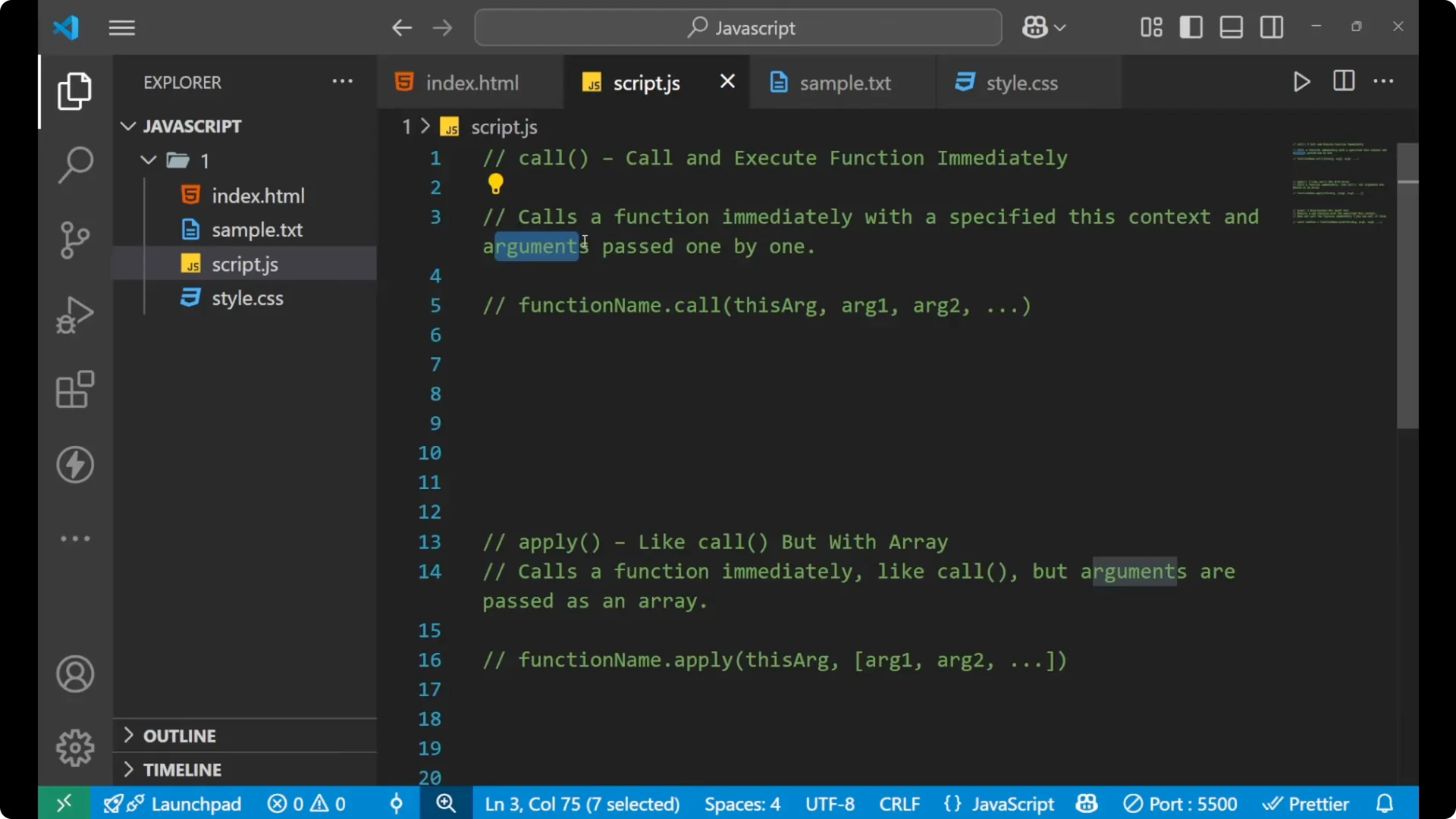
The call function calls a function immediately with a specified this context and arguments which are passed one by one.
You pass this context as an argument but not take it as a parameter.
Example:
const person = { name: 'P' };
function greet(age, city) {
  console.log(`Hi, my name is ${this.name}, ${age} years old living in ${city}.`);
}
greet.call(person, 45, 'Mumbai');
// Output: Hi, my name is P, 45 years old living in Mumbai.
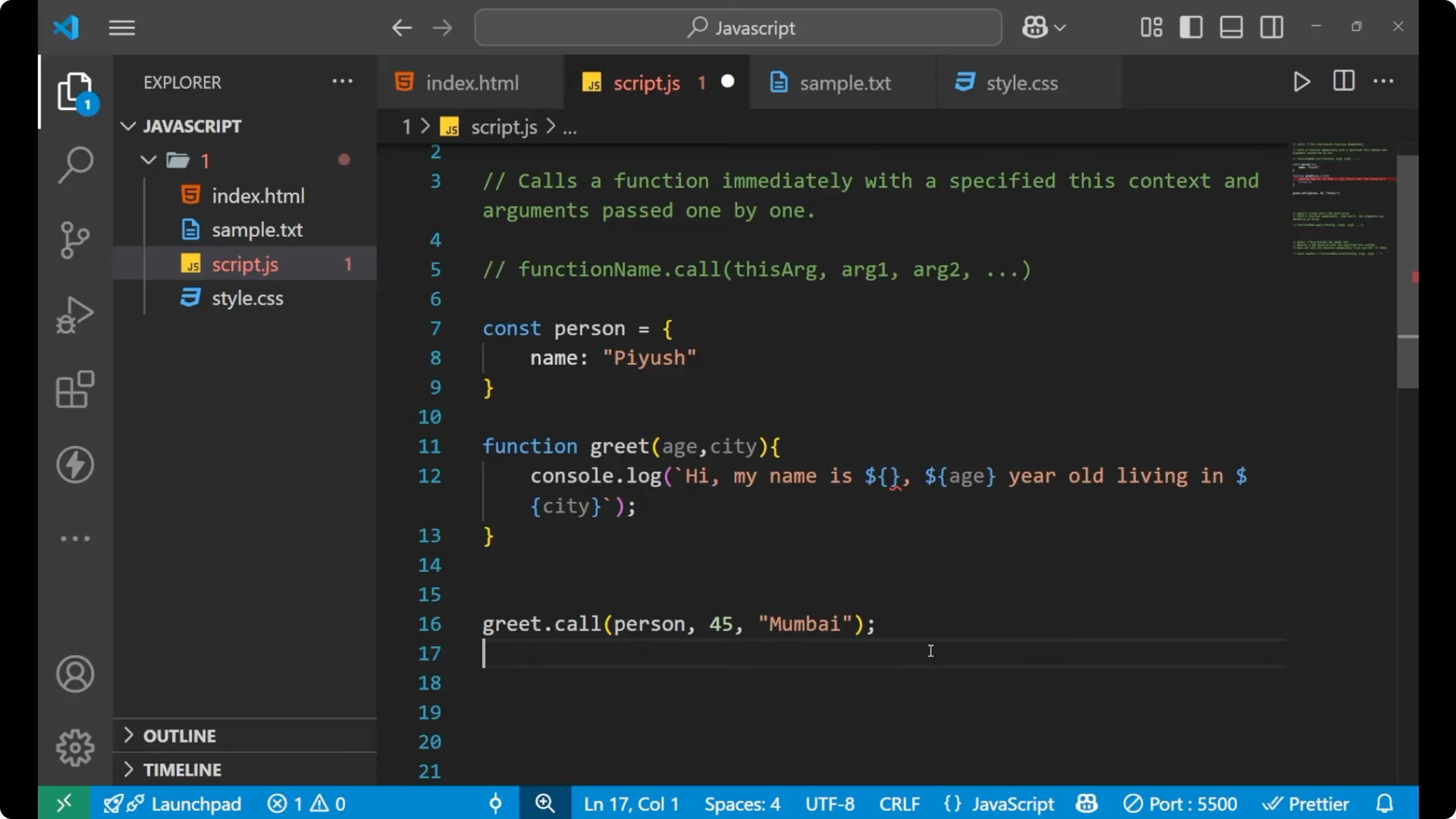
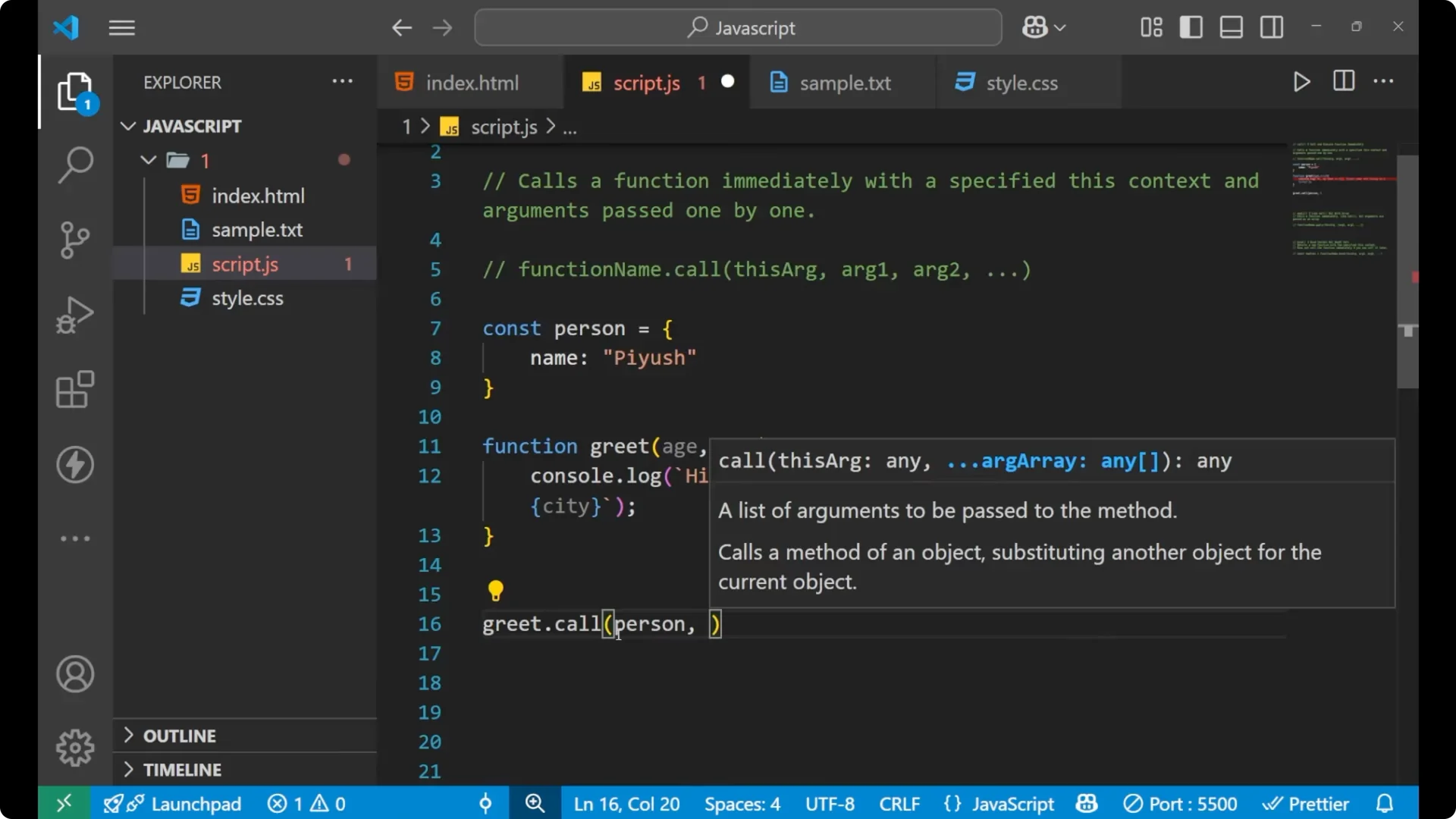
When you pass it as an argument with the help of this `call` method, it goes inside the function and you can use it using the this keyword, like `this.name`.
This specifies the `person` object.
This saves the memory of your particular function.
How to do it step by step:
Create an object with some data.
Create a function that expects normal parameters but uses `this` inside.
Call the function with `functionName.call(thisContext, arg1, arg2, …)`.
JavaScript Apply
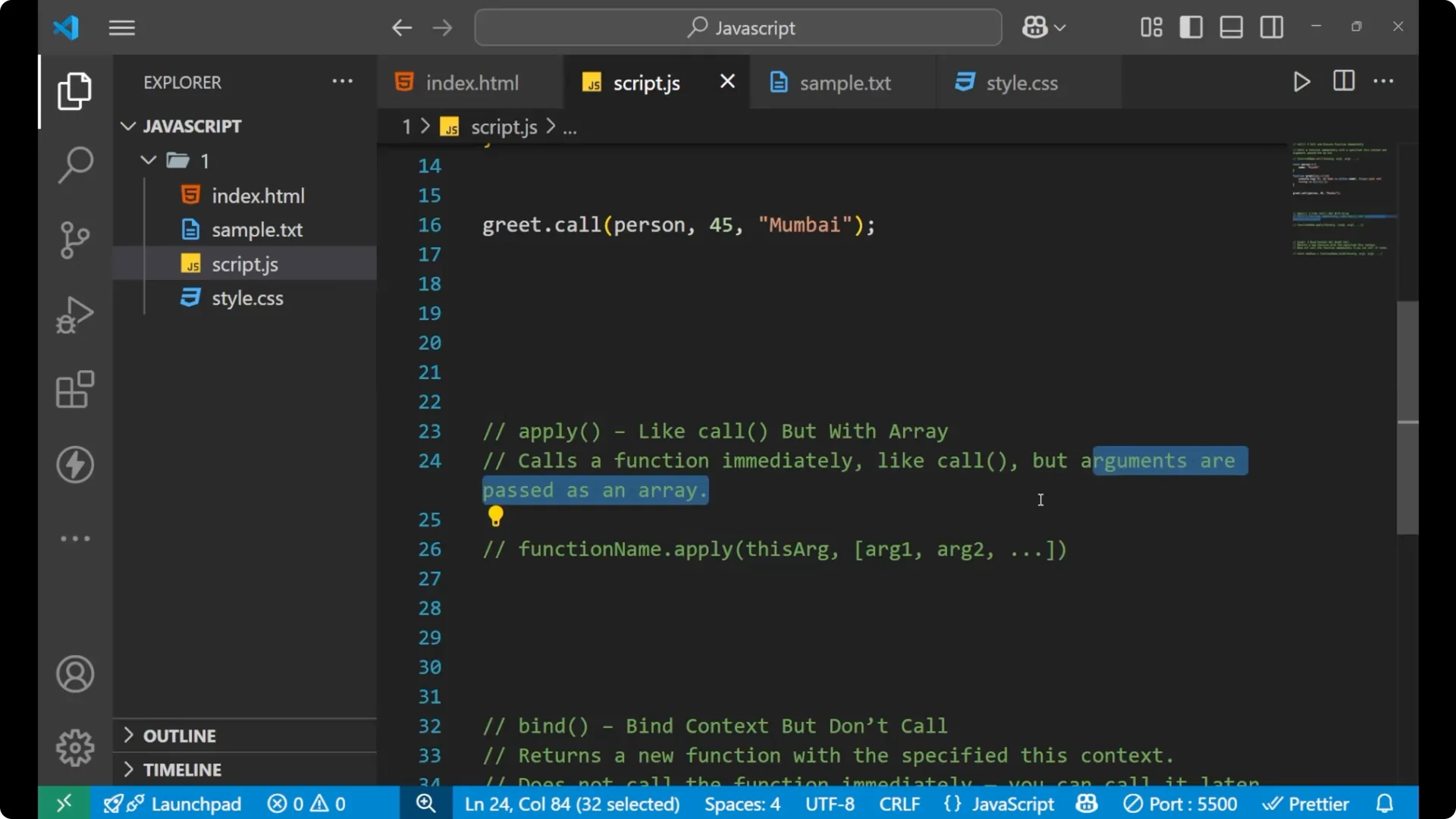
Like `call`, it also works the same, but the only thing which is different is that the arguments are passed as an array.
The thing which we were doing one by one with `call`, we do here as an array.
Example:
const person = { name: 'P' };
function greet(age, city) {
  console.log(`Hi, my name is ${this.name}, ${age} years old living in ${city}.`);
}
greet.apply(person, [45, 'Mumbai']);
// Output: Hi, my name is P, 45 years old living in Mumbai.
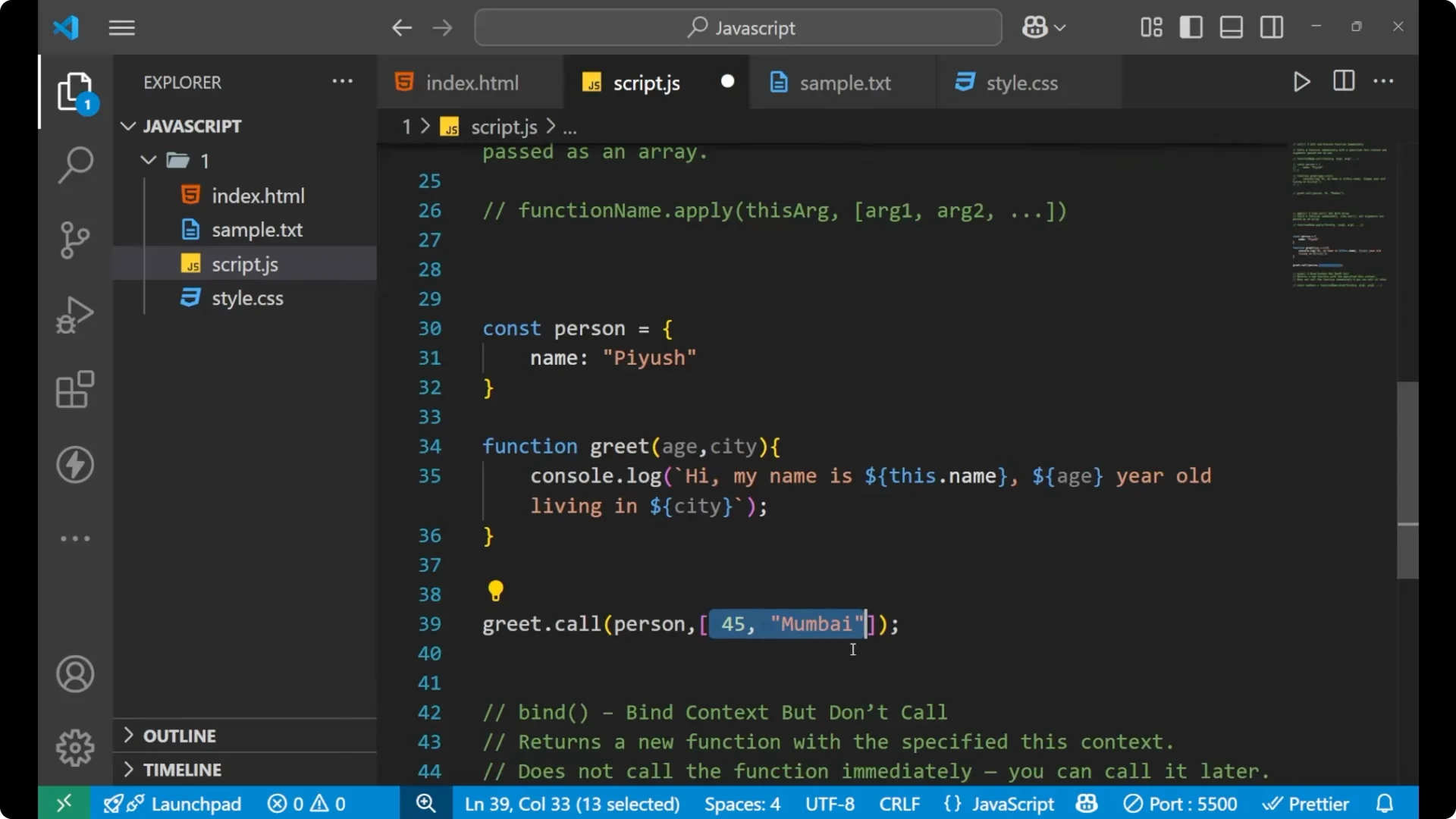
When you put an `apply` here, you can share the data in the form of an array, and it will work the same.
If your arguments are coming from parsed data, see JSON parse.
JavaScript Bind
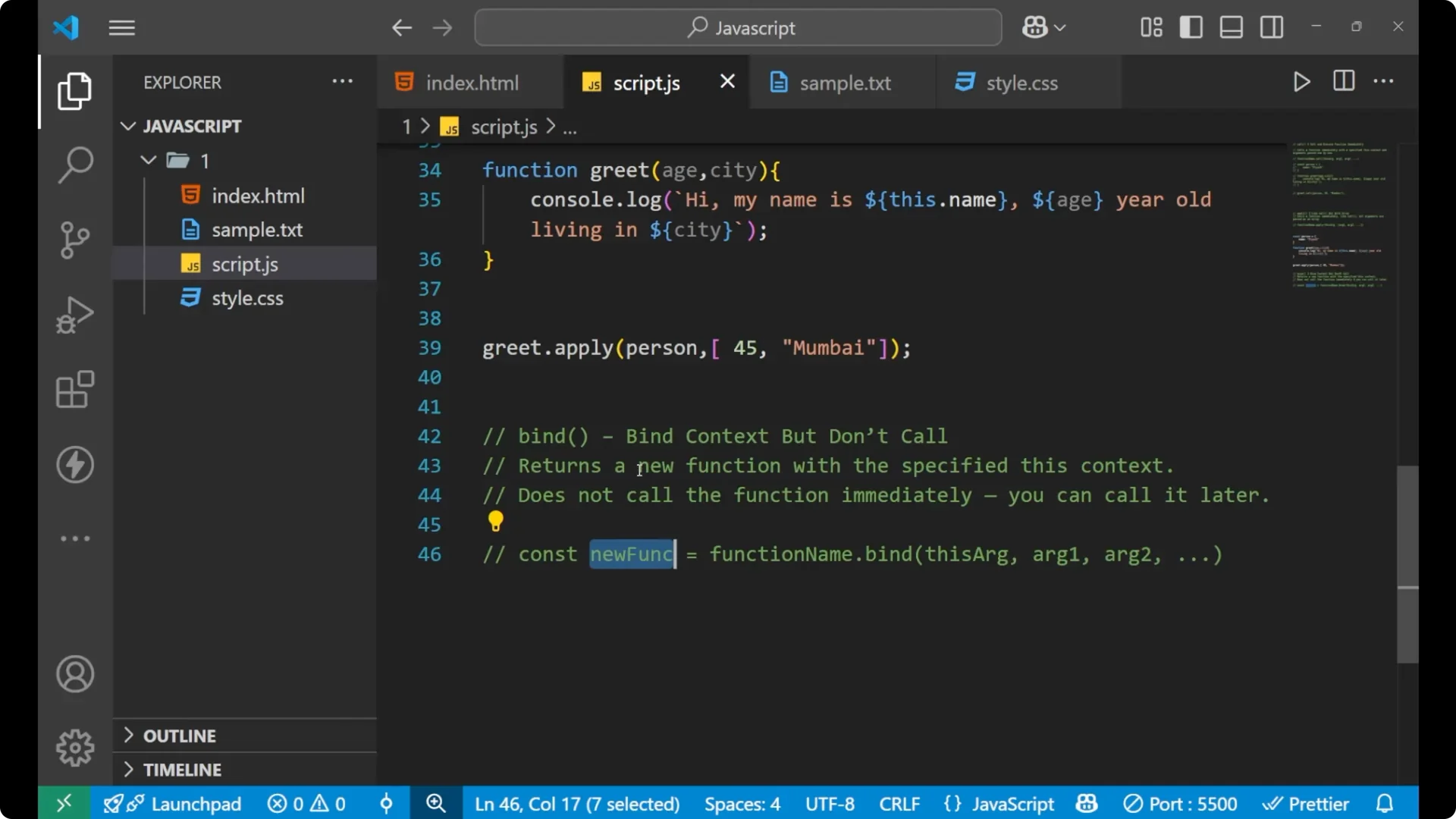
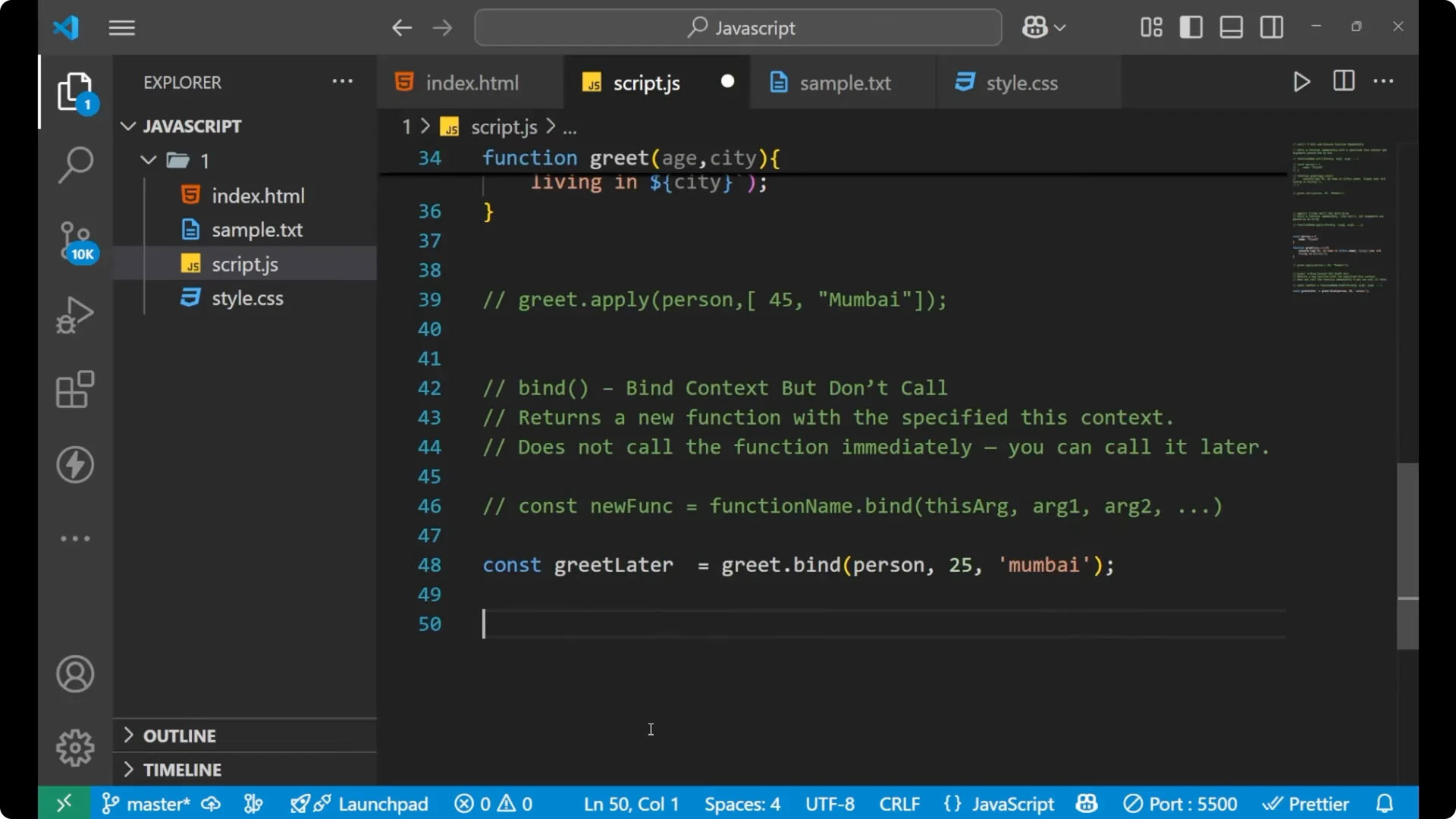
Bind sets the context but does not call the function. The best thing about `bind` is that it returns a new function with a specified this context.
It does not call the function immediately. You can call it later.
If you see the syntax, everything is the same as `call`, but you store the returned value inside a new function variable because it always returns a new function.
Example:
const person = { name: 'P' };
function greet(age, city) {
  console.log(`Hi, my name is ${this.name}, ${age} years old living in ${city}.`);
}
const greetLater = greet.bind(person, 25, 'Mumbai');
// No output yet, because bind did not call the function.
greetLater();
// Output: Hi, my name is P, 25 years old living in Mumbai.
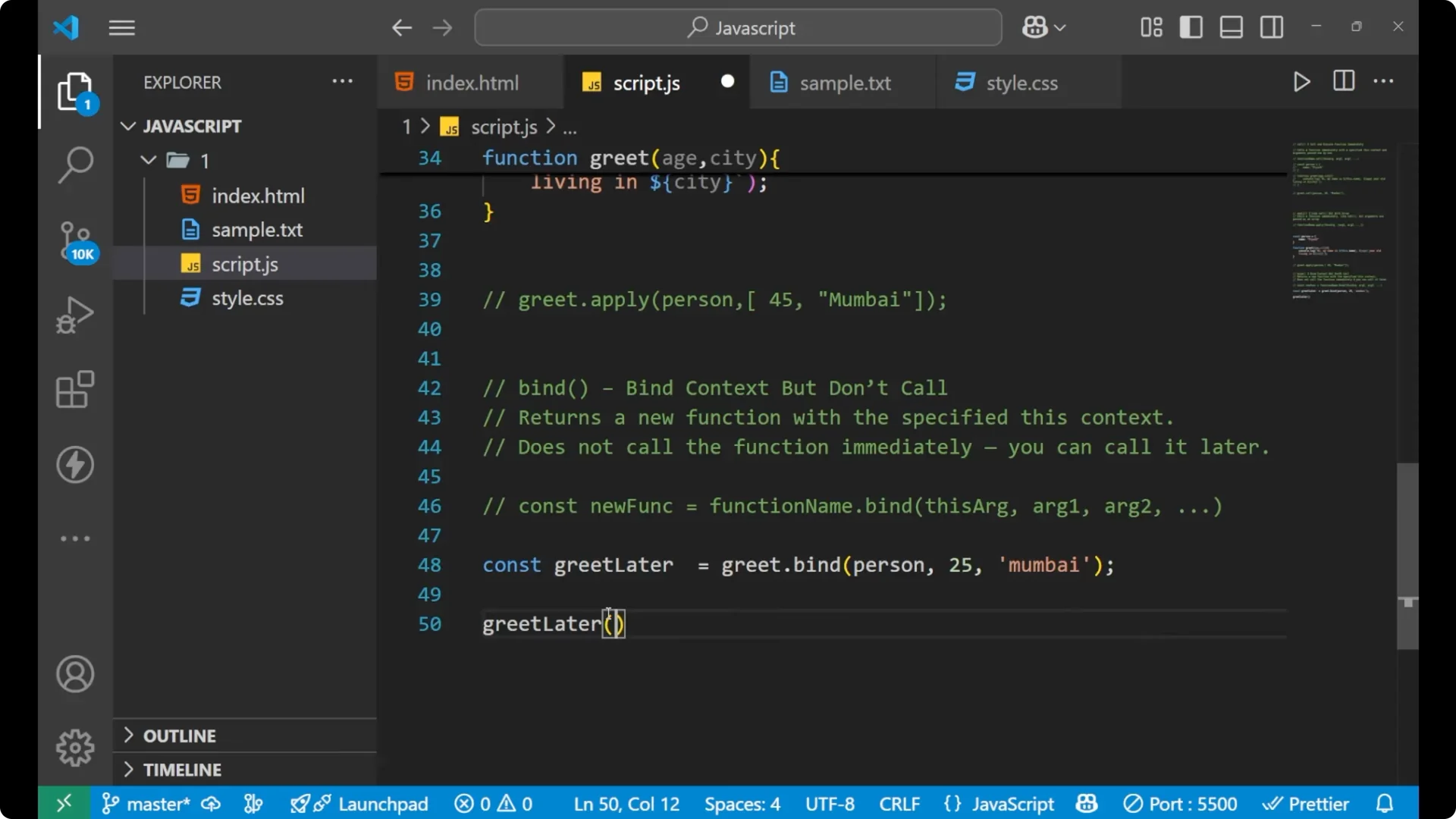
The moment we applied `bind`, it did not print anything to the console because it returned a new function which got stored inside `greetLater`.
To use it, call that function later.
Quick steps to use `bind`:
Create an object and a function that uses `this`.
Create a bound function: `const fn = original.bind(thisContext, arg1, arg2)`.
Call the bound function later: `fn()`.
For a quick loop refresher that pairs well with practice snippets, see do while.
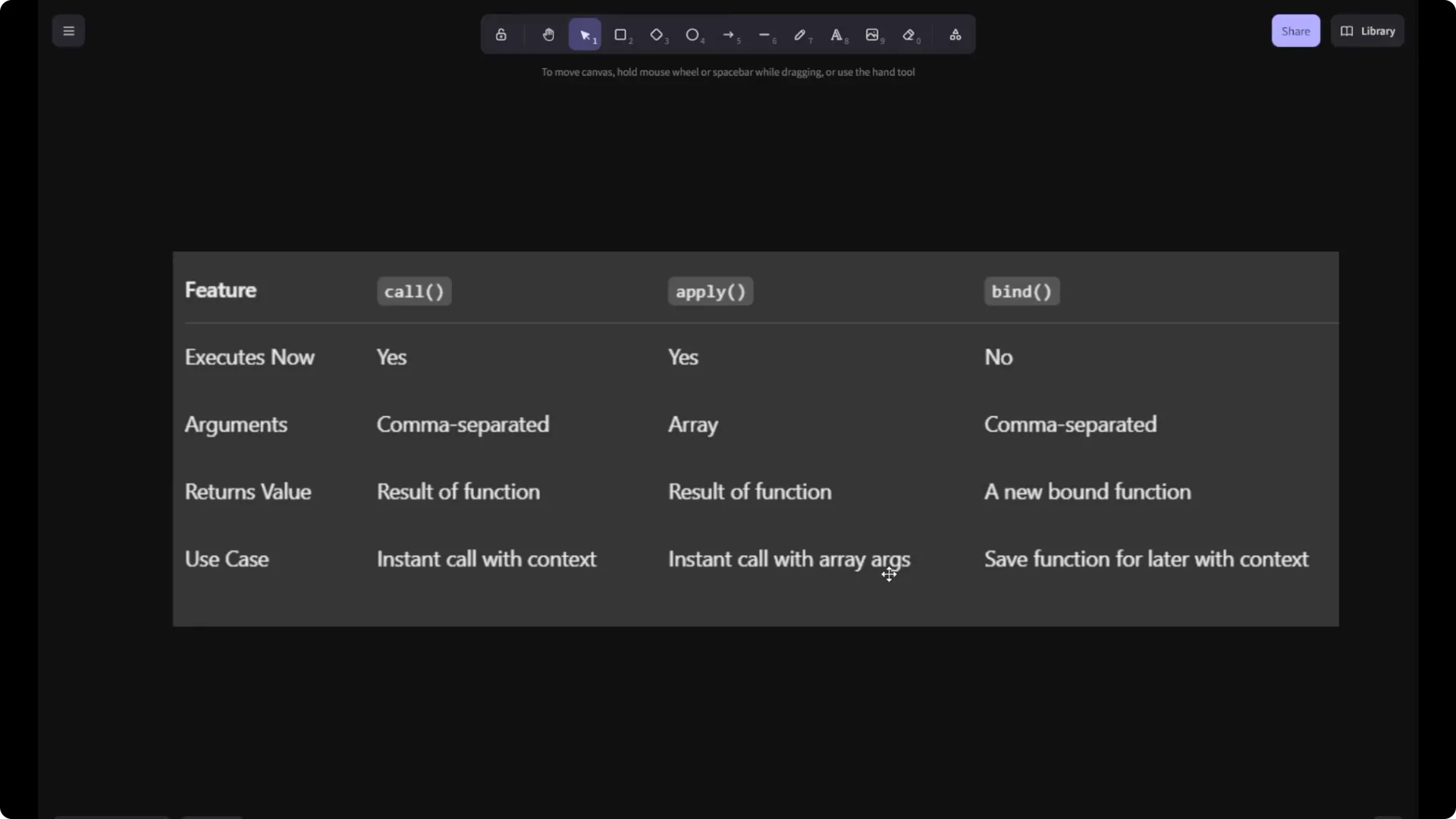
JavaScript Call, Apply, Bind differences
If you want to see the difference between all three, you can see the features of call, apply, and bind.
`Call` executes immediately. `Apply` executes immediately.
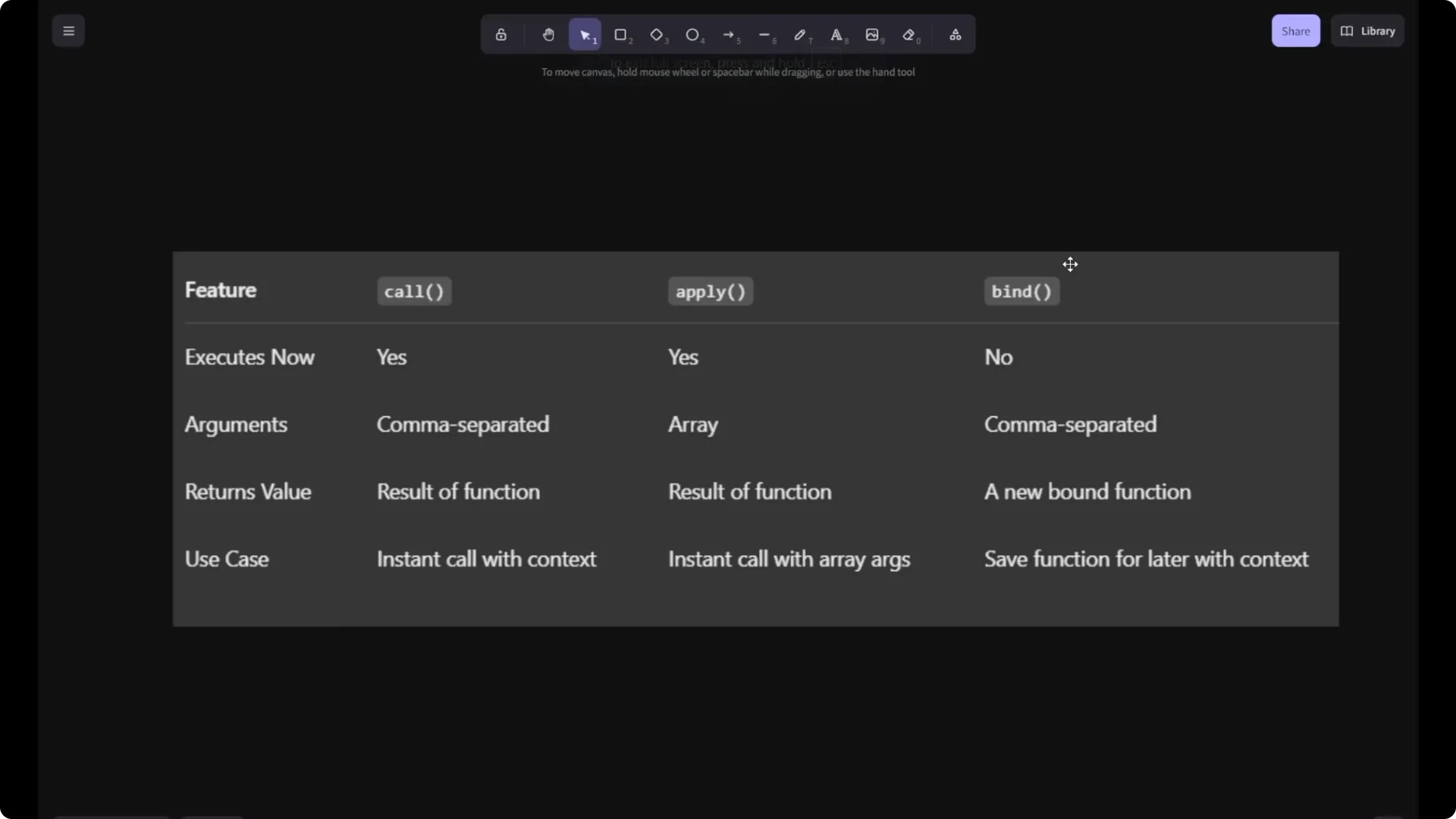
`Bind` does not execute immediately.
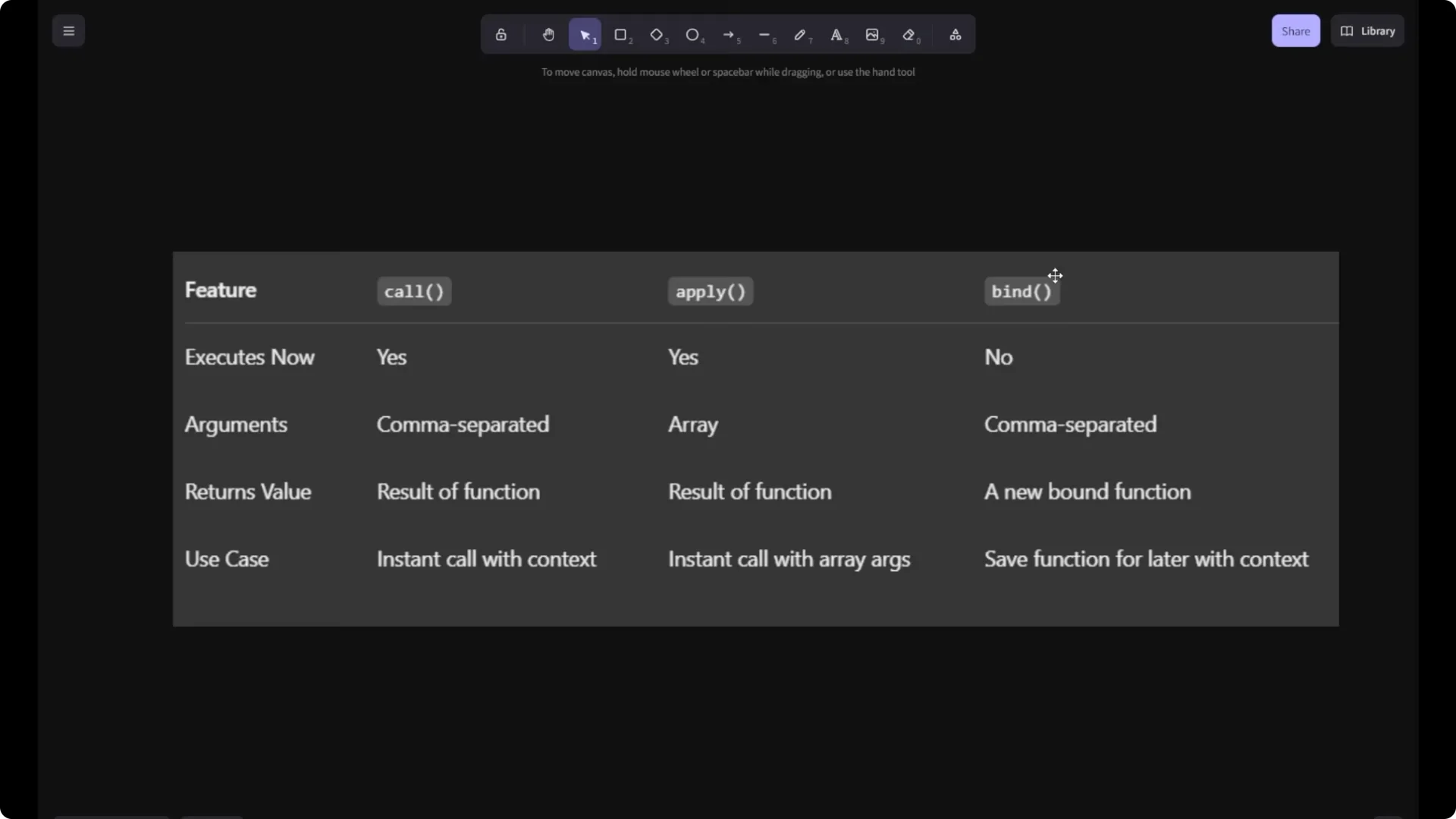
In `call` your arguments are comma separated.
In `apply` they are in an array. In `bind` they are comma separated.
`Call` returns the value as the result of the function.
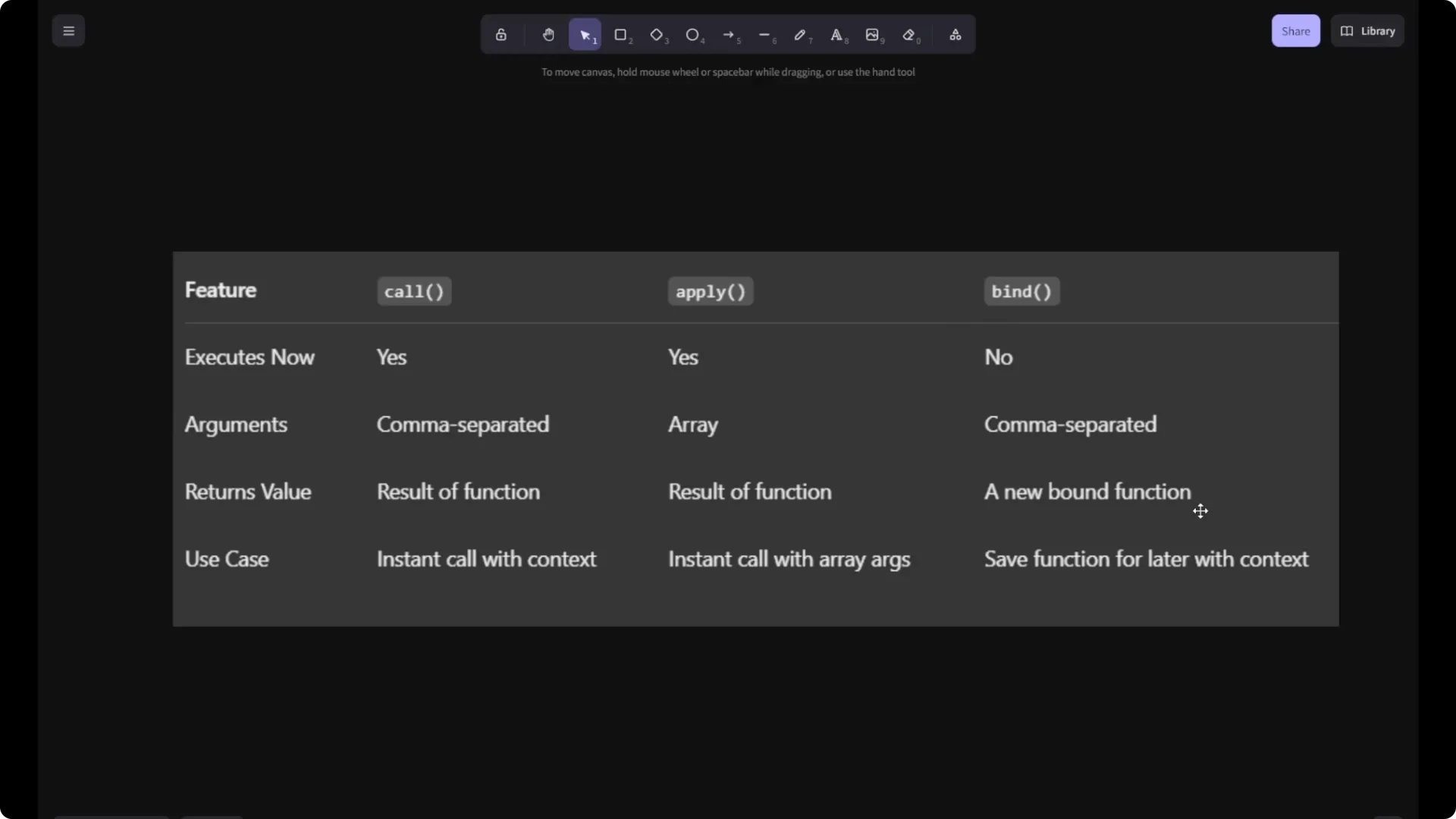
`Apply` returns the result of the function. `Bind` returns a new bound function, which you store inside a variable.
Use cases:
Instant call with context using `call`.
Instant call with array arguments using `apply`.
Save a function for later with context using `bind`.
Final thoughts
`Call`, `apply`, and `bind` are simple, powerful tools to control this inside your functions. `Call` and `apply` run the function immediately with a specific context, while `bind` gives you a new function you can invoke later. Remember the argument styles and return values, and you will pick the right one easily for your use case.