Prototype in JavaScript is a hidden feature that allows us to add new properties or methods to objects and share them across different instances. I will explain how it works and how to write the prototype in JavaScript.
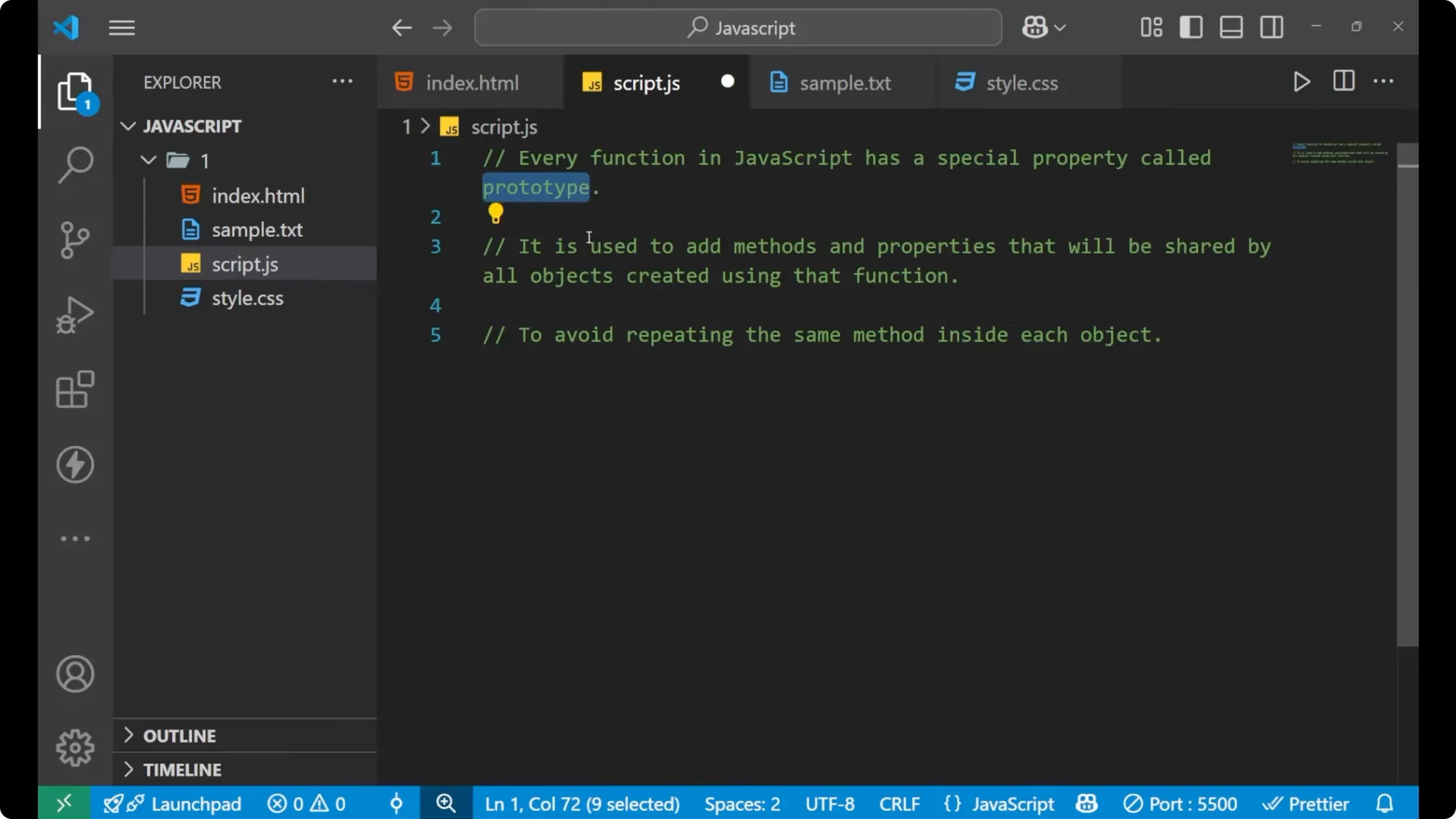
Every function in JavaScript has a special property called prototype. It is used to add methods and properties that are shared by all the objects created by using that particular function.
Whatever object you create with that function will have those methods and properties. The purpose is to avoid repeating the same method inside each object again and again.
Definition – JavaScript Prototypes and Inheritance
To see why this matters, look at a quick array example.
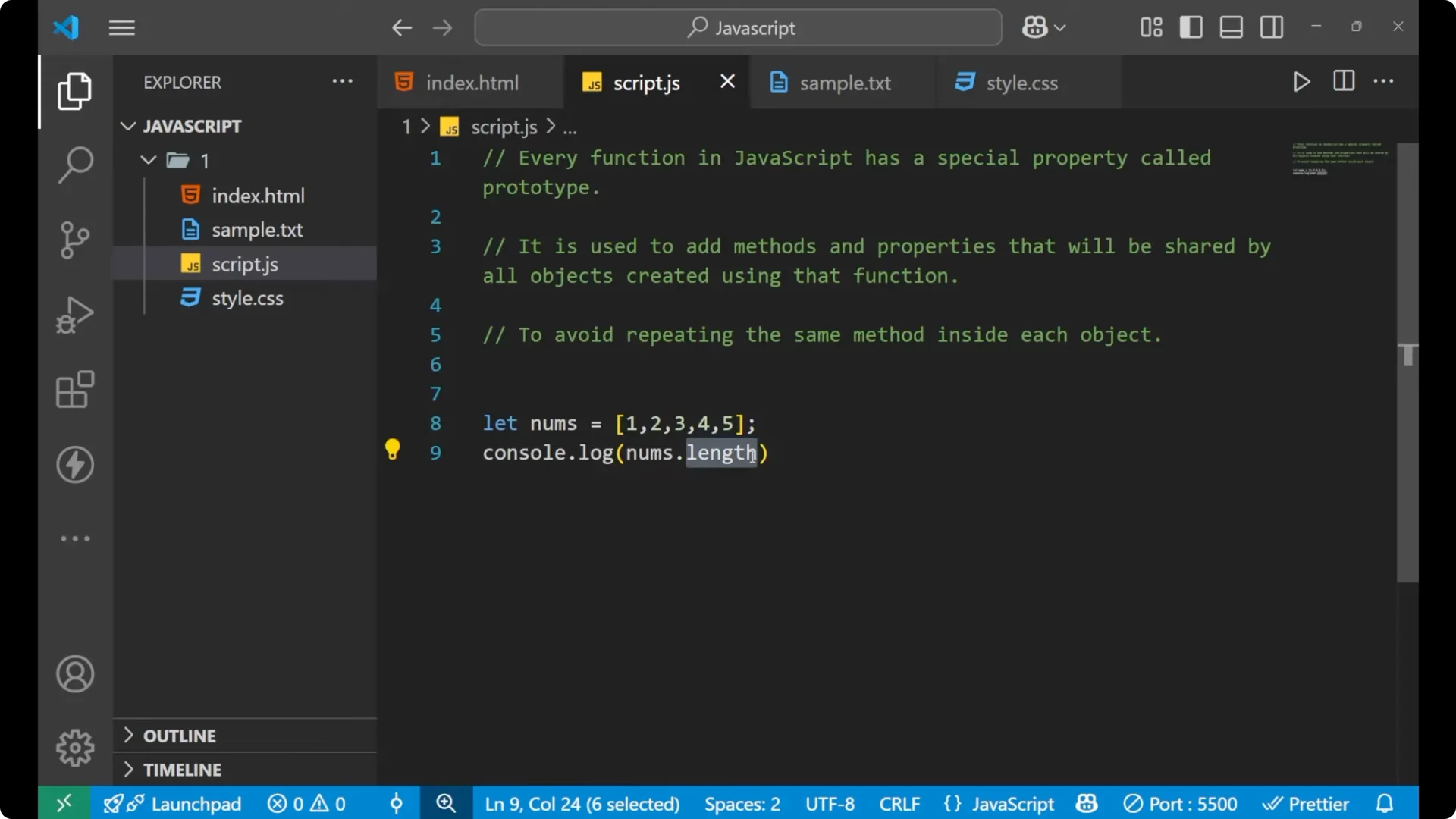
If you write a simple array and check its length in the console, you get a number based on how many elements the array has.
const nums = [1, 2, 3, 4, 5];
console.log(nums.length); // 5
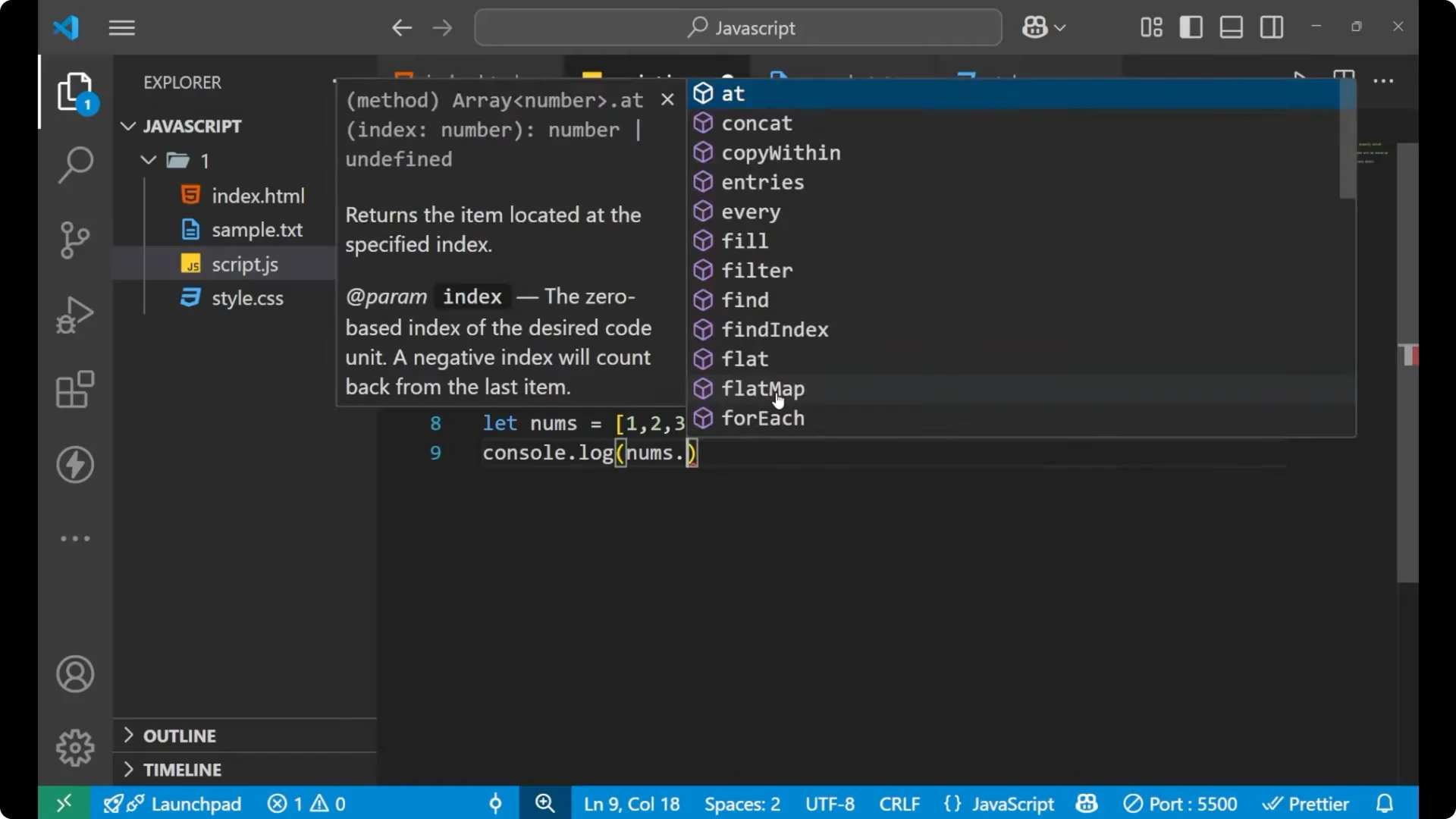
The length is a default method provided by JavaScript.
If you want to make your own method for your own function, use prototypes.
Read More: Mastering While Loops Javascript
Create a custom method – JavaScript Prototypes and Inheritance
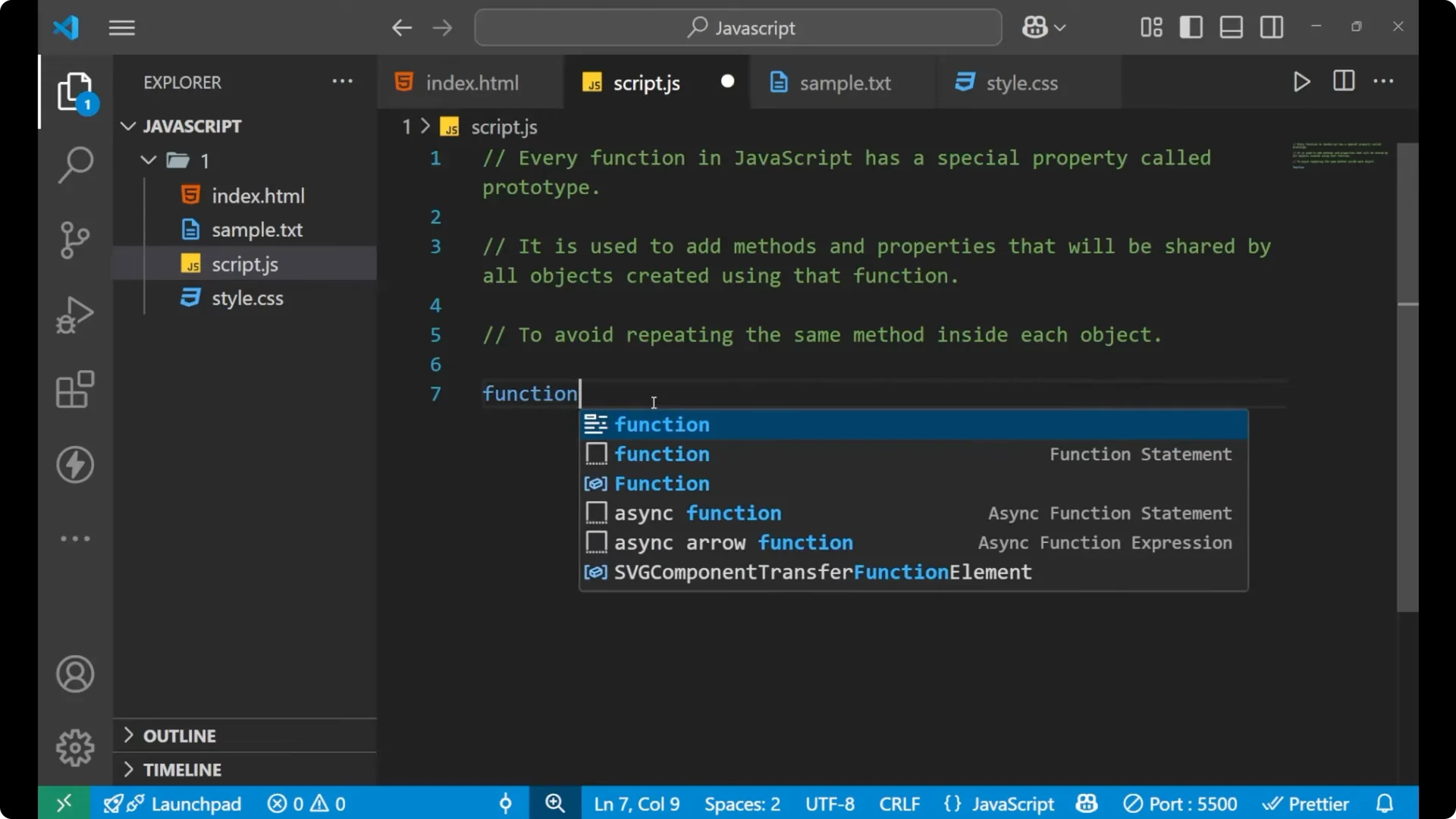
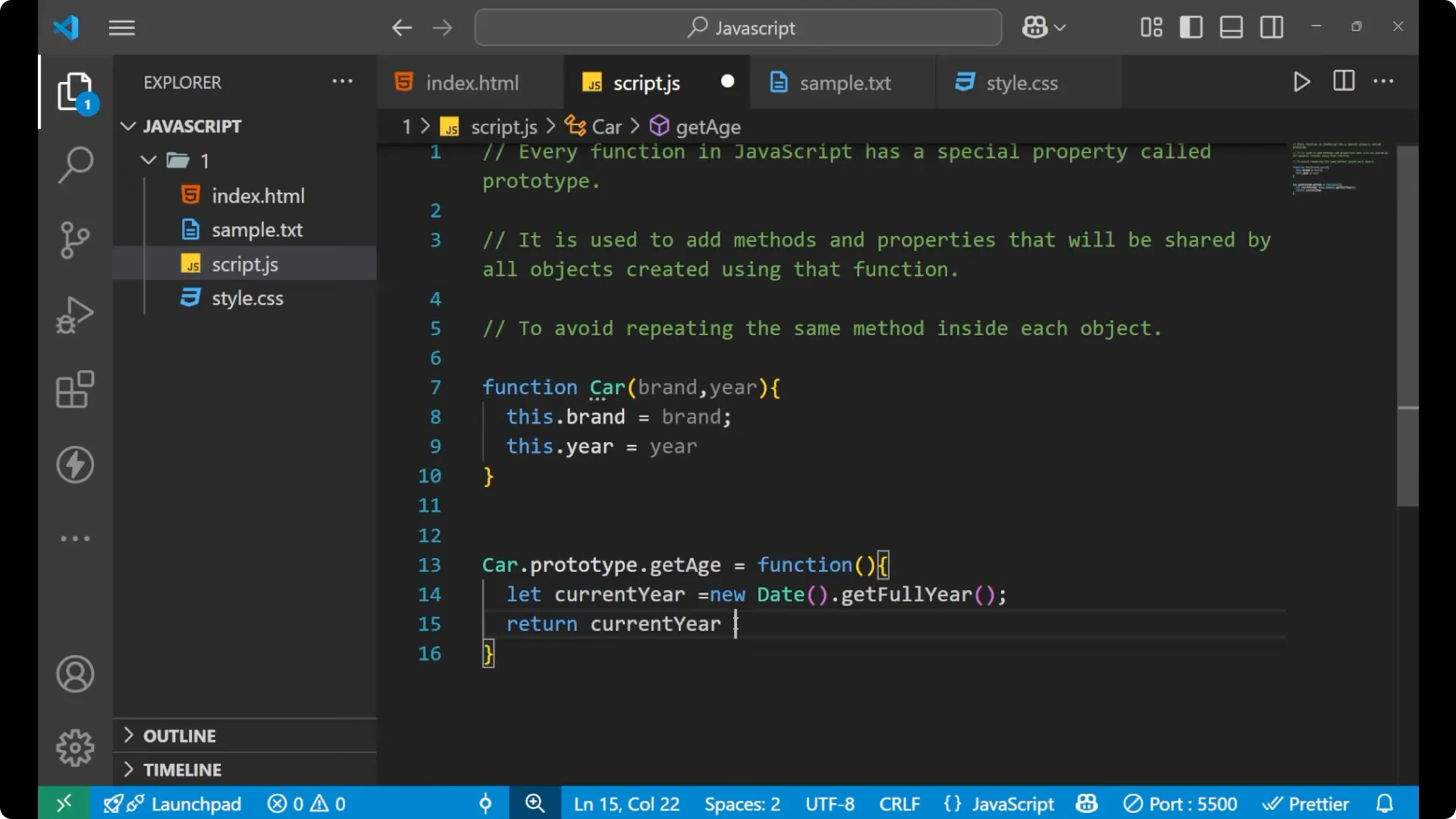
Let’s create a simple car system. I will write a function that takes a brand and a year.
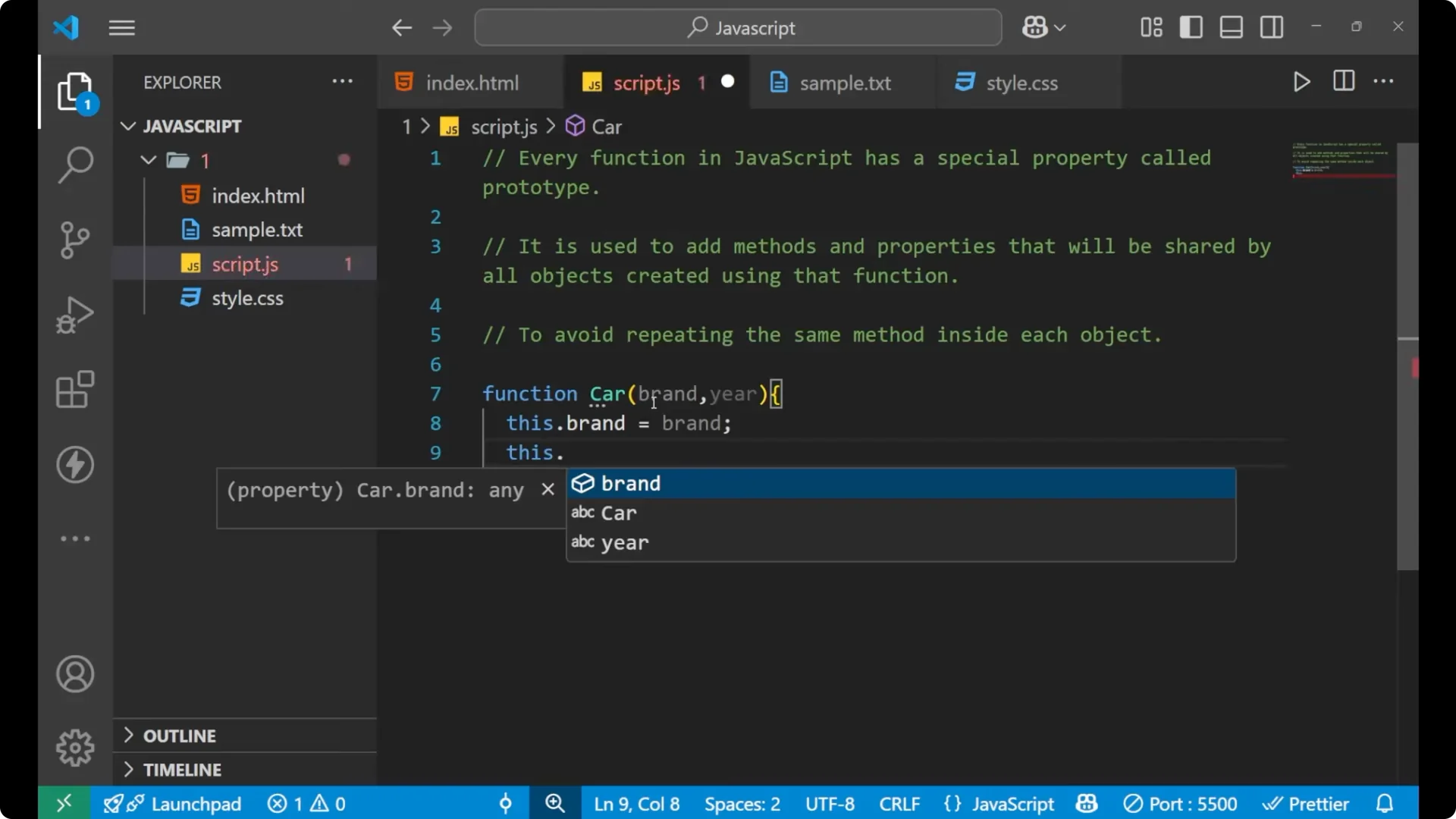
The parameters you provide will be stored on the instance using this.
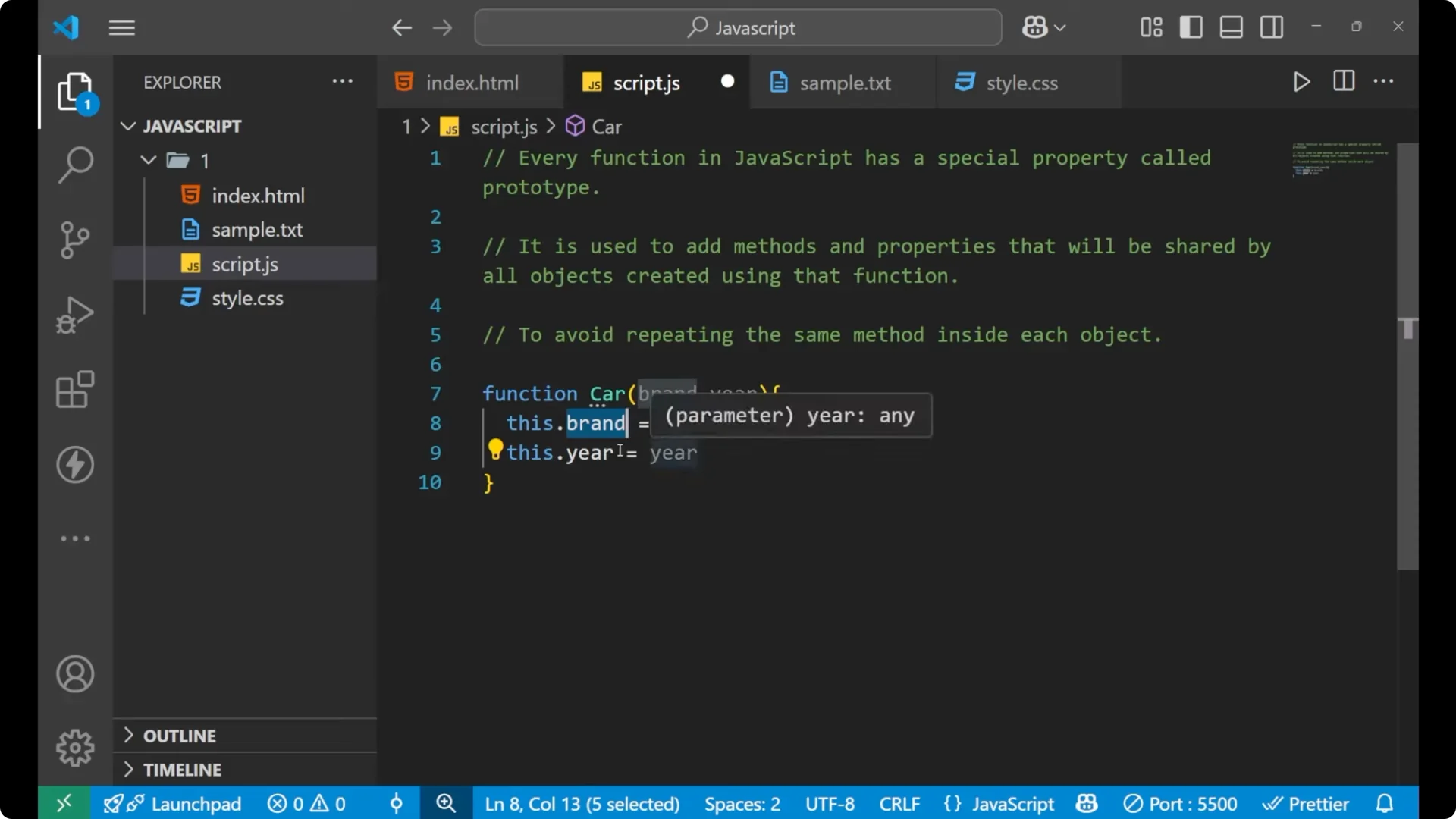
function Car(brand, year) {
  this.brand = brand;
  this.year = year;
}
To create a prototype method, write the function name, then prototype, then the method name.
I want to get the age of the car, so I will write a method called getAge.
This is my own method, not something provided by JavaScript.
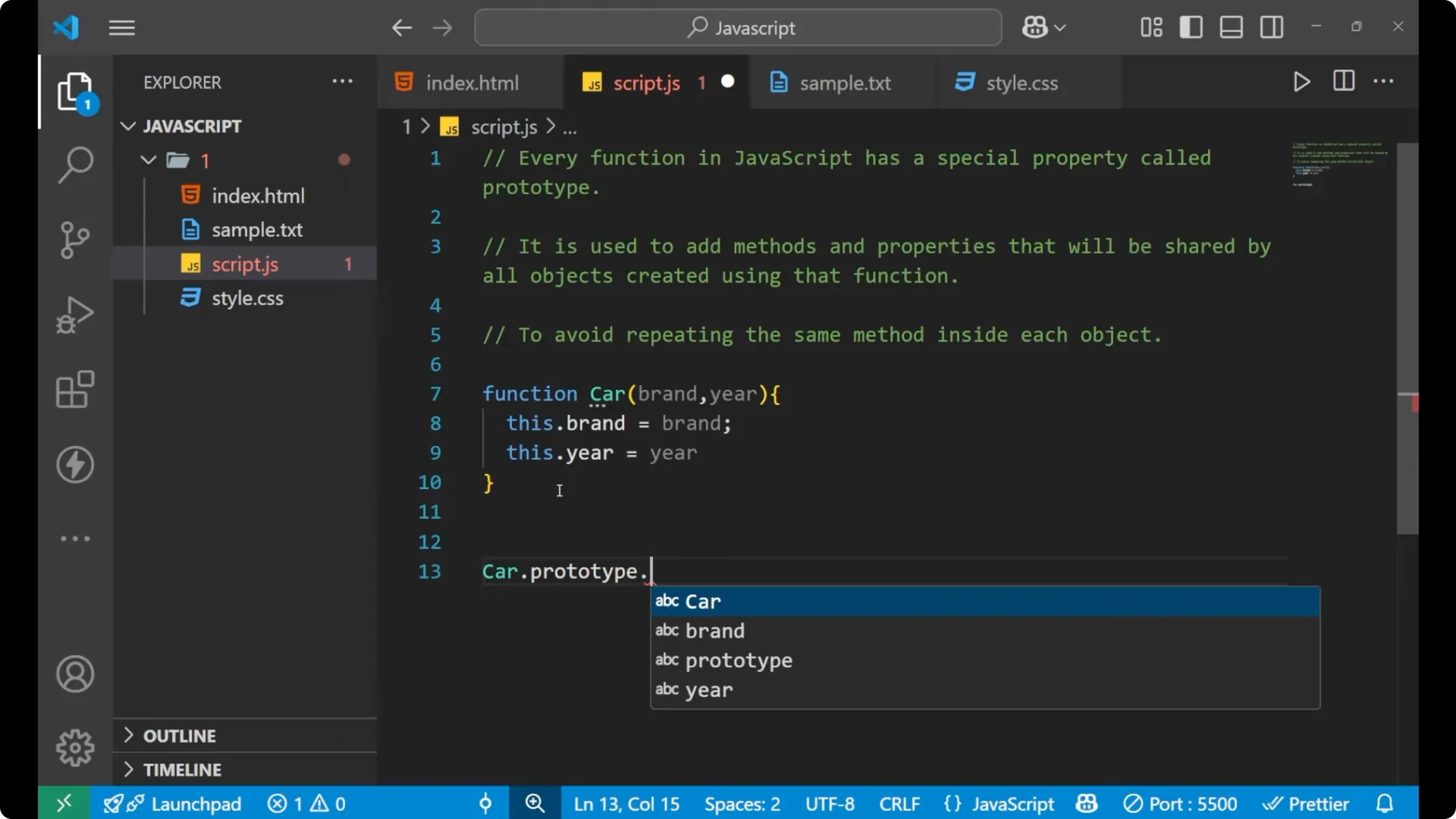
Car.prototype.getAge = function () {
  const currentYear = new Date().getFullYear();
  return currentYear - this.year;
};
Create an instance using the new keyword and call the method.
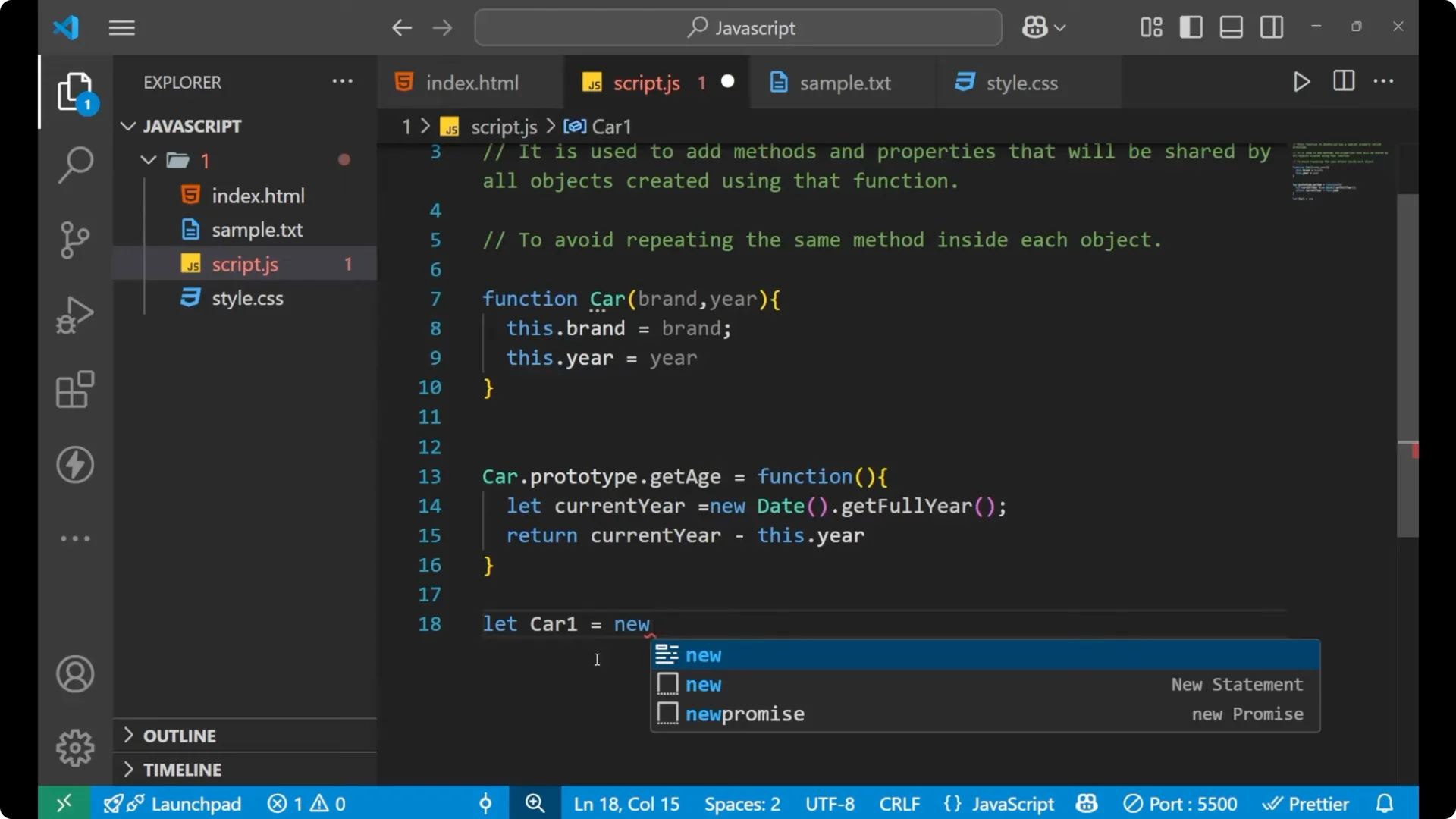
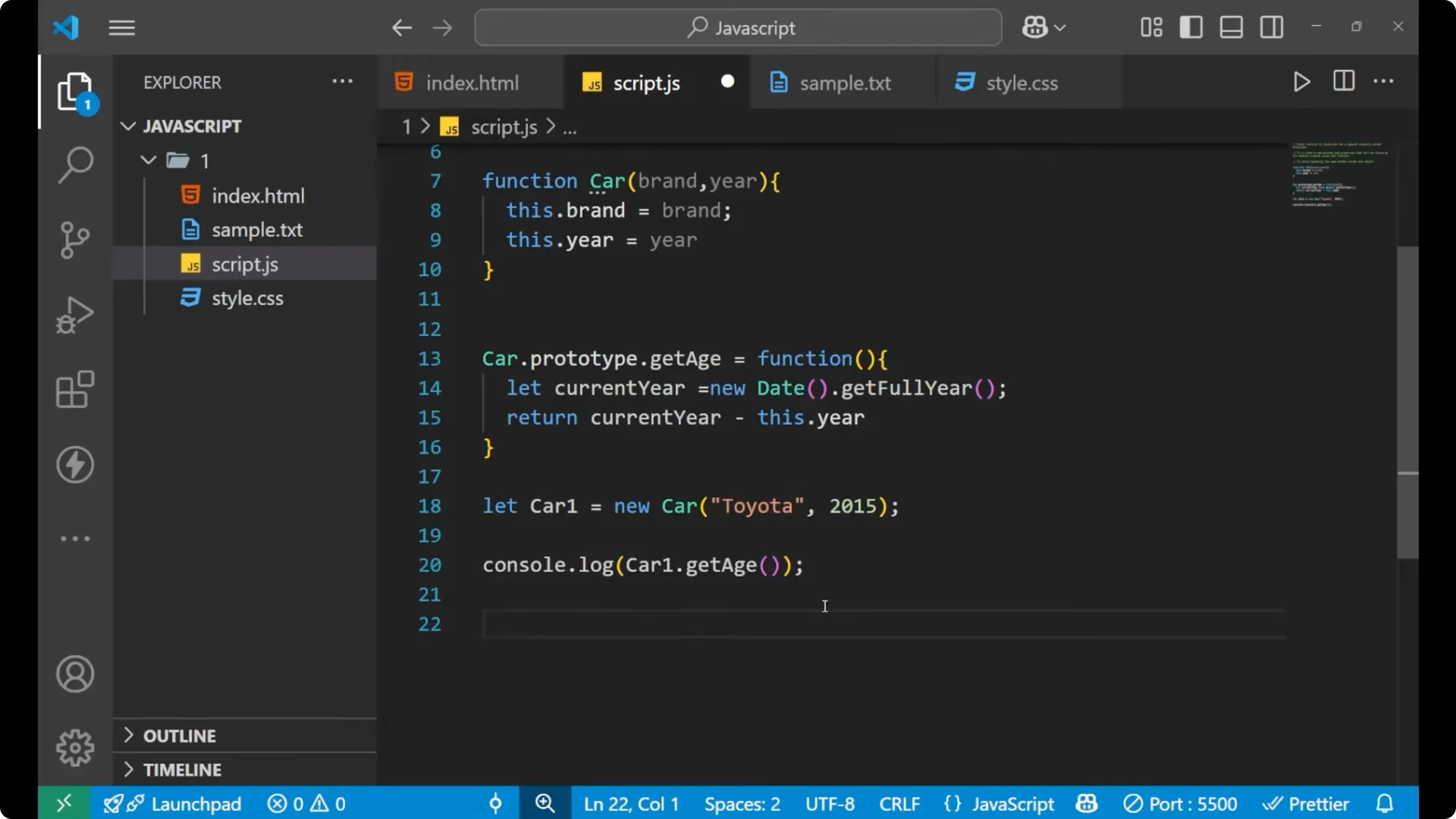
const car1 = new Car('Toyota', 2020);
console.log(car1.getAge()); // e.g., 5 if the current year is 2025
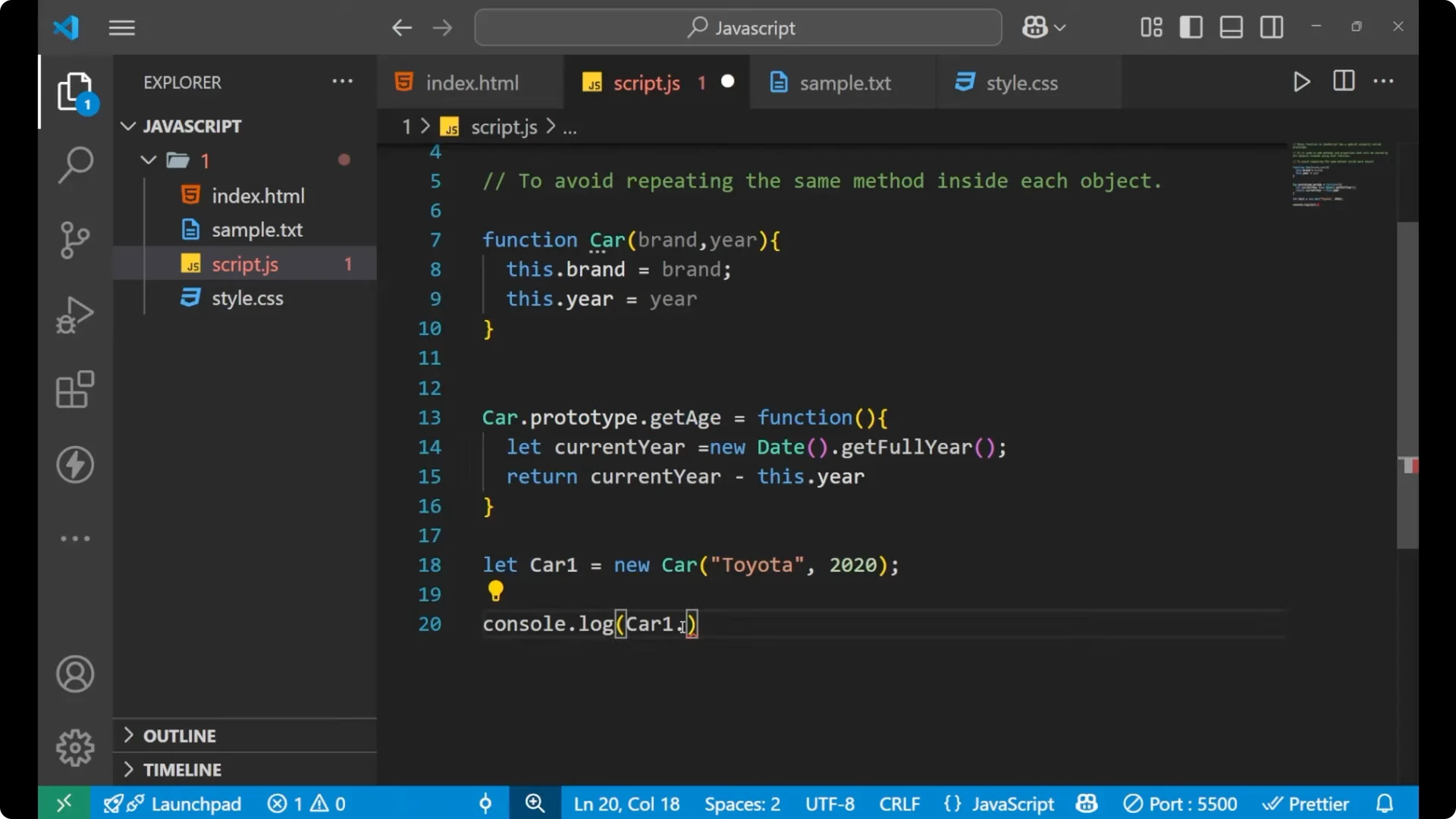
The result is the difference between the current year and the year you provided when creating the car.
If the current year is 2025 and the car year is 2020, you get 5. If the car year is 2015, you get 10.
Read More: Chaining Map Filter Reduce Javascript
Shared properties – JavaScript Prototypes and Inheritance
You can also add shared properties on the prototype.
For example, I want a shared type for every car that simply says vehicle.
This is not a function, just a string, so you will not use parentheses when accessing it.
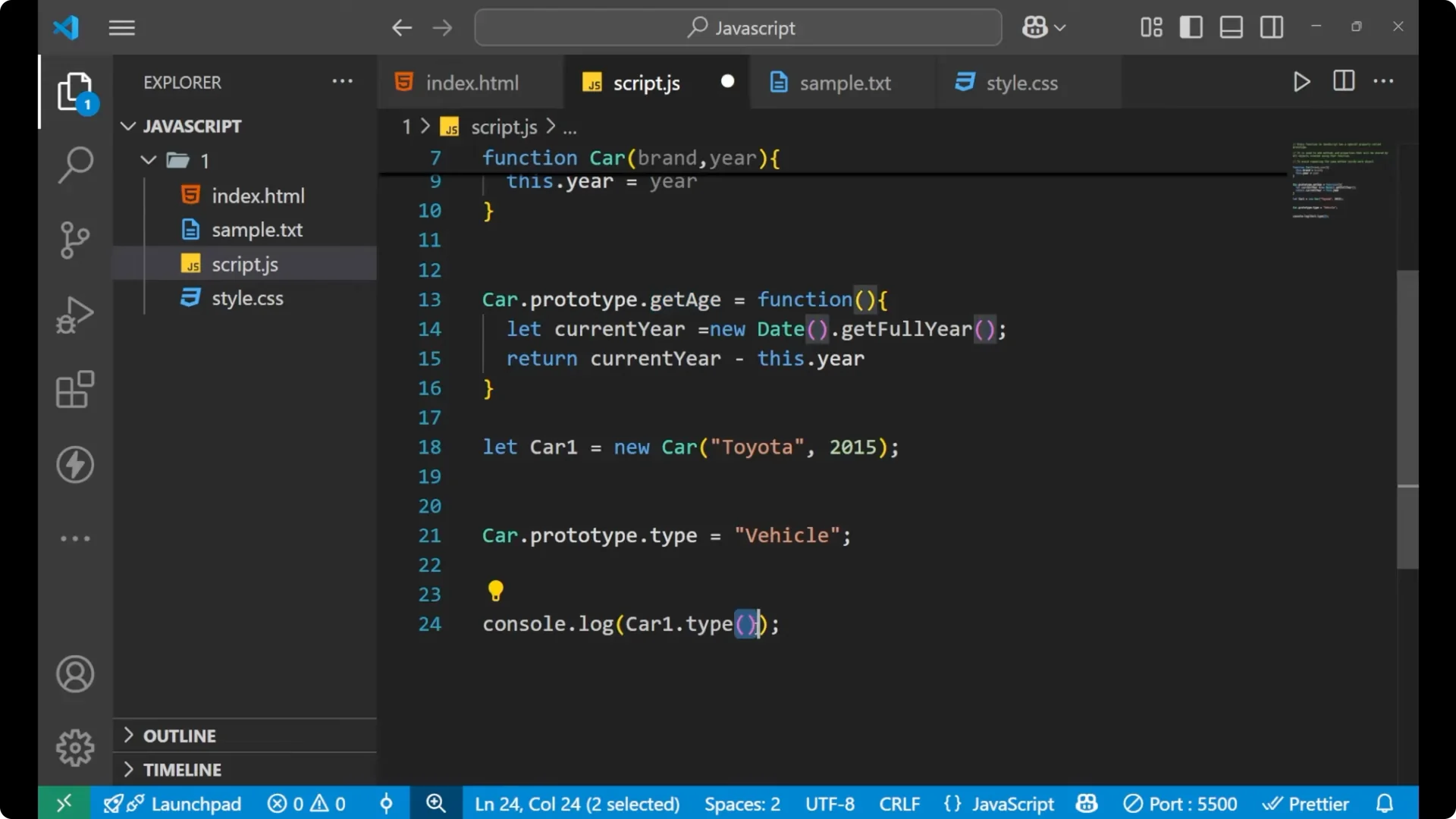
Car.prototype.type = 'vehicle';
console.log(car1.type); // 'vehicle' - no parentheses
If you create another car using the same function, both instances share the same prototype methods and properties.
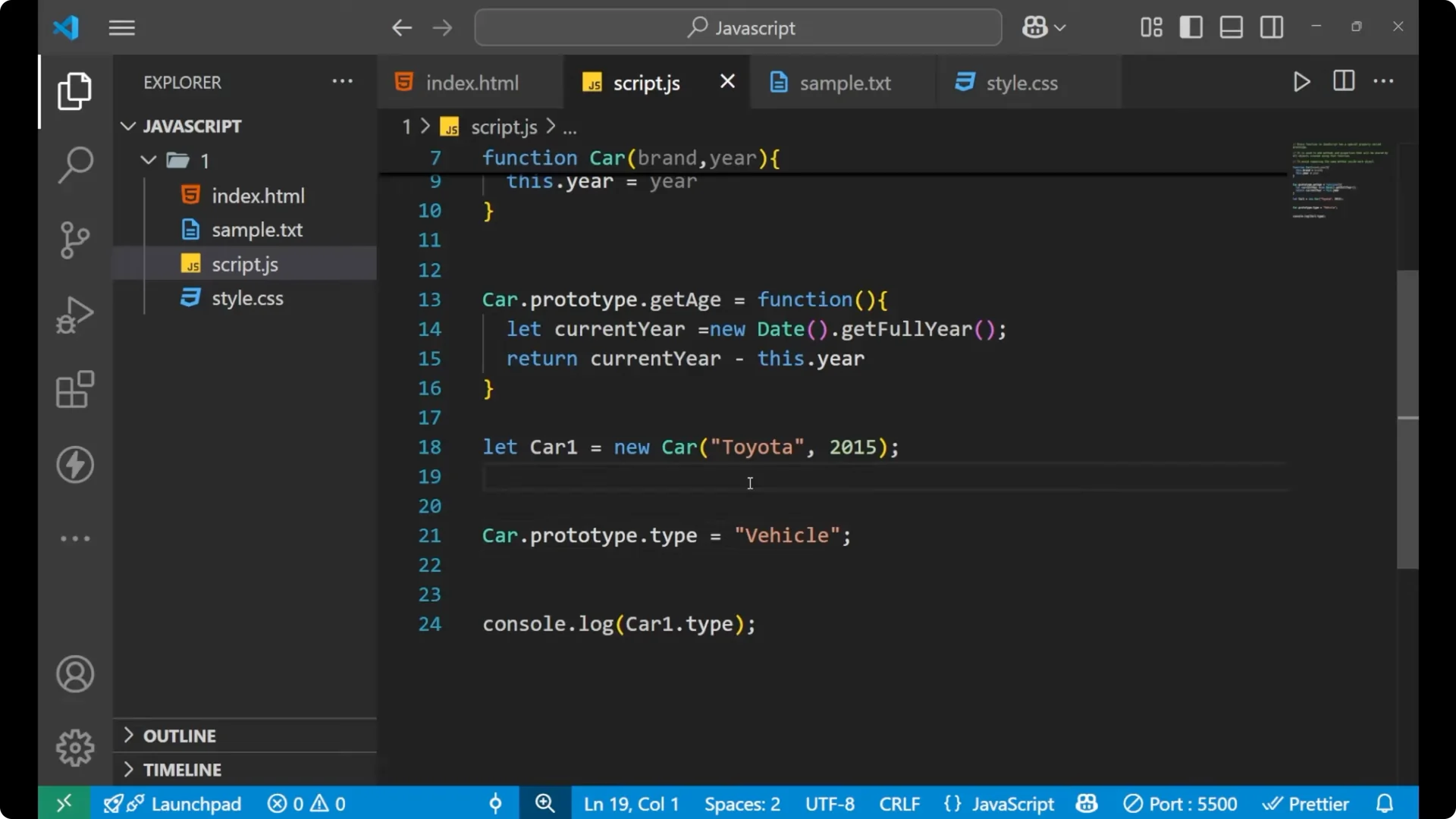
const car2 = new Car('BMW', 2002);
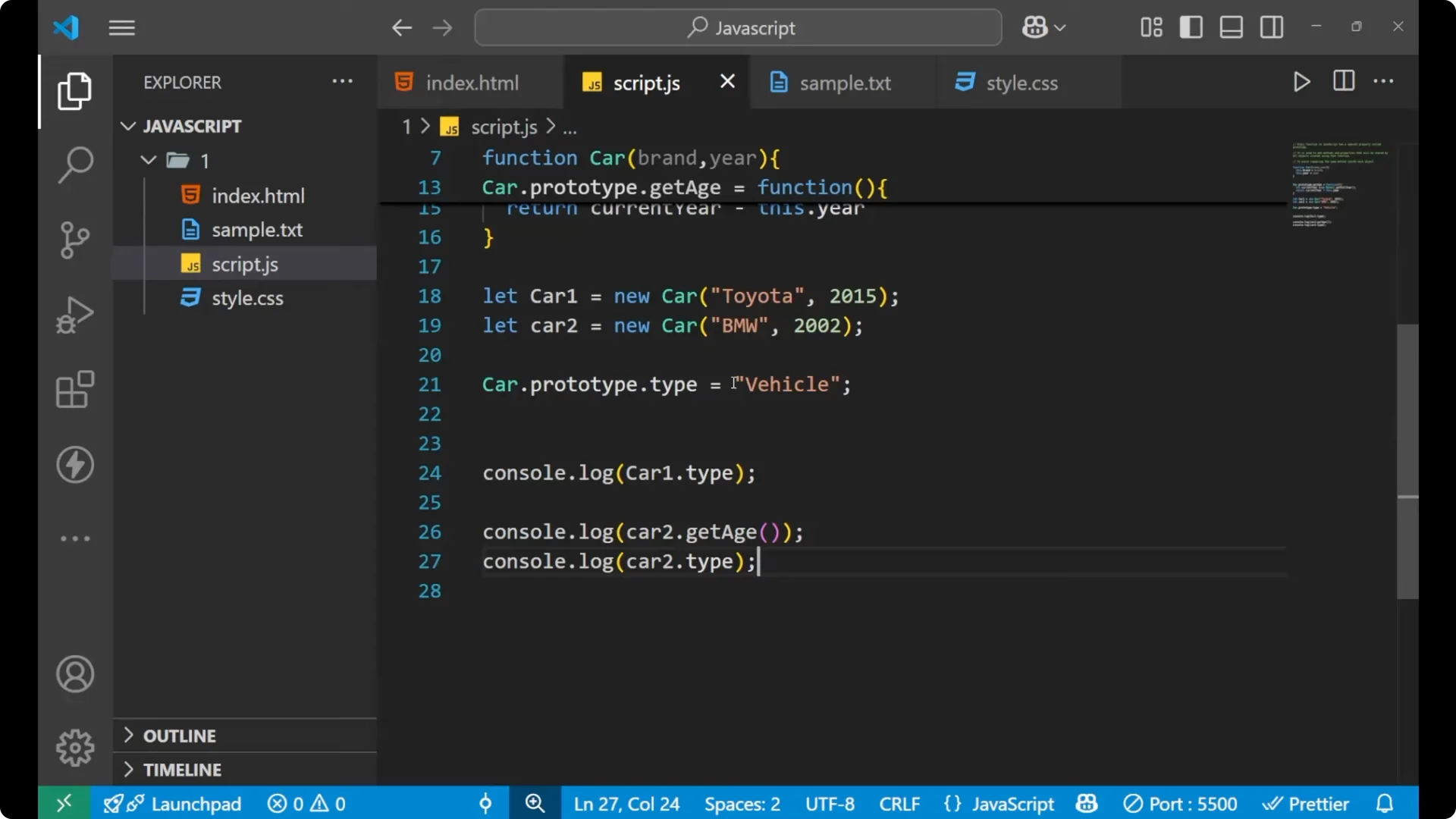
console.log(car2.getAge()); // e.g., 23 if the current year is 2025
console.log(car2.type);     // 'vehicle'
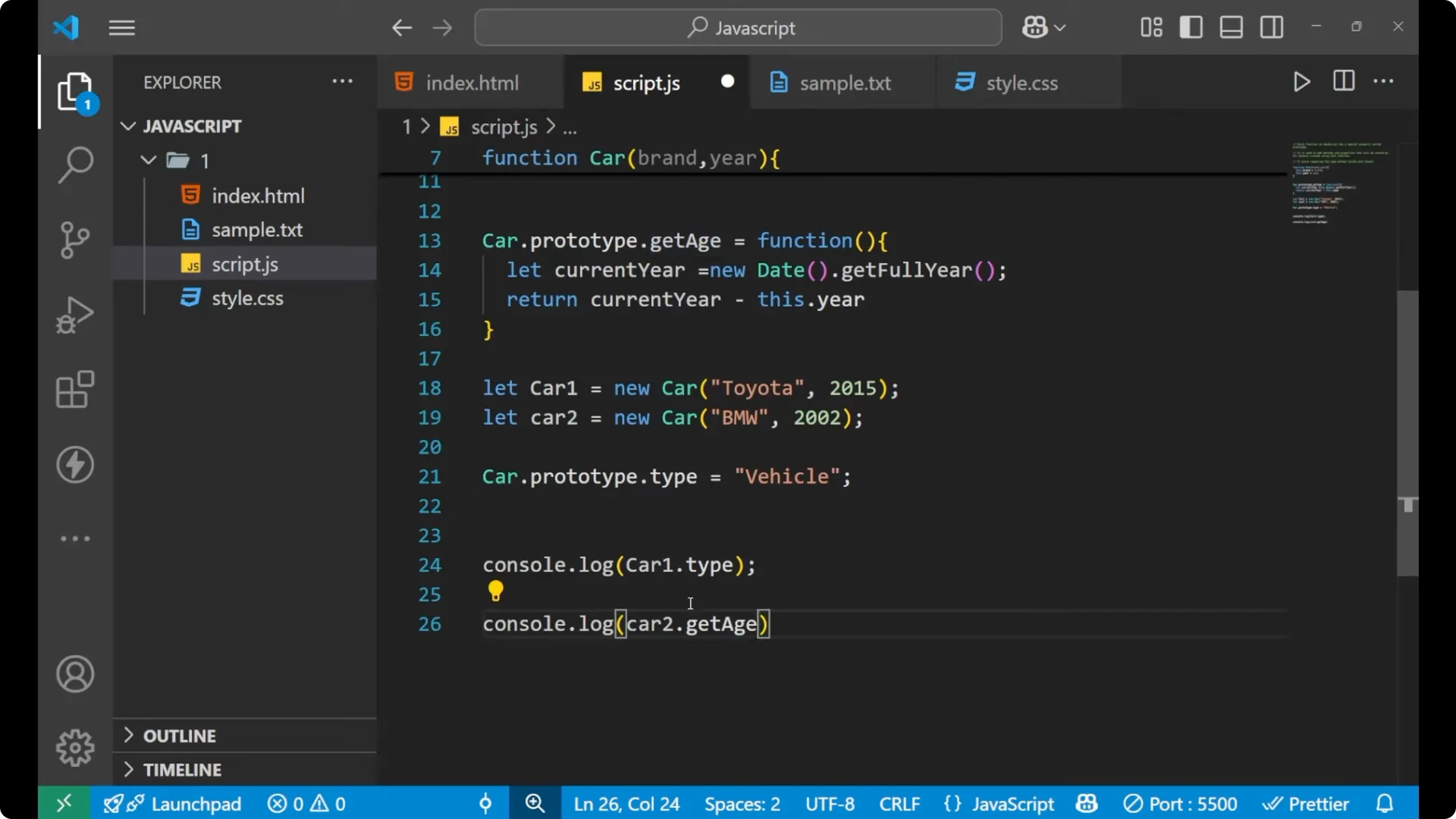
The method created on the prototype works for every instance created by the same function, and the shared property behaves the same way.
Read More: Javascript Dropdown Menu
Final Thoughts
Every JavaScript function has a prototype that lets you attach shared methods and properties. This avoids repeating code across instances and keeps behavior consistent. By adding methods like getAge or properties like type to the prototype, every object created with new will have access to them through the same shared reference.